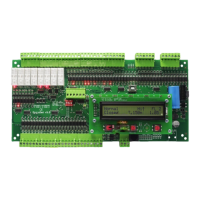
The driver of the new SAS Device connected to the PC USB port will be installed automatically.
10.3 FIRMWARE UPGRADE PROCESS
10.3 FIRMWARE UPGRADE PROCESS
Run “SAS_PTool” application.
The following window will appear prompting the user that the SAS board is detected on the USB port:
Click Open to choose the *.sas le that will be used to upgrade the rmware.
A Footnote will appear showing the le name, the software version and its date:
Click upgrade.
10. FIRMWARE
UPGRADE


 To Next Page
 Loading...