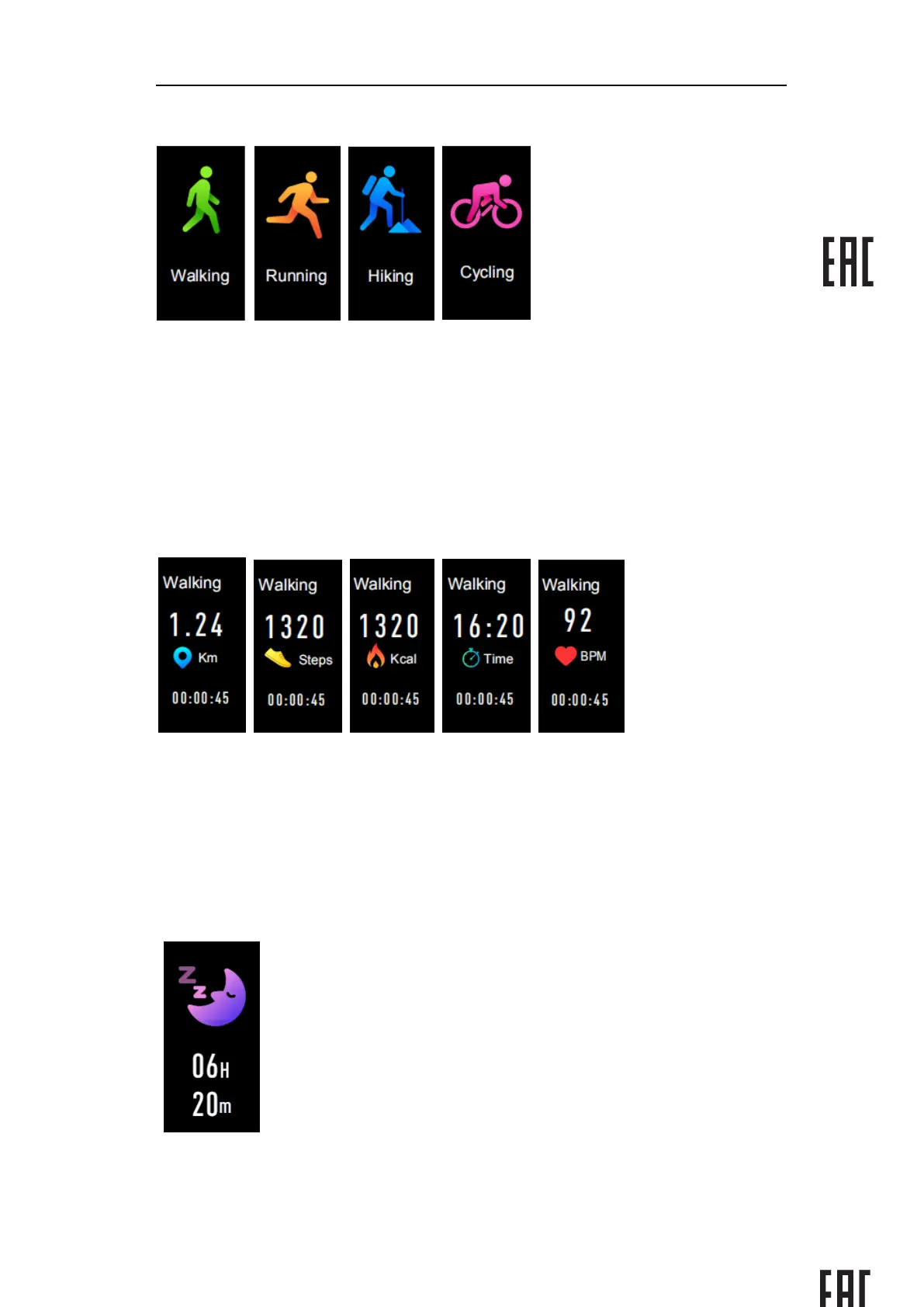
Long press the touch screen button to enter more exercise function.
The Electronic Fitness Watch has four multi-sports:Walking, Running, Hiking, Biking.
You can choose the mode you need, then go on with your activity, the Electronic Fitness
Watch will record the data of the sport.
Удерживайте сенсорную кнопку чтобы войти в меню прочих занятий спортом
У Электронных фитнес-часов есть 4 спортивных занятия: Ходьба, Бег, Пеший туризм,
Велоспорт. Вы можете выбрать нужный вам режим, затем перейти к занятию
спортом, электронные фитнес-часы будут записывать ваши данные по этому виду
спорта.
When you want to complete this exercise, you can press the touch screen to stop your
movement and save it.
PS:If the sport time is less than 1mins, the data will not be saved.
Если вы хотите завершить упражнение, вы можете нажать на тач-скрин чтобы
остановить действие и сохранить прогресс.
PS: Если время вашей активности менее 1й минуты, данные не сохранятся.
Sleep monitor
Датчик глубокого сна
Go to sleep with your fitness watch, it will show your total sleep time the next day.
If you’ve connected your watch with the “SmartS Fit” app via Bluetooth, you can


 To Next Page