65Instruments and controls
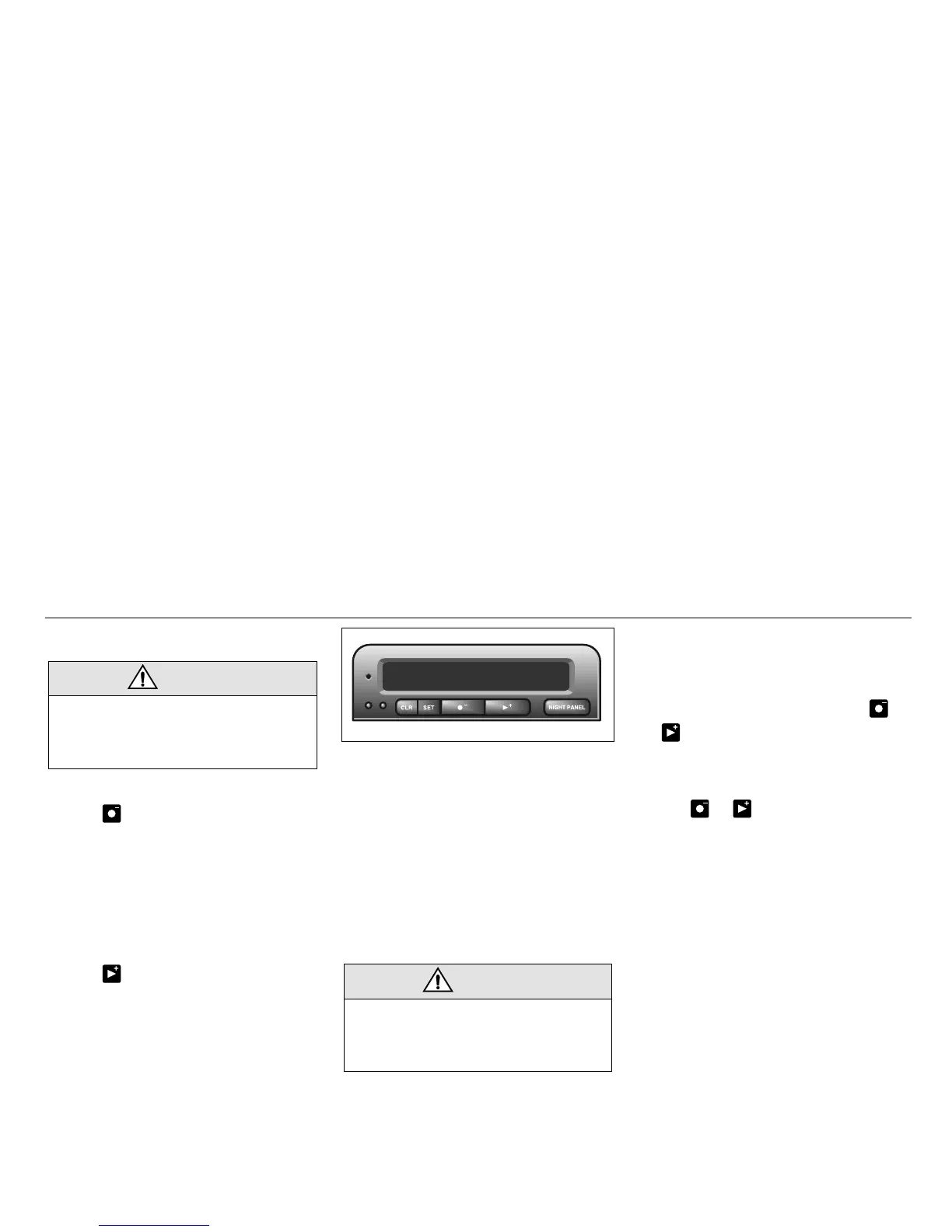
SID 3 (SCC)
Selecting the function
Use the button to scroll through the
following functions:
Use the button to scroll through the
following functions:
Outside temperature
(Frost warning)
Regardless of what function you have
selected, SID automatically switches to the
outside-temperature function when the tem-
perature is between 26° and 38°F (-3° and
+3°C), and also when temperature is
selected and it has been outside the range
from 21° to 43°F (-6°C to +6°C) and again
enters the range between 26° and 38°F
(-3°C and +3°C).
Entering values for the functions
Values can be entered for the following
functions: SPD ∅ (SPEED AVERAGE),
DIST, ARRIV, ALARM and SPD W.
1 Select the desired function using or
.
2 Press the SET button for at least one
second (figures start to flash and a
chime sounds).
3 Use or to increase or decrease
the value (press CLR to reset).
4 Press SET to record the value.
WARNING
It is strongly recommended that the SID
settings be changed only when the car is
stationary. The driver’s attention can oth-
erwise easily be distracted from the road.
DIST Distance to destination / Trip
meter.
ARRIV Estimated time of arrival.
ALARM Alarm function.
SPD W Speed warning (chime).
TEMP Outdoor temperature and Date.
D.T.E. Estimated range (distance to
empty fuel tank).
FUEL Ø Average fuel consumption
since function last reset.
SPD Ø Average speed since function
last reset.
WARNING
Remember that roads can be icy even at
temperatures of above 38°F (+3°C),
especially on bridges and stretches of
road that are sheltered from the sun.
IB744
SID 3 (SCC, Saab Car Computer)










 To Next Page