70 Instruments and controls
Selecting units and language
1 Press the CLR and SET buttons at the
same time for 4 seconds until an audible
signal sounds.
2 Press or to select the required
units.
3 Touch SET.
4 Press or to select the required
language.
5 Touch SET.
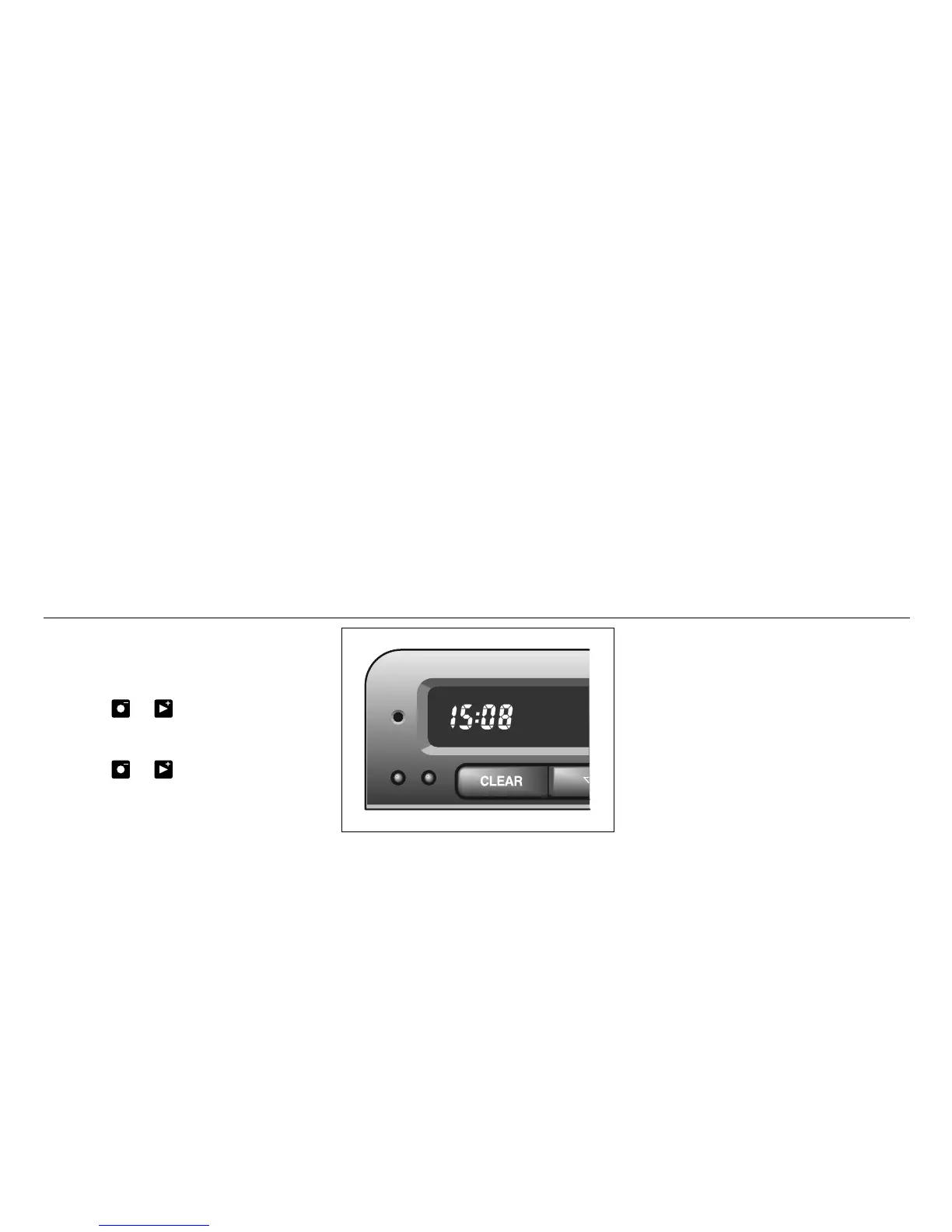
Clock
Set the clock by means of the two small but-
tons under the digital clock on the left of the
display.
Programming features, see page 231.
IB964













 To Next Page