106 Saab 9-5 Audio System
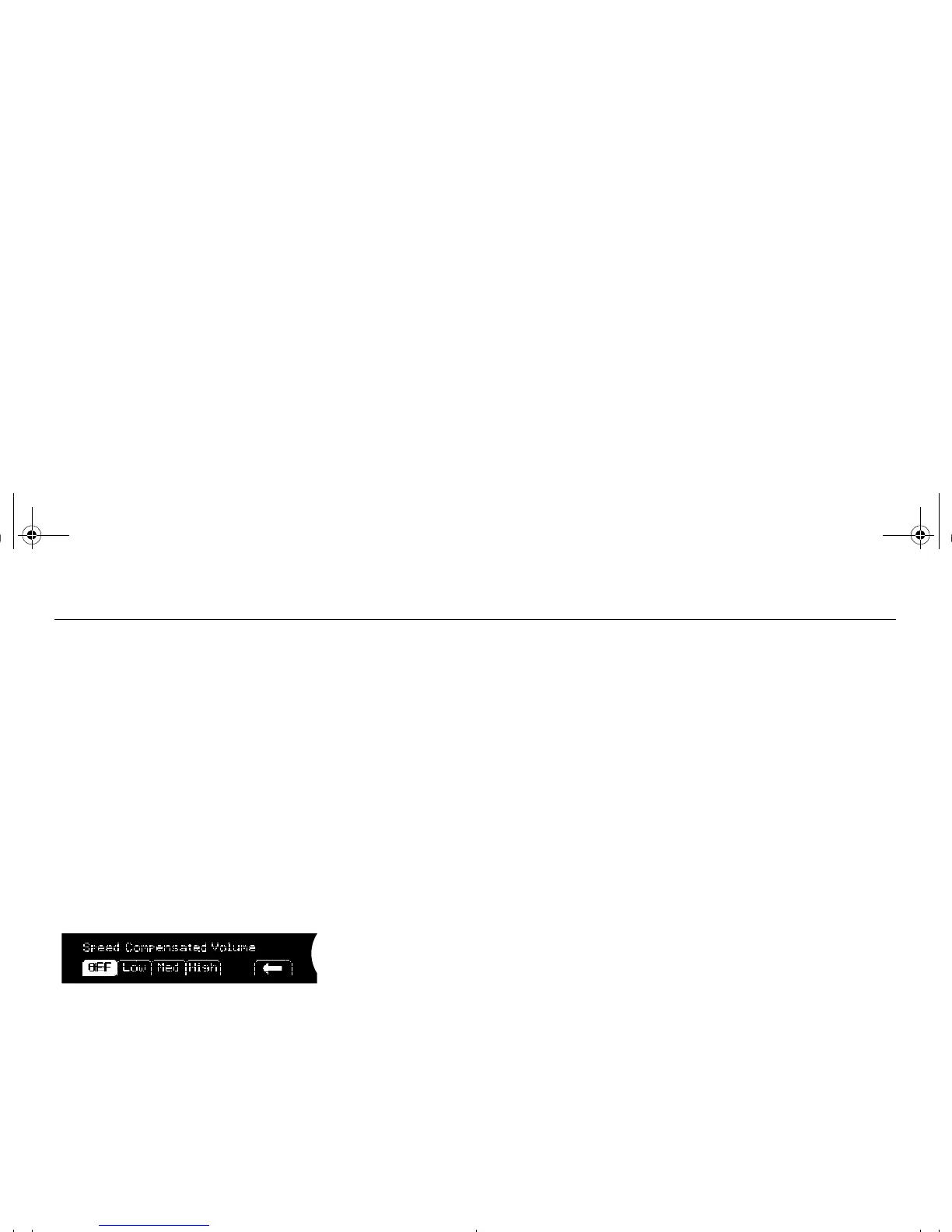
Speed dependent volume
compensation
As vehicle speed increases, ambient noise
also increases. If you do not wish to contin-
ually adjust the volume, the audio system
can automatically adjust volume based on
an increase or decrease in vehicle speed.
Select one of four settings:
•
Off (no compensation)
•
Low (low compensation)
•
Med (medium compensation)
•
High (maximum compensation)
1 Press the MENU button.
2 Press the pushbutton under the menu
option AUTO VOLUM E.
3 Press the pushbutton under the desired
speed compensation.
Speed dependent volume compensation
95_U S_M 07.book Page 106 Friday, June 9, 2006 8:58 AM













 To Next Page