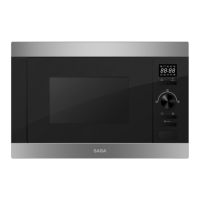
Operation instruction
This microwave oven uses modern electronic control to adjust
cooking parameters to meet your needs better for cooking.
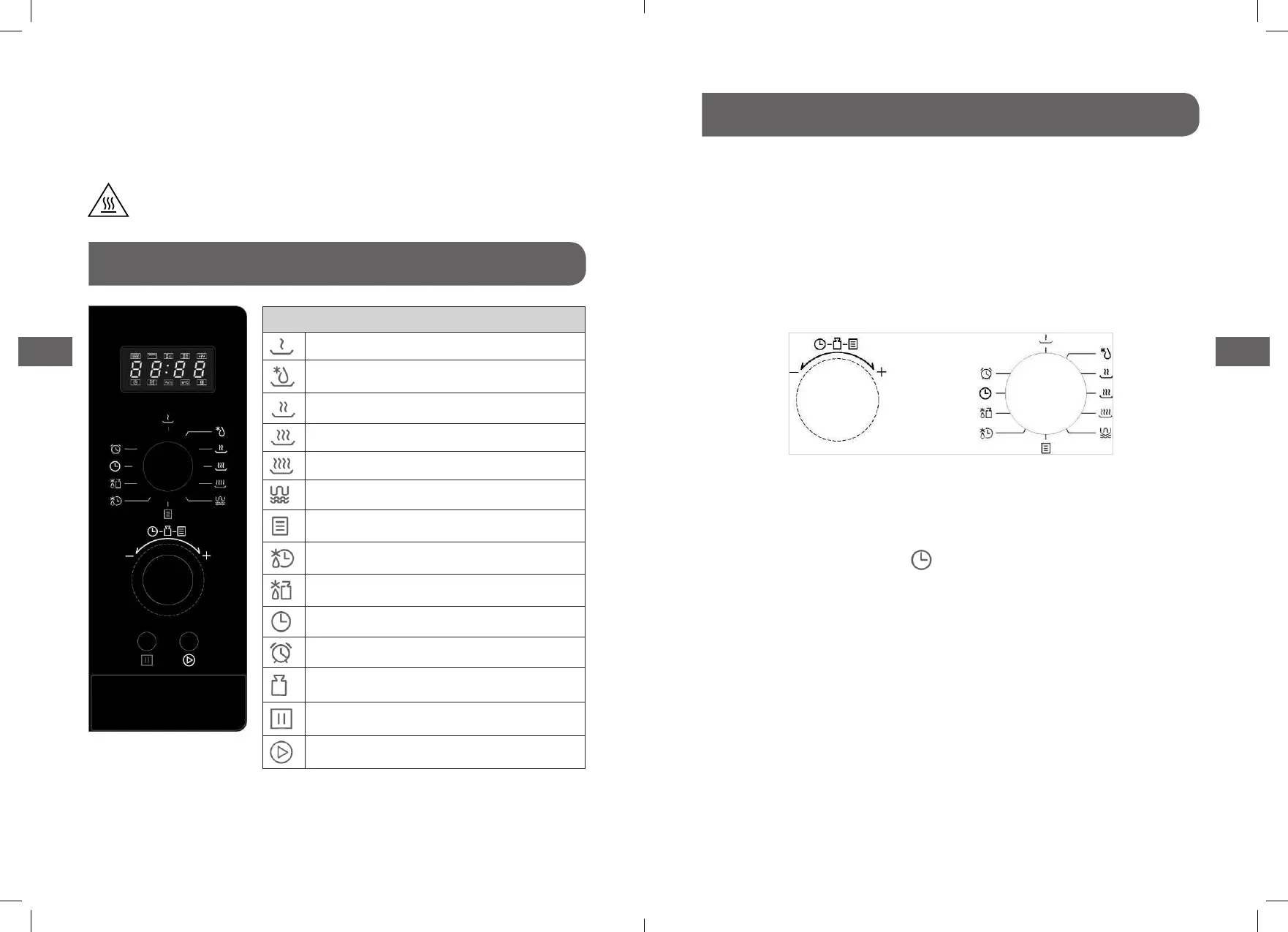
Knob Instructions
There are two knobs on the panel. For better operations, the
manual call the left knob for parameter knob. Call the right knob
for function knob.
1. Clock Setting
When the microwave oven is electried, the oven will display
“0:00”, buzzer will ring once. Then the unit enters waiting states.
1). Turn function knob to “ “, the hour gures ash.
2). Turn parameter knob to adjust the hour gures, the input
time should be within 0-23.
3). Press “Start /+30s /Conrm’’ to conrm, the minute gures
will ash.
4). Turn parameter knob to adjust the minute gures, the input
time should be within 0-59.
5). Press “Start /+30s /Conrm” to nish clock setting. “:” will
ash.
WARNING: Do not install oven over a range cooktop or other
heat-producing appliance. If installed near or over a heat source,
the oven could be damaged and the warranty would be void.
The accessible surface may be hot during operation.
Control panel
Instruction
Microwave Low
M.Low
Med
M. High
High
Grill/Combl.
Auto Menu
Time Defrost
Weight Defrost
Clock
Kitchen Timer
Weight
Stop/Clear
Start/+30s/Conrm
4140


 To Next Page