EasyManua.ls Logo

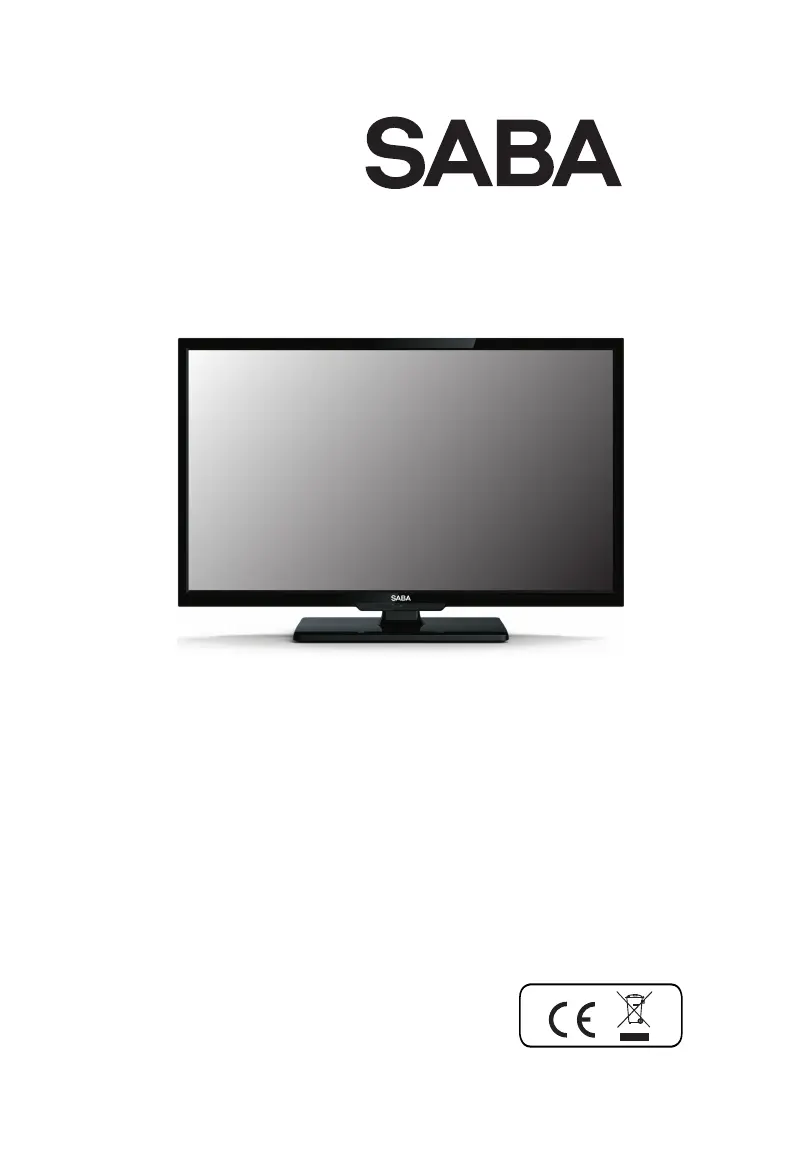
Saba LED22TB1700ED - User Manual

Saba LED22TB1700ED
76 pages
Go to English
Print Icon
To Next Page IconTo Next Page
Loading...
MANUEL D'UTILISATION
55cm
Combi TV LED
Modèle CB22CH17(LED22TB1700ED)

Table of Contents

Questions and Answers

  • R
    Russell GuzmanAug 19, 2025
    Why is there normal picture but no sound on my Saba LED TV?
    • D
      dwaynekerrAug 19, 2025
      If your Saba LED TV shows a normal picture but has no sound, first check the volume level. If the volume is not muted, press the MUTE button to be sure. Try switching to another channel; the problem might be with the broadcast itself. Finally, ensure that the audio cables are correctly installed.
  • M
    Marc CamachoAug 21, 2025
    What to do if the remote control does not work with my Saba LED22TB1700ED LED TV?
    • P
      petersonannaAug 21, 2025
      If the remote control for your Saba LED TV isn't working, make sure there are no obstructions between the remote and the TV. Ensure the remote is within the operational range of the unit. If neither of those steps work, try replacing the batteries.
  • A
    Allison DeleonAug 23, 2025
    Why is there no picture on my Saba LED22TB1700ED LED TV?
    • R
      rodriguezjenniferAug 23, 2025
      If your Saba LED TV has no picture, ensure that the system connections are correctly and firmly connected. Also, verify that the main power supply is turned on.
  • A
    Angela HudsonAug 26, 2025
    What to do if there is no sound and picture on my Saba LED TV?
    • M
      Matthew SimmonsAug 26, 2025
      If your Saba LED TV has no sound and picture, check whether the main plug is properly connected to a wall outlet. Then, check whether you have pressed the POWER button on the front of the TV. Finally, check the picture contrast and brightness settings.
  • M
    Matthew PhillipsAug 27, 2025
    How to fix no sound on Saba LED22TB1700ED?
    • D
      Daniel DavisAug 27, 2025
      If your Saba LED TV has no sound, check if the mute function is activated. Also, check that the audio connections are correct and verify the volume settings. Finally, check the menu audio settings.
  • S
    Sharon SmithAug 29, 2025
    Why does the remote control not work for my Saba LED22TB1700ED LED TV?
    • T
      Tara SteeleAug 30, 2025
      If the remote control of your Saba LED TV does not work, check to see if there is any object obstructing the path between the product and the remote control. Ensure that the batteries are installed with the correct polarity (+ to +, - to -). Check that the correct remote operating mode is set (TV, VCR, etc.). If the issue persists, install new batteries.
  • B
    Benjamin ParkerSep 1, 2025
    How to fix no playback on Saba LED22TB1700ED?
    • D
      Debra LevineSep 1, 2025
      If your Saba LED TV is not playing back content, ensure the disc is inserted correctly with the printed side facing towards the rear of the unit. Check that the disc is not dirty or warped. Also, a parental rating level may be preventing playback of the DVD, so check your Rating Settings.
  • G
    Gerald KeithSep 3, 2025
    How to improve poor color or picture quality on Saba LED22TB1700ED?
    • H
      henrywrightSep 3, 2025
      If your Saba LED TV's picture has no or poor color, or the picture quality is poor, try adjusting the color in the menu options. Ensure there's sufficient distance between the TV and any VCR. Try another channel to rule out broadcast issues. Check that the VIDEO cables are installed properly. You can also try activating any function to restore the brightness of the picture.
  • R
    Robert RodriguezSep 5, 2025
    Why does my Saba LED TV play a section repeatedly?
    • B
      Brandi GainesSep 5, 2025
      If your Saba LED TV keeps playing a section repeatedly, check that the Repeat functions are not activated. Also, ensure that the disc is not dirty or distorted.
  • K
    Katie FrankSep 7, 2025
    Why does my Saba LED22TB1700ED power off suddenly?
    • D
      daniel79Sep 7, 2025
      If your Saba LED TV's power is suddenly turned off, check if the sleep timer is set. Also, check the power control settings to see if the power was interrupted. It's also possible that there's no broadcast on the tuned station with auto activation enabled.

Summary

General Safety Warnings

Apparatus Safety Precautions

Essential warnings for safe use, ventilation, placement, and liquid avoidance for the TV.

Product Specifications

Safety Instructions

Electrical Shock and Servicing Warnings

Critical advice on avoiding electric shock, not opening the unit, and referring to qualified personnel.

Important Operational Safety Guidelines

Key instructions for safe operation, including placement near water, heat, and plug safety.

Power Cord, Servicing, and Disposal

Guidance on protecting the power cord, servicing procedures, and environmentally sound disposal of the appliance.

Main Unit Controls

Getting Started

Remote Control Basics

How to use the remote control, install batteries, and important notes on battery handling.

Connection and Setup

Remote Control Functions

Remote Button Explanations

Detailed explanation of each button's function on the remote control for operating the TV.

Basic Operation

Menu Operations

Picture Settings Configuration

Adjusting visual parameters like Picture Mode, Brightness, Contrast, Sharpness, and Color.

DVD Playback

Troubleshooting Guide

DVD Playback Issues

Solutions for common problems encountered during DVD playback, picture, sound, or remote operation.

General TV Troubleshooting

Addressing issues like no sound/picture, remote failure, power interruptions, and picture quality problems.

Saba LED22TB1700ED Specifications

General IconGeneral
Screen Size22 inches
Display TechnologyLED
Aspect Ratio16:9
HDMI Ports1
USB Ports1
VGA Port1
Built-in SpeakerYes
Resolution1366 x 768

Related product manuals