Operating Instructions
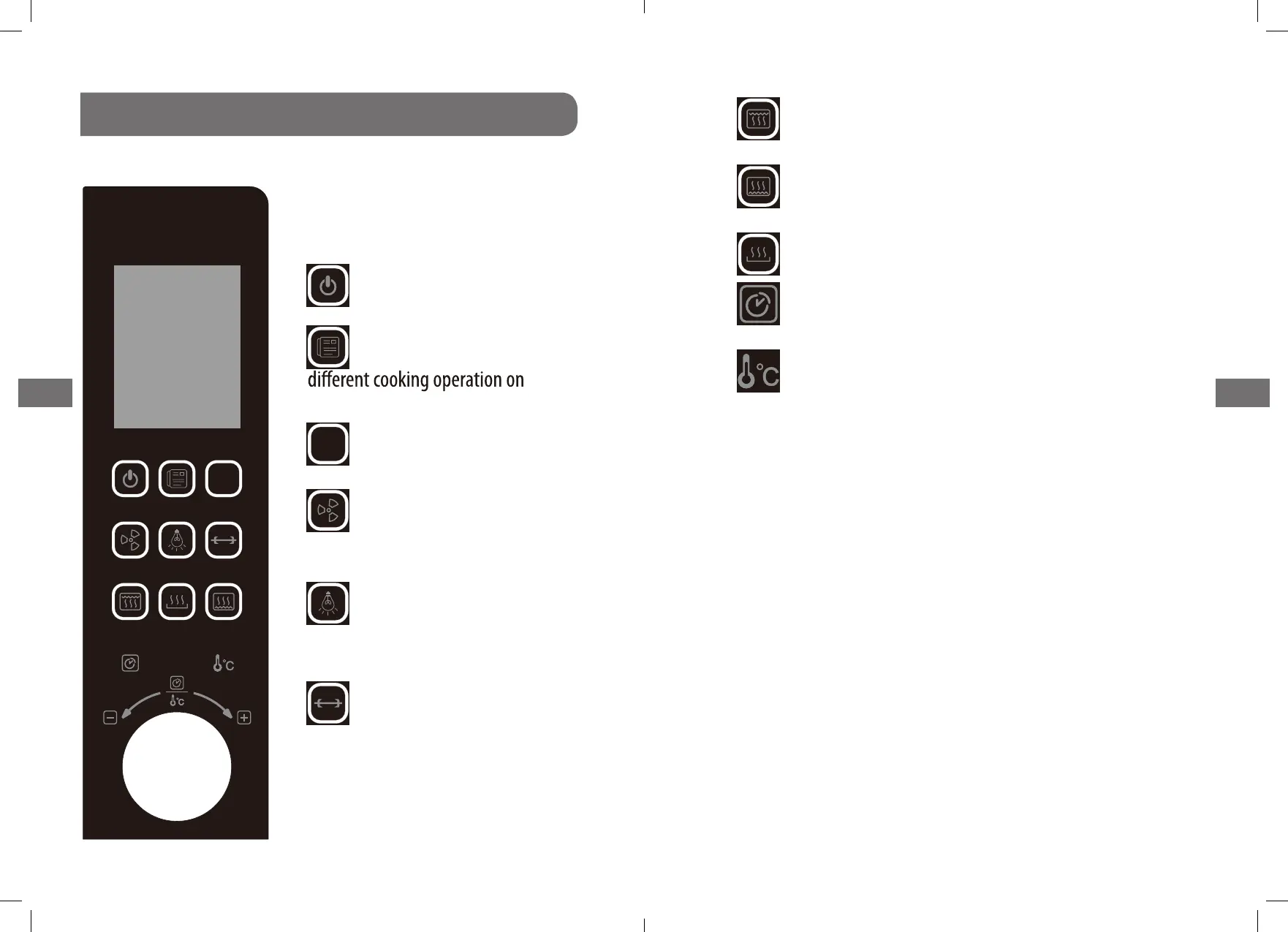
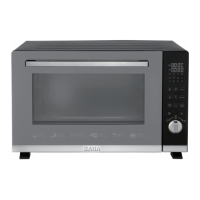
CONTROL PANEL
DISPLAY WINDOW
Shows set time or temperature and
oven function.
1. Press this button the oven
start to work.
2. Press this button can show
display window.
3. Press this button for two seconds,
the oven will stop working.
4. press this button
convection function; if
convection, then press this button
again.
5. Pr
ess this button the inner
light will start work; then press
again the inner light will stop work
.
6.
p
r
ess this button
rotisserie function; if want
rotisserie, then press this button again.
31
GB GB
to start
to start
In DIY mode,
In DIY mode,
stop
pots tnaw
7. press this button the upper heating element
press it again, then upper heating element stop work.
.
8.
press this button the lower heating element
press it again, then lower heating element stop work
.
9.
. .noitcnuf taeherp tceles ot nottub siht sserP
10. press this button, then rotate the switch can
timer (1---480minutes)
11. press this button, then rotate the switch can
temperature (40---230
°
C)
start work, if
start work, if
control the
control the
In DIY mode,
In DIY mode,
In DIY mode,
In DIY mode,
30
Stop
Stop


 To Next Page