Make sure the CM1 is highlighted, and then
click on the “Login” button. You will be prompt-
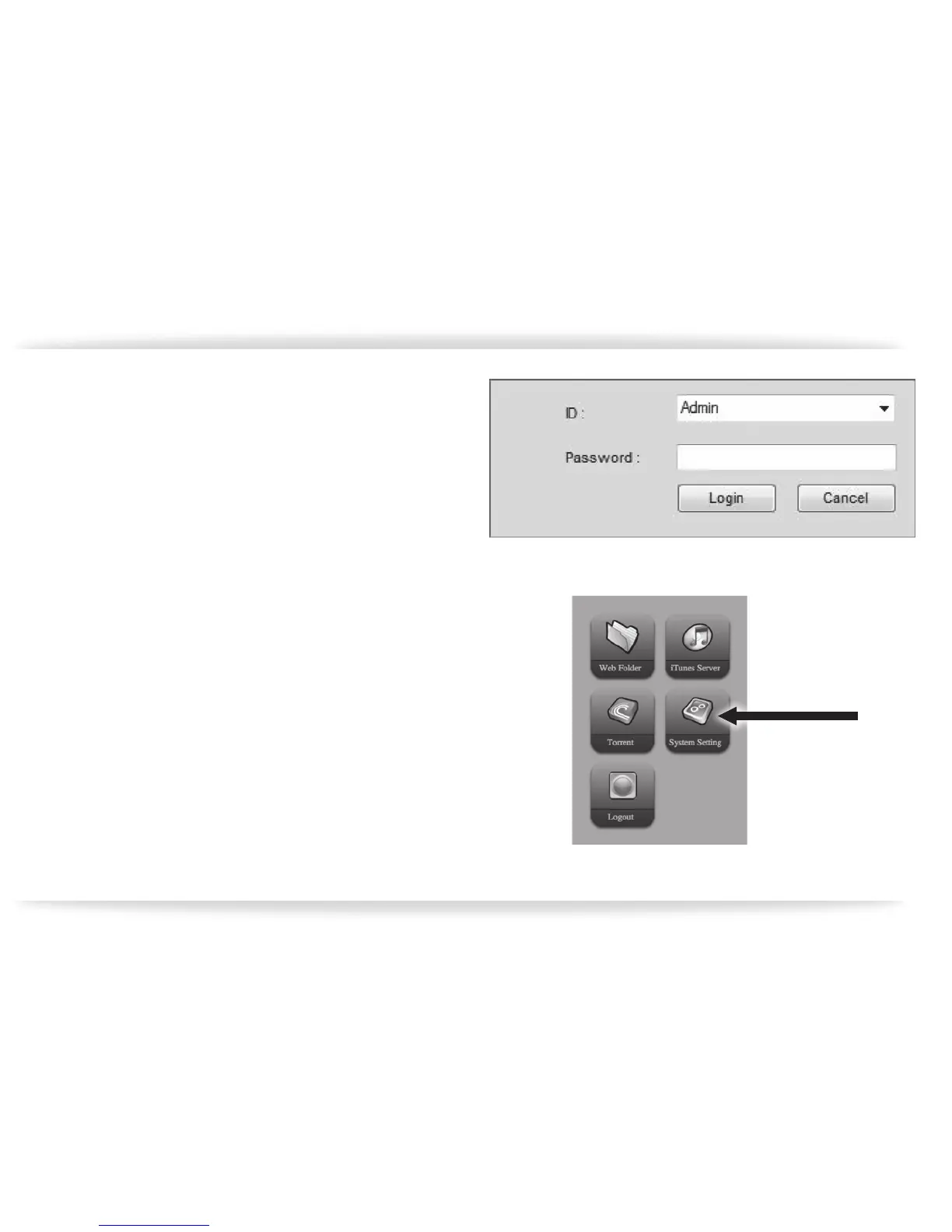
ed for the ID and Password (gure-05).
Leave the default ID of “admin” in place, and
type the factory set password of “admin”
(without the quotes) and then click on the
“Login” button.
The buttons on the bottom half of the CM1 Util-
ity page will then become active. Click on the
“Web Page” button.
Click on the “System Setting” icon (gure-06).
The screen showing the system status is dis-
played rst.
Click on the “Maintenance” option on the left
hand side (gure-07). The “Maintenance” screen
will appear. Click on the “Format” button at the
bottom of the page. This will format the hard
disk drive built into the CM1
gure-05
gure-06


 To Next Page