Use this mode if you want the main
network connection to be the wireless
interface. You will still need to leave the
CM1 plugged into your network using
an Ethernet cable for the setup phase of
the conguration.
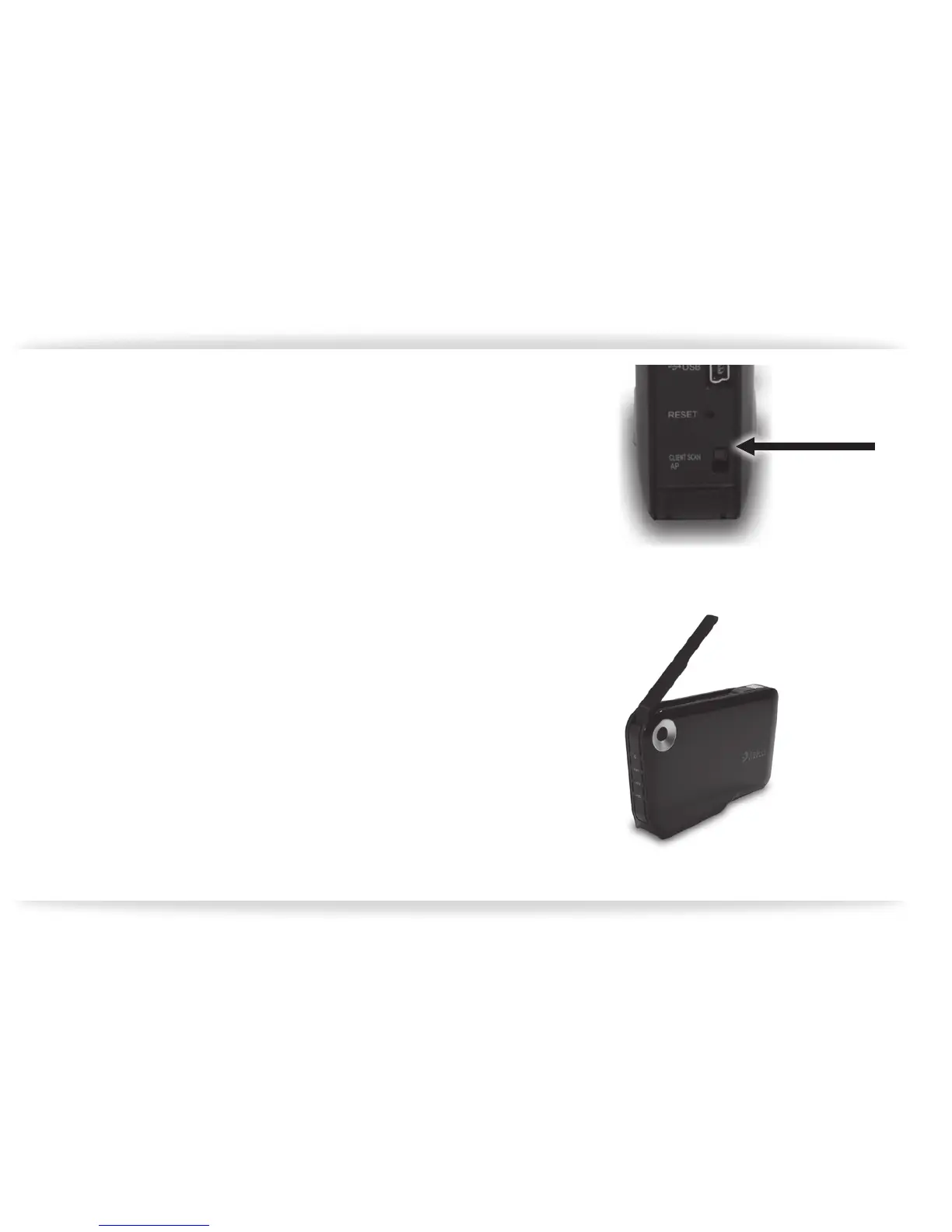
1. Turn the CM1 off, change the “network se
lection switch” located on the back of the
CM1 to “Client Scan” (gure-09).
2. Extend the antenna at this time, and power
the unit back on at this time (gure-10).
You will need to run the CM1 Discovery utility
again to nd the CM1 on the network, and log
into the CM1 as previously explained. Click on
the “System Setting” icon (gure-11). The screen
showing the system status is displayed rst.
CM1 can be congured as a wireless networked drive:
gure-09
gure-10


 To Next Page