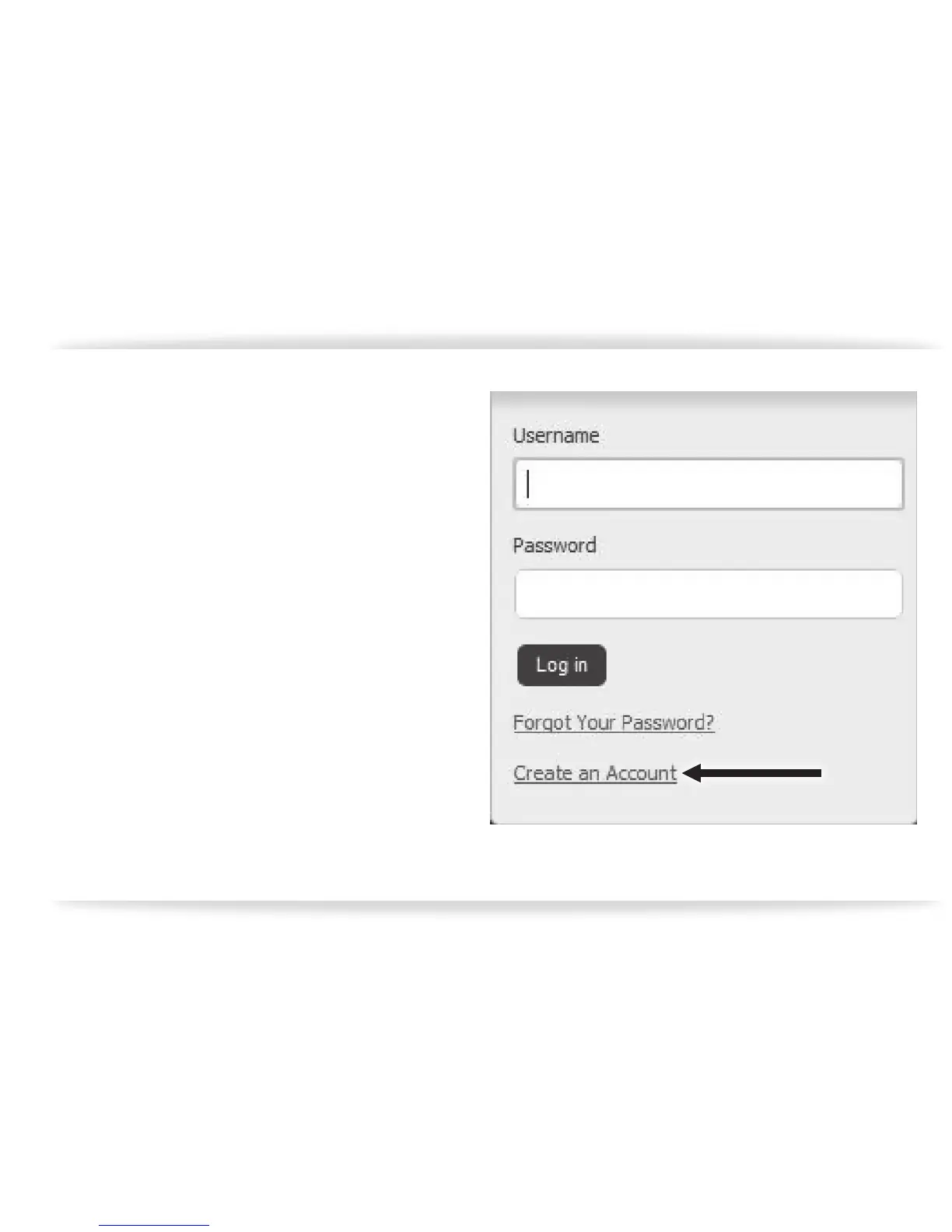
Click on the “Sign In” button in the upper right
hand portion of the web page. A drop down
box will appear and ask for your login informa-
tion (user name and password). Enter them
in, if you have already registered, but if you
haven’t, you will need to click on the option
below and “Create an account” (gure-25).
gure-25



 To Next Page