Then click on “Save”. Please reboot the CM1
using the reboot option on the “Maintenance”
page. This completes the setup for your per-
sonal cloud – enjoy. Please refer to our web
site for some examples on how to use your
CM1.
Please bookmark the host/domain name that
you created in your browser. In our example it
is: http://sabiosupport.dyndns.org/
Clicking on this address from anywhere on the
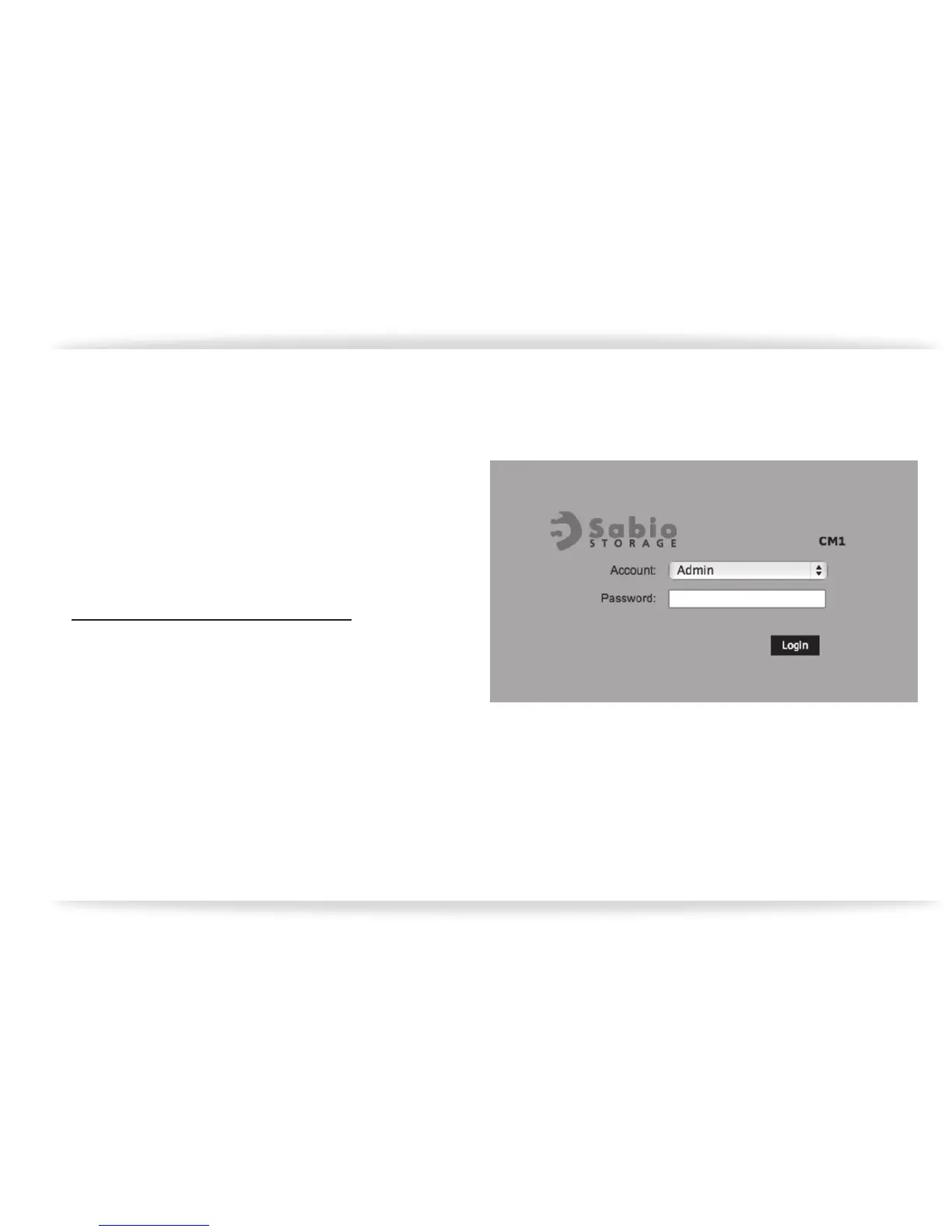
internet should take you to the log in screen for
your CM1 at home or ofce (gure-38).
When you log in, you should have complete
access to the CM1, including downloading and
uploading les, creating new folders,….etc.
gure-38


 To Previous Page