4
QUICK START GUIDE
When you first get your SACKit Rock 100 earphones you need to charge them before they are
ready for use.
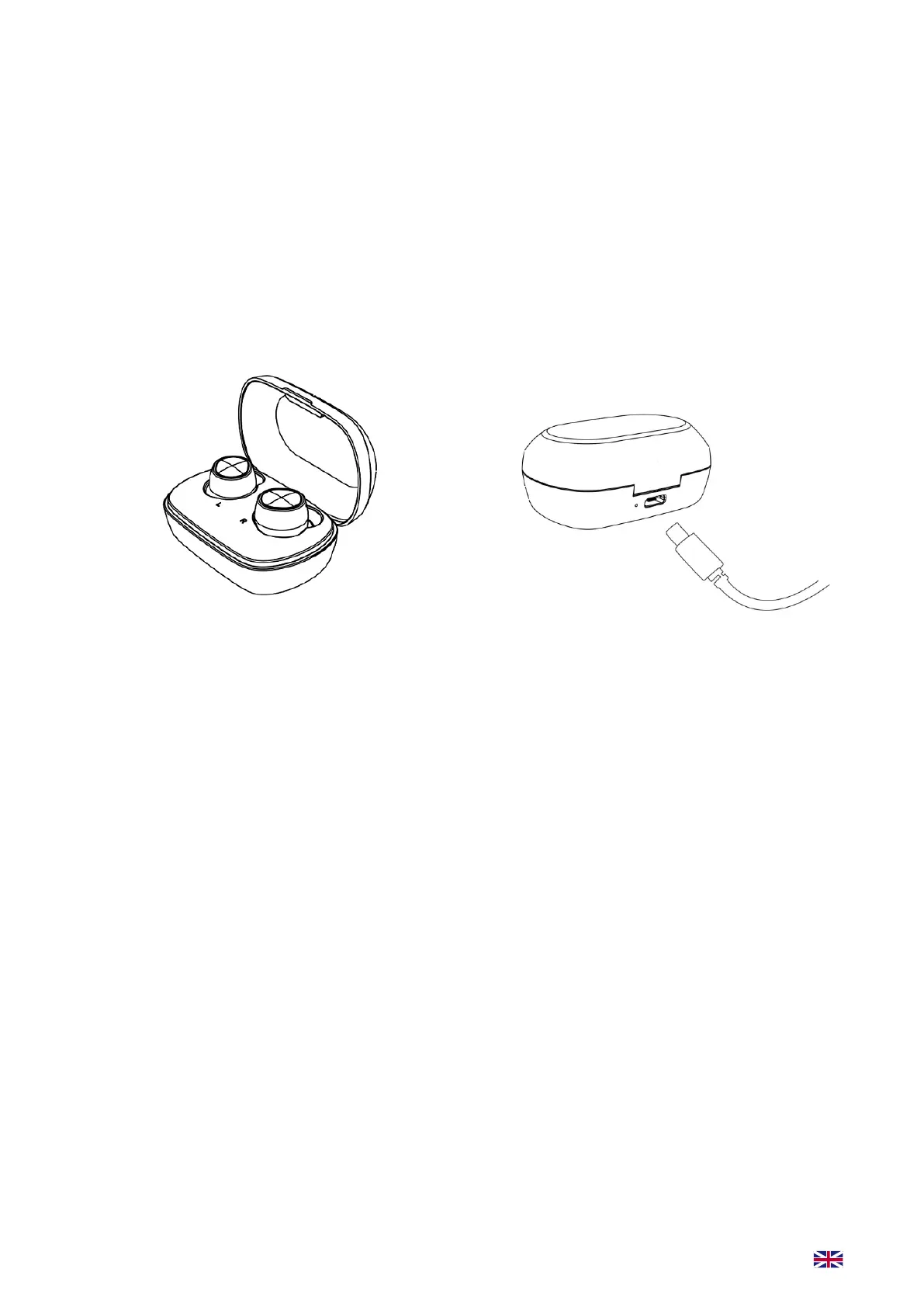
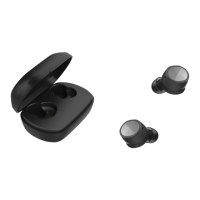
Start by placing your SACKit Rock 100 earbuds in the charging case. This is how the earbuds charge.
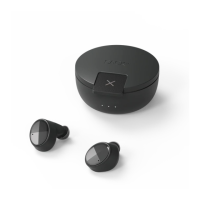
You can charge your case by using the attached USB-C cable and any 5V, 1A power supply.
Charge for 2 hours minimum.
The earbuds charge in the
charging case.
The charging case is charged
with a USB-C cable.
How to play music:
1. For rst use: remove SACKit Rock 100 earbuds from the case. Both earbuds will ash white on
the top edge LED
2. The le earbud will blink white, indicang SACKit Rock 100 is in pairing mode and the earbuds
are connected via True Wireless Stereo
3. Switch on Bluetooth on your device
4. Choose “SACKit Rock 100” under Bluetooth sengs on your device. Your earbuds are now con-
nected with your device
5. Start playing music on your device
6. SACKit Rock 100 automacally switches on/o when connected/disconnected to the charging
case. Manually power on/o by holding down the earbud buons for 10 seconds
7. SACKit Rock 100 will automacally pair with the last connected device.
To connect to a new device make sure that the previous connected device is disconnected otherwise
connecng opportunity won’t appear on the new device.
Please turn o your earbuds aer use to get a longer baery life. The earbuds turn o automa-
cally when placed in the charging case.


 To Next Page