6
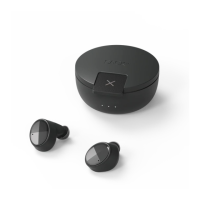
Use SACKit Rock 100 earphones
1. For rst use: Remove SACKit Rock 100 earbuds from the case. Both earbuds will blink white on
the top edge LED
2. The le earbud will blink red/white, indicang SACKit Rock 100 is in pairing mode and the ear-
buds are connected via True Wireless Stereo
3. Switch on Bluetooth on your device
4. Choose “SACKit Rock 100” under Bluetooth sengs on your device. Your earbuds are now con-
nected with your device
5. Start playing music on your device
6. SACKit Rock 100 automacally switches on/o when connected/disconnected to the charging
case.
How to pair SACKit Rock 100 earbuds with Bluetooth devices
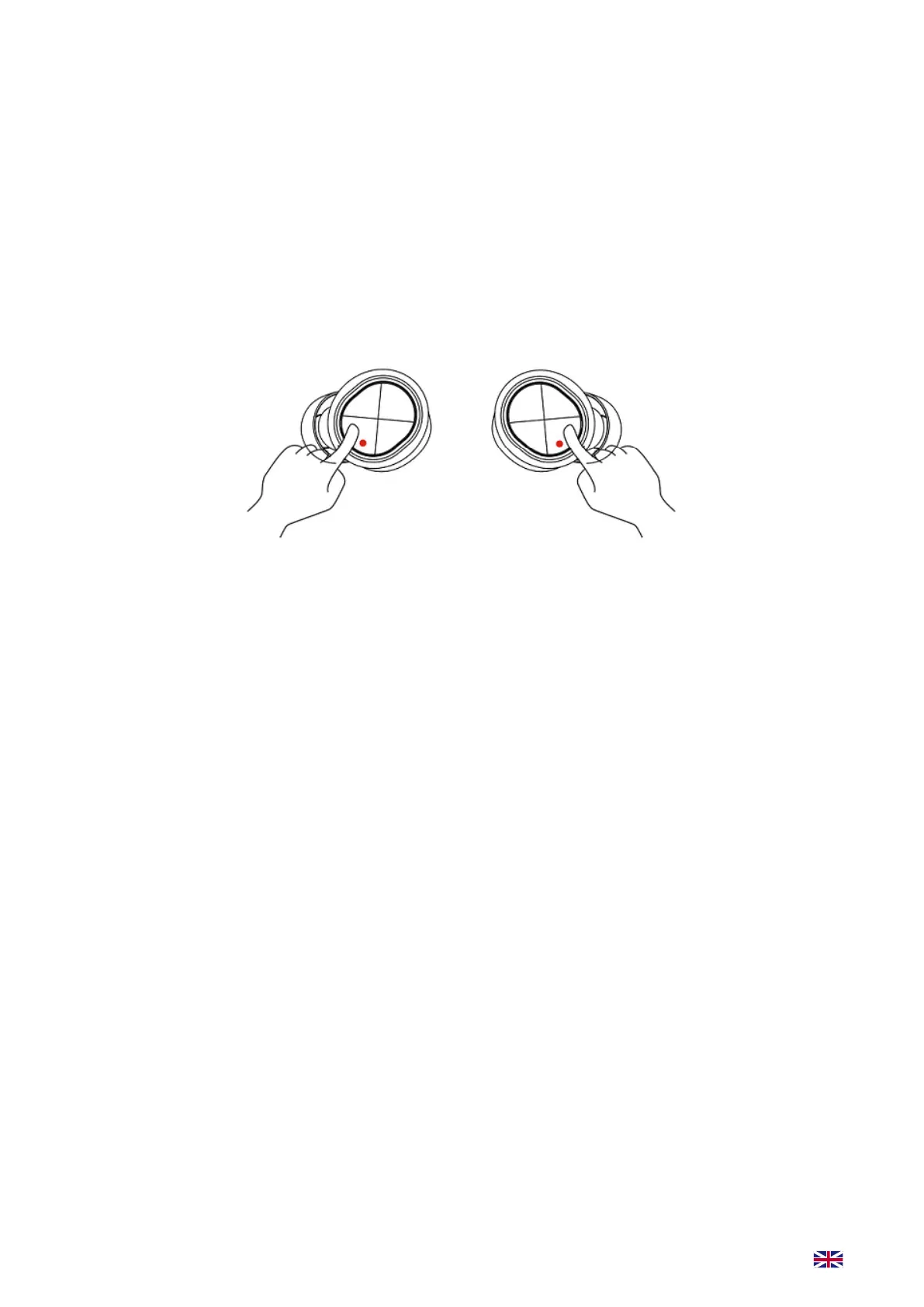
1. Simply remove your SACKit Rock 100 earbuds from the charging case or long press the X but-
ton on your earbuds for 10 seconds. Aer the rst 5 seconds, you will hear the ON sound. Keep
pressing the buon for another 5 seconds to turn on pairing mode, indicated by ashing red and
white LED lights
2. Please keep the earbuds and Bluetooth device in range of 1 meter when pairing and make sure
SACKit Rock 100 is turned on
3. Go into the Bluetooth sengs on your device and search for new Bluetooth devices and select
SACKit Rock 100
4. The LED light will blink white once SACKit Rock 100 is successfully paired
5. Long press X buon on the earbuds to turn o your SACKit Rock 100 earbuds
6. SACKit Rock 100 can remember 8 devices: You can pair 8 units with your SACKit Rock 100, at
9th unit SACKit Rock 100 will forget the rst connected
Operation instructions for use after first pairing
1. Aer rst me pairing your SACKit Rock 100 earbuds and Bluetooth device will automacally
reconnect
2. Turn the earbuds on by holding down the X buon unl you hear the ON sound or by removing
the earbuds from the case
3. Long press X buon to turn o
Manually power on/o by holding down the earbud buons for 10 seconds
7. SACKit Rock 100 will automacally pair with the last connected device.
8. To connect to a new device make sure that the previous connected device is disconnected
otherwise connecng opportunity won’t appear on the new device.


 To Next Page