English
60
10
Display in the status panel the available rinse functions.
1010101010
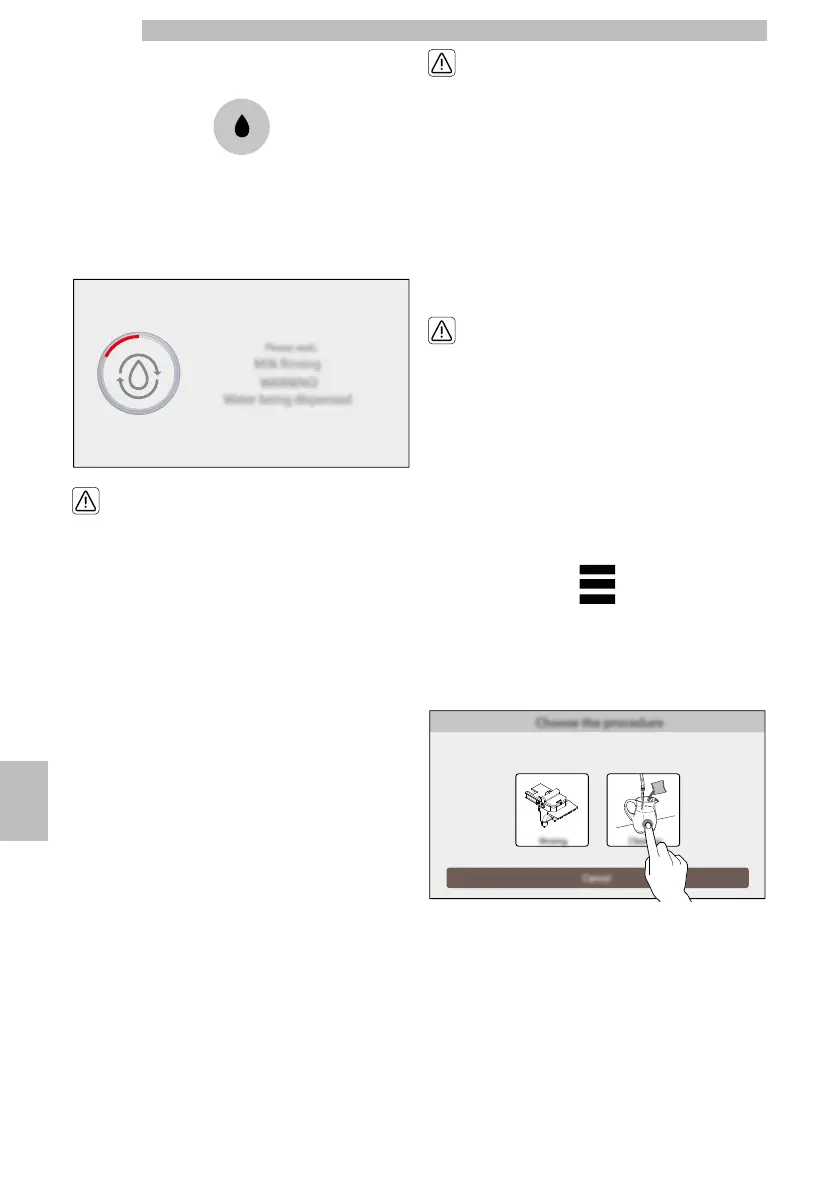
Selecttherinseofthecappuccinomaker.Confirmthe
rinse.Themachinedispensesaquantityofwater
sufficienttorinsethemilkcircuit.Thefollowing
screen is displayed:
10101010
Dangerofburning!
Dispensingmaybe
precededbysmalljetsof
hot water.
10
Thisfunctionallowsthemachinetomaintainsystem
functionality,butundernocircumstanceshoulditbe
consideredsufficientastheonlymethodforcleaning
themilkcircuit.Waituntilthecyclestops
automatically.Themachinewillgobacktothenormal
operating cycle.
1010
10.2.5Thorough cleaning of
Cappuccino maker with
detergent
10
(*only
versions
M2
and
M1).
1010
Once adaythoroughlycleanallthecomponents ofthe
cappuccinomakerusingtheSaecodetergent.The
Saecodetergentmaybepurchasedatyourlocaldealer
or at authorised service centres.
10
Failuretothoroughlyclean
thecappuccinomaker
withdetergentcancause
potentiallyharmfulbacteria
to spread.
1010
Dangerofburning!
Dispensingmaybe
precededbysmalljetsof
hot water.
1010
Accesstheprogrammingofthemachineasdescribed
intheparagraph"Accesstotheprogrammingmenus".
Tapthe"menu"icontoviewtheappliance'smenu
functions.
1010101010
Select"Dailyactions".Select"Washing/rinsing".Select
thewashingofthecappuccinomaker.Select
"Washing".
1010101010
Confirmtheprocess.Themachinesummarizesonthe
displayallthephasestobeperformedforthewashing
step-by-step. For example, the phases are the following:
1010
Fill the water tank.
10










 To Next Page