EasyManua.ls Logo

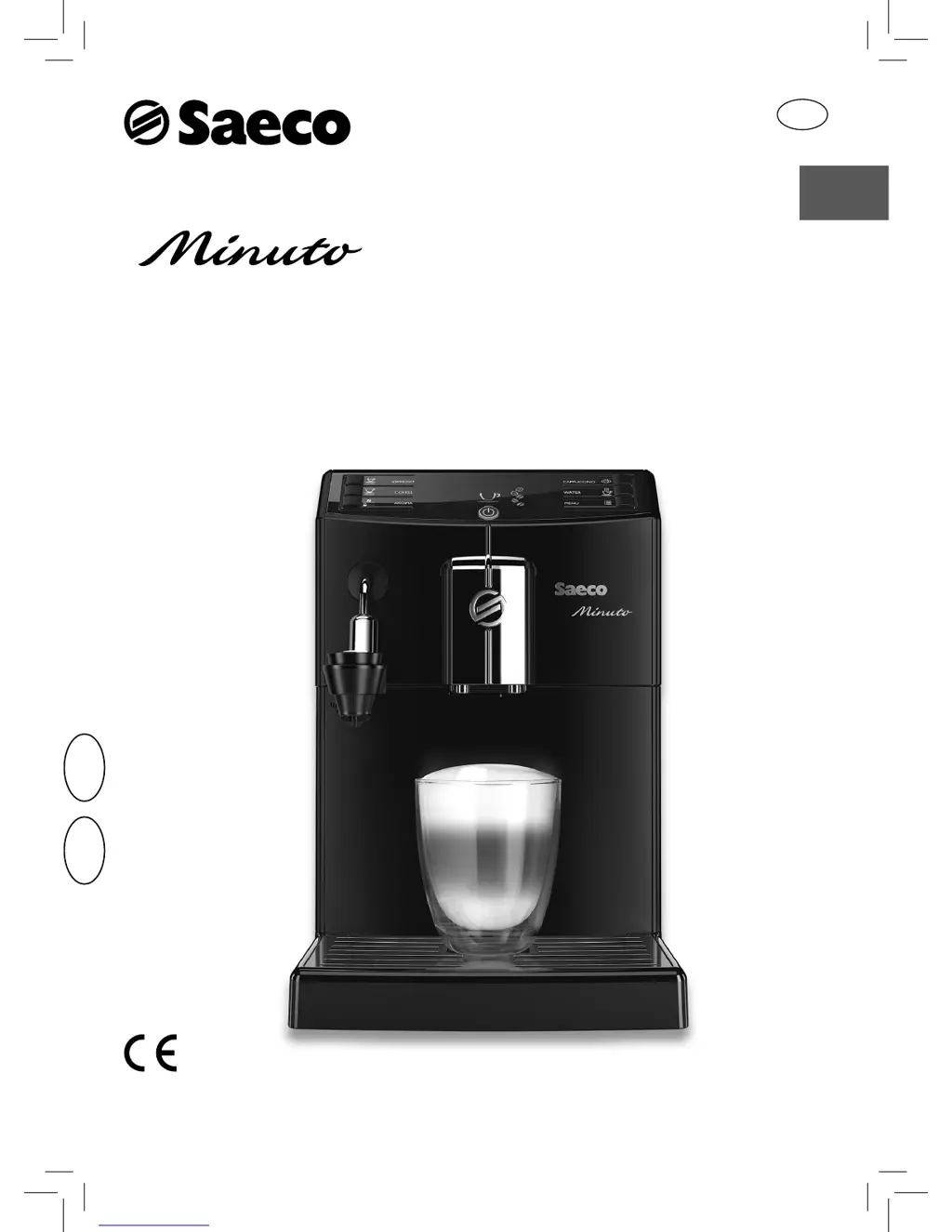
Saeco Minuto HD8762 - User Manual

Saeco Minuto HD8762
76 pages
Print Icon
To Next Page IconTo Next Page
Loading...
USER MANUAL
Read carefully before using the machine.
Register your product and get support at
www.saeco.com/welcome
English
Type HD8762, HD8780, HD8862, HD8865
EN
02
02

Table of Contents

Other manuals for Saeco Minuto HD8762

Questions and Answers

  • V
    vbrownSep 3, 2025
    Why can't I insert the brew group into my Saeco Coffee Maker?
    • M
      Mark ClementsSep 4, 2025
      If the brew group cannot be inserted into your Saeco Coffee Maker, ensure it is in the off position. If that doesn't work, insert the drip tray and coffee grounds drawer, close the service door, and turn on the machine without the brew group to move the gearmotor to the correct position. Then, turn off the machine and reinsert the brew group.
  • J
    Janet HughesSep 18, 2025
    How to turn off demo mode on Saeco Minuto HD8762?
    • D
      david92Sep 18, 2025
      To exit demo mode on your Saeco Coffee Maker, disconnect the power cord and then turn the machine back on.
  • C
    Christian TylerSep 16, 2025
    Why does the drip tray fill even without water draining in my Saeco Minuto HD8762?
    • M
      Margaret LopezSep 16, 2025
      This is normal behavior for the Saeco Coffee Maker.
  • D
    Danielle KeithSep 14, 2025
    Why is no hot water coming out of my Saeco Minuto HD8762?
    • C
      Christina BoydSep 14, 2025
      If no hot water or steam is dispensed from your Saeco Coffee Maker, the hole of the steam/hot water wand might be clogged. Clean the hole using a pin, ensuring the machine is off and has cooled down first.
  • T
    tammy26Sep 12, 2025
    Why is frothed milk too cold from my Saeco Minuto HD8762 Coffee Maker?
    • C
      Christina SmithSep 12, 2025
      If the frothed milk from your Saeco Coffee Maker is too cold, preheat the cups with hot water.
  • K
    Kylie PruittSep 12, 2025
    How to increase crema in my Saeco Coffee Maker coffee?
    • C
      Cynthia BlevinsSep 12, 2025
      If the coffee from your Saeco Coffee Maker does not have enough crema, try changing the coffee blend, ensuring it is freshly roasted, or adjust the grind to a finer setting.
  • J
    Julie AlexanderSep 9, 2025
    Why is the milk not frothing in my Saeco Minuto HD8762 Coffee Maker?
    • A
      Ashley BrooksSep 9, 2025
      If the milk is not frothing properly with your Saeco Coffee Maker, the Automatic Milk Frother may be inserted too deep. Allow it to cool down, move it slightly downwards, and reposition it correctly.
  • T
    Travis BrownSep 7, 2025
    Why is the red icon always on my Saeco Minuto HD8762?
    • S
      Sharon ThomasSep 7, 2025
      If the red icon is always displayed on your Saeco Coffee Maker, it means the coffee grounds drawer was emptied while the machine was off. Always empty the drawer when the machine is on and wait until the icon is displayed before refitting the drawer.
  • T
    Theresa RiddleSep 5, 2025
    How to fix Error Code 1 on Saeco Coffee Maker?
    • C
      christinawilliamsSep 6, 2025
      If your Saeco Coffee Maker displays Error Code 1 because the coffee grinder is blocked, thoroughly clean the coffee outlet duct.
  • V
    victorrodriguezAug 21, 2025
    Why my Saeco Coffee Maker does not turn on?
    • M
      Megan PenaAug 21, 2025
      If the Saeco Coffee Maker does not turn on, ensure it is properly connected to the electric network and the power button is switched to the ā€œIā€ position.

Summary

USER MANUAL

IMPORTANT SAFEGUARDS

INSTRUCTIONS FOR THE POWER SUPPLY CORD

SAFETY INFORMATION

Safety Instructions

General safety guidelines for using the appliance to prevent injury and damage.

Warnings

Alerts regarding severe injuries, danger to life, or damage to the machine.

Cautions

Alerts regarding slight injuries or damage to the machine.

ELECTROMAGNETIC FIELDS

DISPOSAL GUIDELINES

INSTALLATION PROCEDURE

Product Overview

Identifies all components of the coffee machine with numbered labels.

General Description

Lists and describes each numbered component of the coffee machine.

PREPARING FOR USE

Machine Packaging

Recommends keeping original packaging for future transport.

Machine Installation

Guidelines for placing the machine on a safe, stable surface and initial setup.

USING THE MACHINE FOR THE FIRST TIME

Circuit Priming

Process of priming the internal circuit and warming up the machine.

Automatic Rinse;Self-Cleaning Cycle

Explains the automatic rinse cycle performed after warm-up.

Manual Rinse Cycle

Details the steps for performing a manual rinse cycle for the water circuit.

MEASURING AND PROGRAMMING WATER HARDNESS

INTENZA+ WATER FILTER INSTALLATION

REPLACING THE INTENZA+ WATER FILTER

ADJUSTMENTS

Saeco Adapting System

Explains the machine's self-adjusting feature for coffee extraction.

Adjusting the Ceramic Coffee Grinder

Guides on adjusting the grinder for personal taste and aroma.

Adjusting the Aroma (Coffee Strength)

Details how to adjust coffee strength and select pre-ground coffee.

Adjusting the Coffee Dispensing Spout

Explains how to adjust the spout height for different cup sizes.

Adjusting the Coffee Length

Guides on programming the amount of coffee brewed for espresso or coffee.

BREWING ESPRESSO AND COFFEE

Brewing Espresso and Coffee Using Coffee Beans

Step-by-step guide to brewing coffee using whole beans.

Brewing Espresso and Coffee Using Pre-Ground Coffee

Instructions for brewing coffee using pre-ground coffee.

FROTHING MILK;BREWING CAPPUCCINO

Frothing milk

Detailed steps for frothing milk using the automatic milk frother.

Brewing a Cappuccino

How to prepare a cappuccino by combining frothed milk and espresso.

HOT WATER DISPENSING

CLEANING AND MAINTENANCE

Daily Cleaning of the Machine

Instructions for daily cleaning of external parts and components.

Daily Cleaning of the Water Tank

Steps for cleaning the water tank and its filter.

Daily Cleaning of the Automatic Milk Frother

Procedure for daily cleaning of the milk frother components.

Weekly Cleaning of the Machine

Tasks for weekly cleaning of the machine's drip tray seat.

Weekly Cleaning of the Brew Group

Instructions for weekly cleaning of the brew group.

MONTHLY CLEANING OF THE AUTOMATIC MILK FROTHER

MONTHLY LUBRICATION OF THE BREW GROUP

MONTHLY CLEANING OF THE BREW GROUP WITH ā€œCOFFEE OIL REMOVERā€

MONTHLY CLEANING OF THE COFFEE BEAN HOPPER

DESCALING PROCEDURE

Descaling

Steps for descaling the machine using the recommended solution.

Descaling (continued)

Steps for removing the milk frother and preparing the water tank.

Descaling (continued)

Starting the descaling process and managing water tank status.

Descaling (continued)

Performing the rinse cycle after descaling.

ACCIDENTAL INTERRUPTION OF THE DESCALING CYCLE

PROGRAMMING MACHINE SETTINGS

Coffee Temperature

Adjusts the coffee brewing temperature.

Timer (stand-by)

Sets the time for the machine to enter stand-by mode.

Contrast

Adjusts the display contrast for better readability.

Water Hardness

Configures water hardness settings based on location.

INTENZA+ Water Filter Management

Manages the "INTENZA+" water filter status.

Descaling Cycle Initiation

Initiates the descaling process.

Factory Settings

Resets all factory values of the machine.

How to Program the Machine

General guide on navigating the programming menu.

MEANING OF THE DISPLAY ICONS

Ready Signals (Green Colour)

Explains icons indicating the machine is ready for operation.

Warning Signals (Yellow Colour)

Explains icons indicating machine warnings or specific states.

Warning Signals (Red Colour)

Explains icons indicating errors or required actions.

TROUBLESHOOTING COMMON PROBLEMS

Error Codes

Solutions for specific error codes like grinder or brew group blockages.

Common Machine Issues

Troubleshooting power, water, and brew group insertion problems.

Brewing Problems

Addressing issues with coffee output, strength, speed, and milk frothing.

ENERGY SAVING FEATURES

Stand-by Mode

Information on automatic turn-off and low energy consumption.

TECHNICAL SPECIFICATIONS

WARRANTY AND SERVICE

Warranty Information

Refers to the separate warranty booklet for details.

Service and Support

Encourages product registration and provides support contact info.

ORDERING MAINTENANCE PRODUCTS

Overview of Maintenance Products

Lists specific maintenance products like descaling solution and filters.

Saeco Minuto HD8762 Specifications

General IconGeneral
BrandSaeco
ModelMinuto HD8762
CategoryCoffee Maker
LanguageEnglish

Related product manuals