9
© 2010 SafeLine and all the SafeLine products and accessories are copyrighted by law.
Menu
ENGLISH V. 4.02
LED INDICATION
Yellow LED
Light off:
Telephone line OK, call
terminated
Flashing once every 5
seconds:
Telephone line not OK.
Flashing twice every second:
Emergency signal button
active.
Yellow steady:
Activated alarm. Remains lit
until reset.
Green LED
Light off:
Telephone line not OK.
Flashing once every 5
seconds:
Unit is OK. Phone line is OK.
Flashing two times every 5
seconds:
Alarm fi lter activated.
Green steady:
Call connected.
Continuous fl ashing:
Telephone in confi guration
mode.
System LED
Flashing once every 5
seconds:
Telephone line OK.
Flashing two times every 5
seconds:
No telephone connection
available.
Flashing twice every second:
Calling out
Light steady:
Call connected.
Flashing rapidly:
Incoming call.
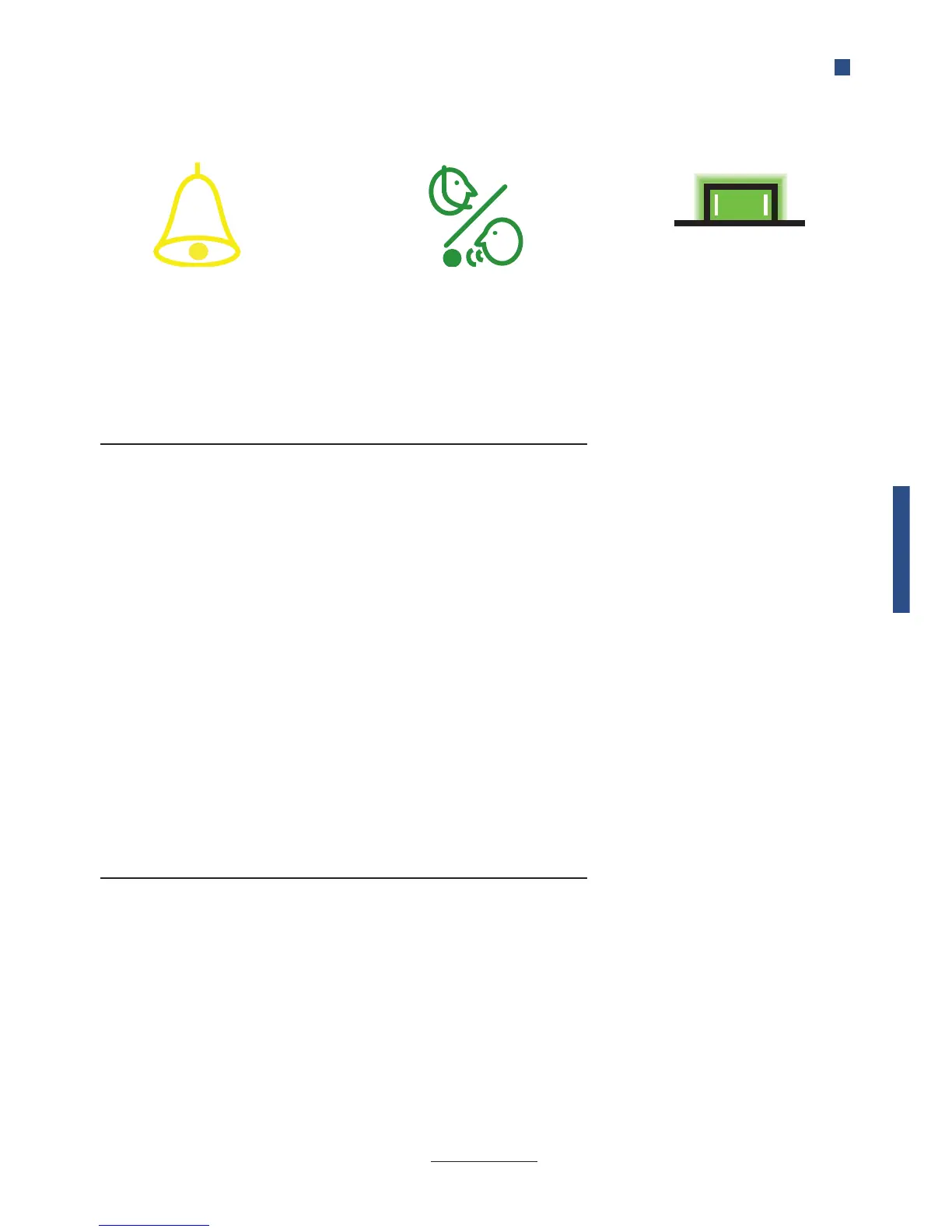
Yellow LED “Call in progress“
The Yellow Pictogram LED, is
lit as soon as the alarm button
is pressed longer than the set
delay
Standard (*78*0#)
Strictly EN81-28 (*78*1#)
Green LED “Call connected“
The Green pictogram LED turns
on as soon as the SafeLine unit
detects a responding voice.
The LED is turned off when the
call is terminated.
Yellow LED
Flashing twice every second:
Emergency signal button
active.
Yellow steady:
Activated alarm. Remains lit
until reset.
Green LED
Green steady:
Call connected.
System LED
The system LED is located on
the backside of the unit.


 To Next Page