45
5.2 – SPHERE (sold separately – code SG FLBATPLUSGL1)
The sphere is equipped with an 80 degree frost filter included, which can be optionally used in
addition to it, to make its lighting more uniform. This filter must be inserted before inserting
the sphere
1. Place the 80 degree frost filter on the front glass and block it with the metal ring specific for
frost filters. This ring will remain stuck on the upper part of the projector thanks to 3 magnets
housed in the internal front part of the projector itself
2. Insert the sphere by aligning the 3 grooves present on the connecting ring of the same, with
the relative teeth on the projector
3. As soon as the sphere is inserted, rotate it clockwise about 5 degrees, so as to block the
grooves in the teeth. The rotation is considered completed when the connecting ring, and
therefore the sphere, they block.
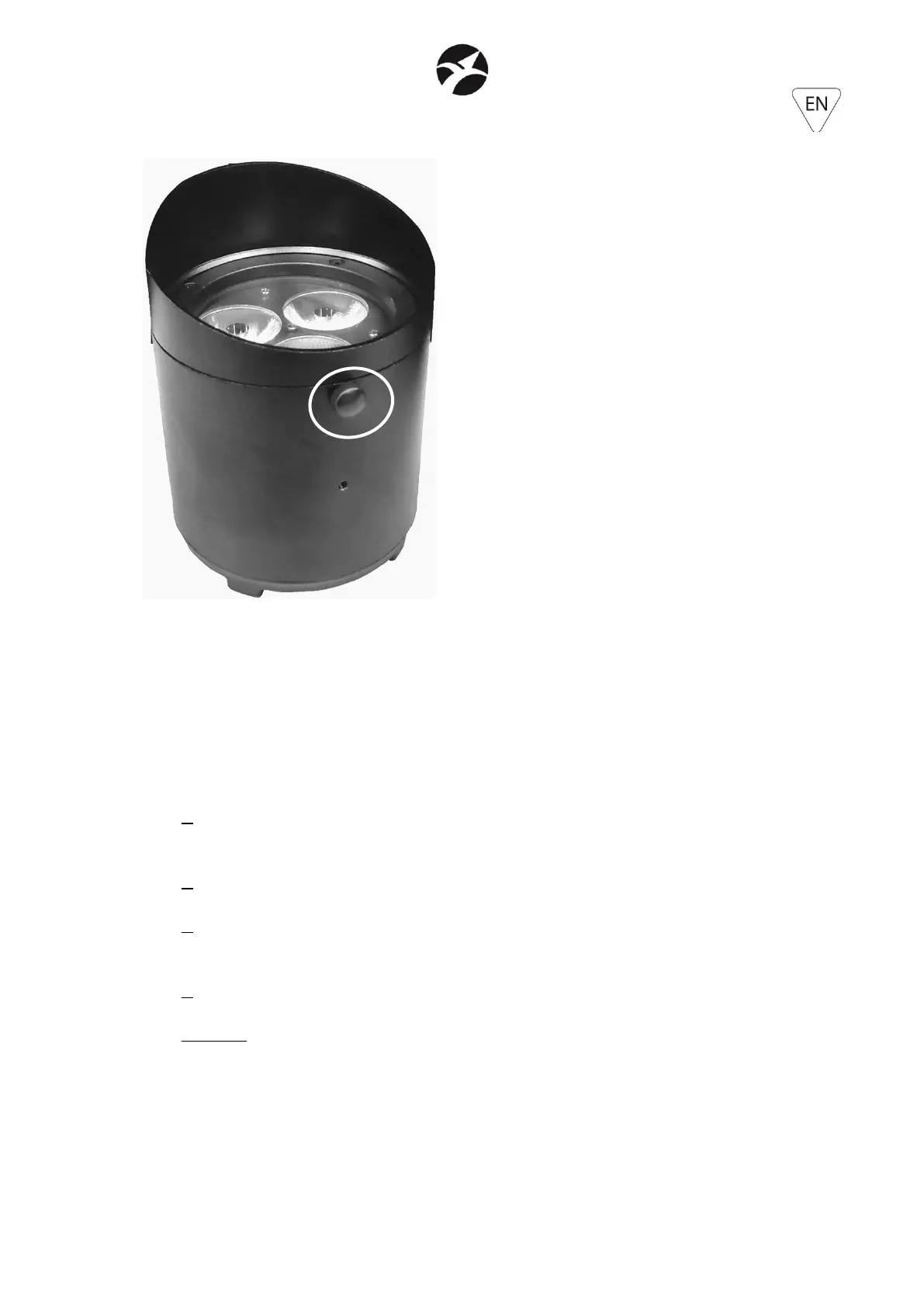
4. Insert the M4x8 locking knob to prevent accidental unlocking of the sphere.
WARNING: the insertion of the M4x8 locking knob is mandatory, in order to prevent accidental
unlocking of the sphere.
Antiglare filter correctly installed, with
M4x8 locking knob correctly fixed


 To Next Page