53
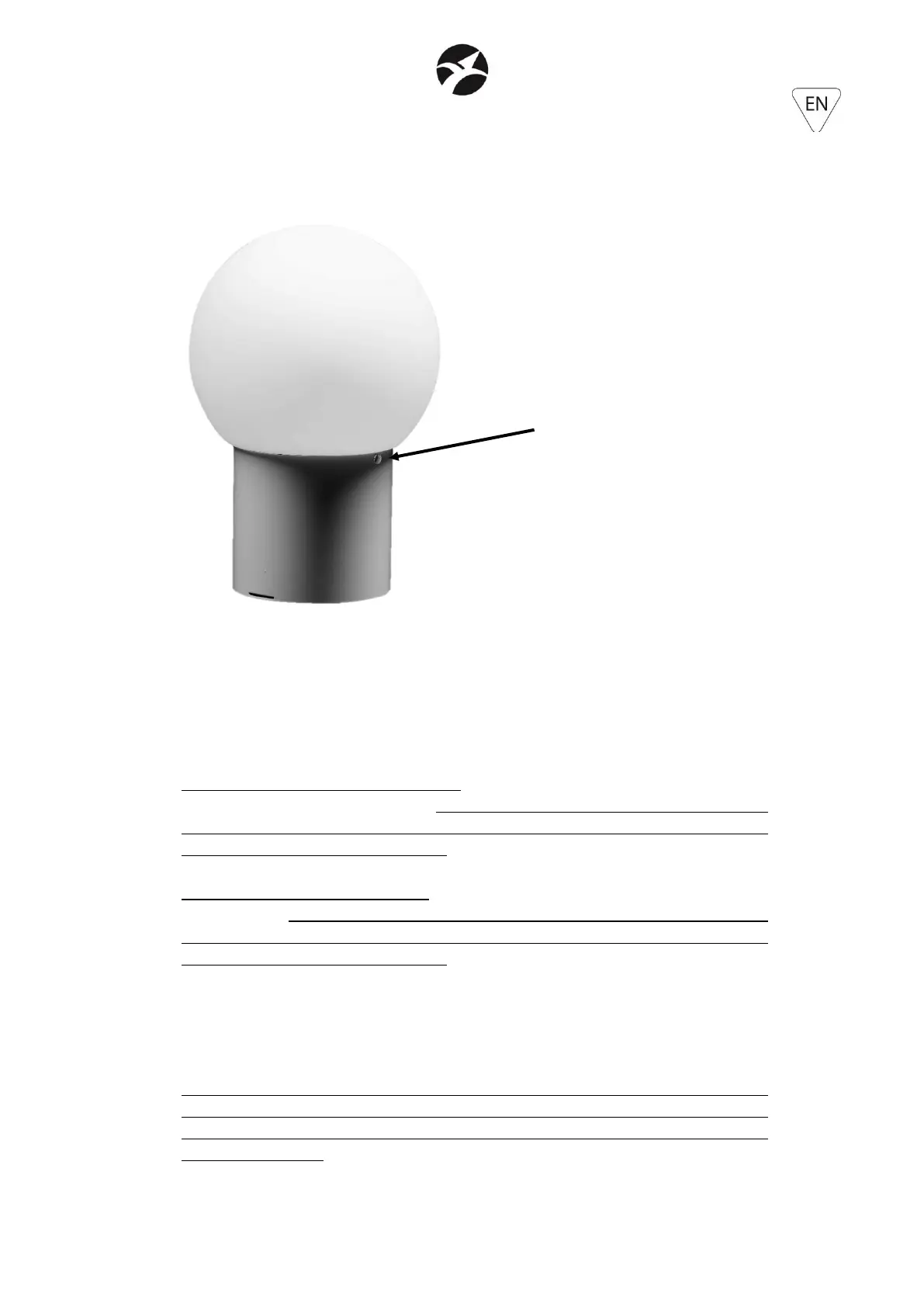
If, in addition to the cover, the anti-glare filter, or the sphere, or the 11cm cylinder, or the 50cm
cylinder, are installed, also in these cases the M4x8 locking knob must be inserted, as it is
capable of block both the cover and any accessory at the same time.
5.7 – PENDANT BRACKET (included in the carton)
The Pendant bracket must be installed on the back of the projector, using the two innermost
screws of the 4 that secure the two mobile brackets. The bracket can be installed either
without these mobile brackets or over them.
INSTALLATION WITHOUT MOBILE BRACKETS: remove the 4 Allen screws, remove the mobile
brackets and install the Pendant bracket using 2 of the 4 removed screws. Two of these must
necessarily be used, because that they have the correct length for this type of installation,
otherwise the projector can be damaged.
INSTALLATION WITH MOBILE BRACKETS: remove only the 2 innermost Allen screws and fix the
Pendant bracket using the 2 M4x15 Allen screws supplied. These M4x15 Allen screws must
necessarily be used, because that they have the correct length for this type of installation,
otherwise the projector can be damaged.
The difference between the two types of installation is that in the installation with mobile
brackets it is also possible to install the covers, otherwise not possible if the mobile brackets
are removed.
In case of installation with mobile brackets and cover, the cover must necessarily be installed
before the Pendant bracket. Once the cover has been correctly installed, the two internal
Allen screws can be removed and the pendant bracket can be installed using the two M4x15
Allen screws supplied.


 To Next Page
 Loading...