5 – Update Firmware
Installing the firmware
1. Connect the control module to a Windows PC with USB
connection. The USB port of the PC supplies the
microprocessor of the control module with sufficient
voltage. Therefore, make sure that the CNC controller's
external power supply is disconnected or switched off.
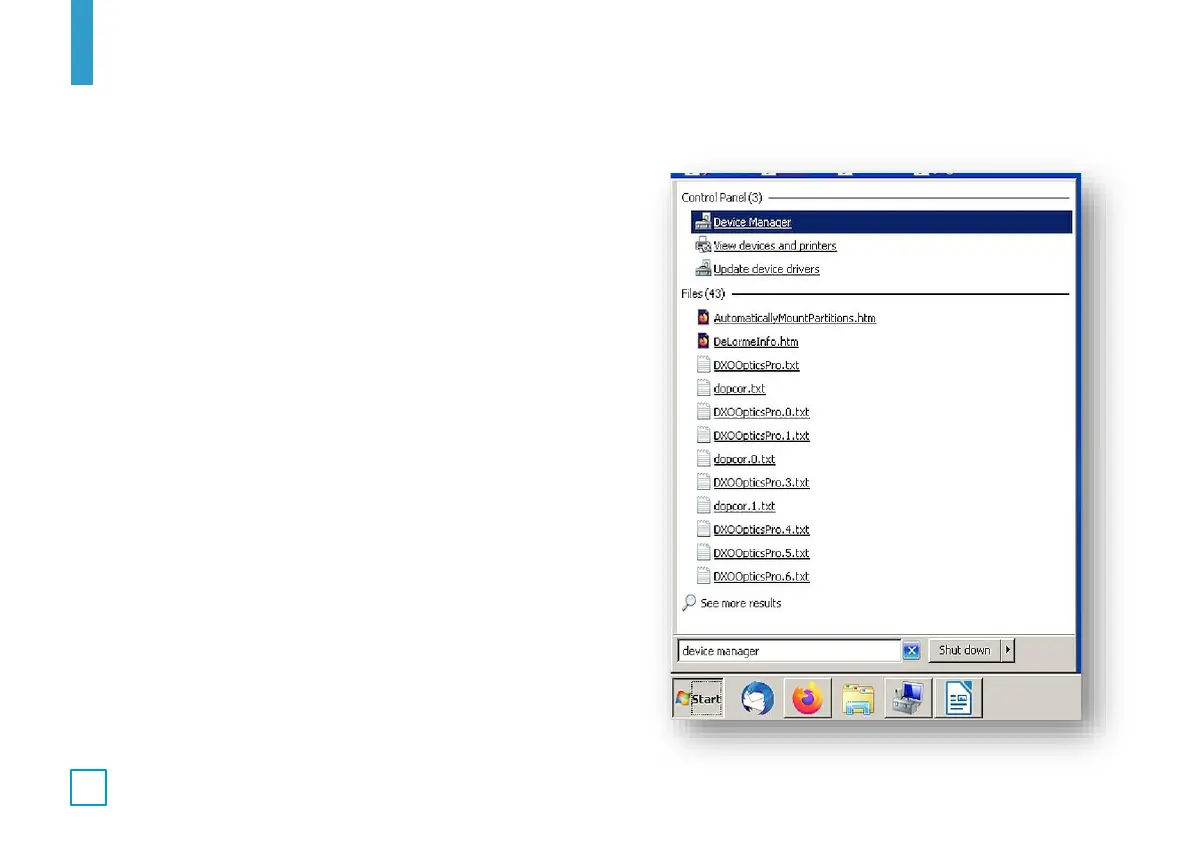
2. Find the Device Manager application by typing "Device
Manager" in the Windows 7 "Start" window. For
Windows 10, type "Device Manager" in the search
window. Start the Device Manager application by left-
clicking it.



 To Next Page