5 – Update Firmware
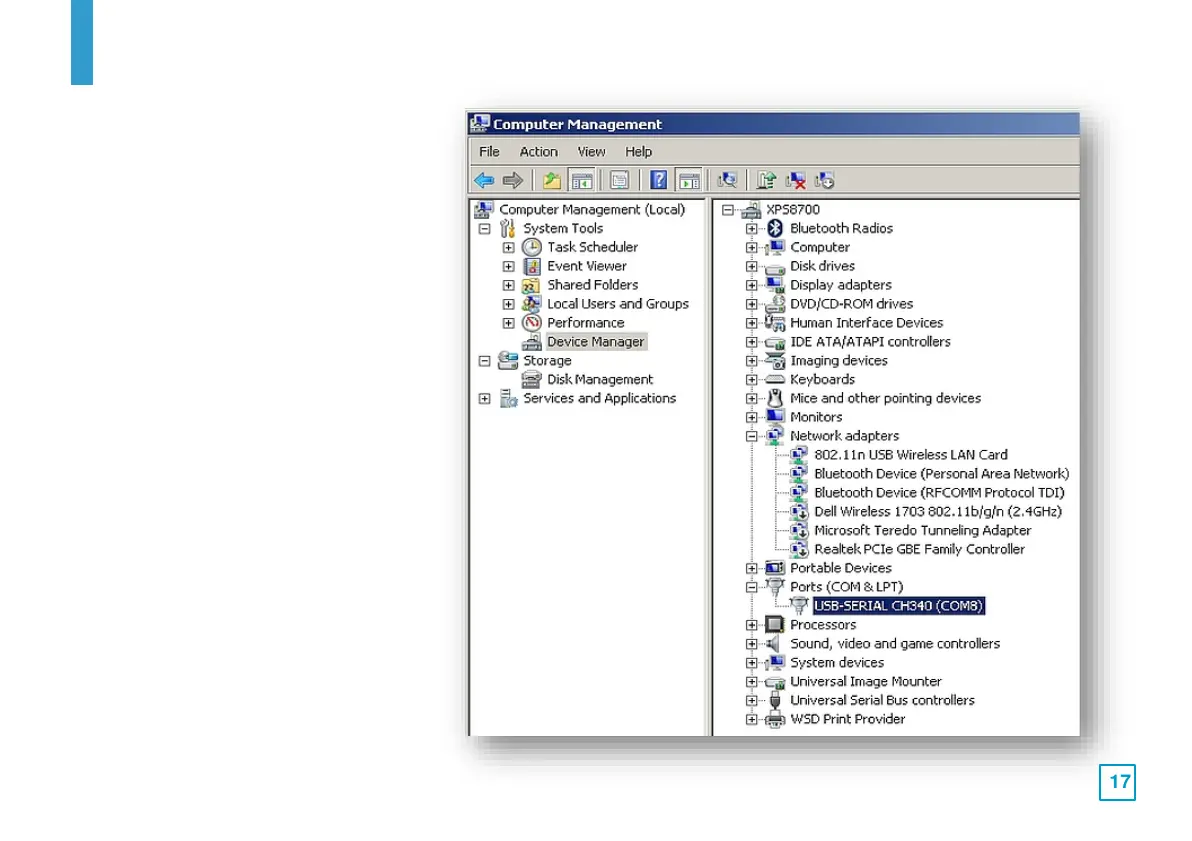
3. In Device Manager, locate the
"Ports (COM & LPT)" entry and
click it to display the active
driver that is in use. For this
CNC control boards, it should be
"CH340", but it may display
different COM port numbers.
Make a note of the COM port
number as it will be needed
later.



 To Next Page