
 Need help?
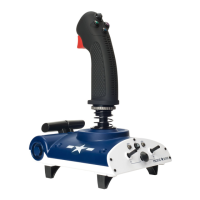
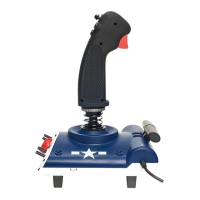
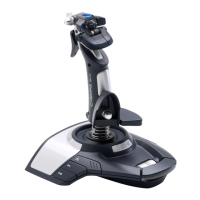
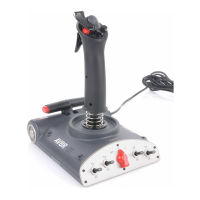
Do you have a question about the Saitek Aviator and is the answer not in the manual?
Attaches the wrist rest to the joystick base using supplied screws.
Installs the joystick on a PC via USB and downloads drivers from Saitek.com.
Installs the joystick on an Xbox 360 via USB.
Switches between M1 and M2 modes for different game configurations.
Assigns buttons and axes for PC flight games not covered by default modes.
Information on getting help, troubleshooting, and contacting support.
Details of the product warranty terms, exclusions, and claims process.
Covers FCC compliance and CE marking information for the device.
 General
| Device type | Joystick |
|---|---|
| Buttons quantity | 4 |
| Connectivity technology | Wired |
| Compatible operating systems | Windows XP, XP64, Windows Vista |

 To Next Page