EasyManua.ls Logo

Saitek SmartCharger - TROUBLESHOOTING SPECIFIC SYMPTOMS; 9 V LED Indicator Issues; LCD Display Anomalies; Premature Charging Start

Saitek SmartCharger
13 pages
Print Icon
To Previous Page IconTo Previous Page
Loading...
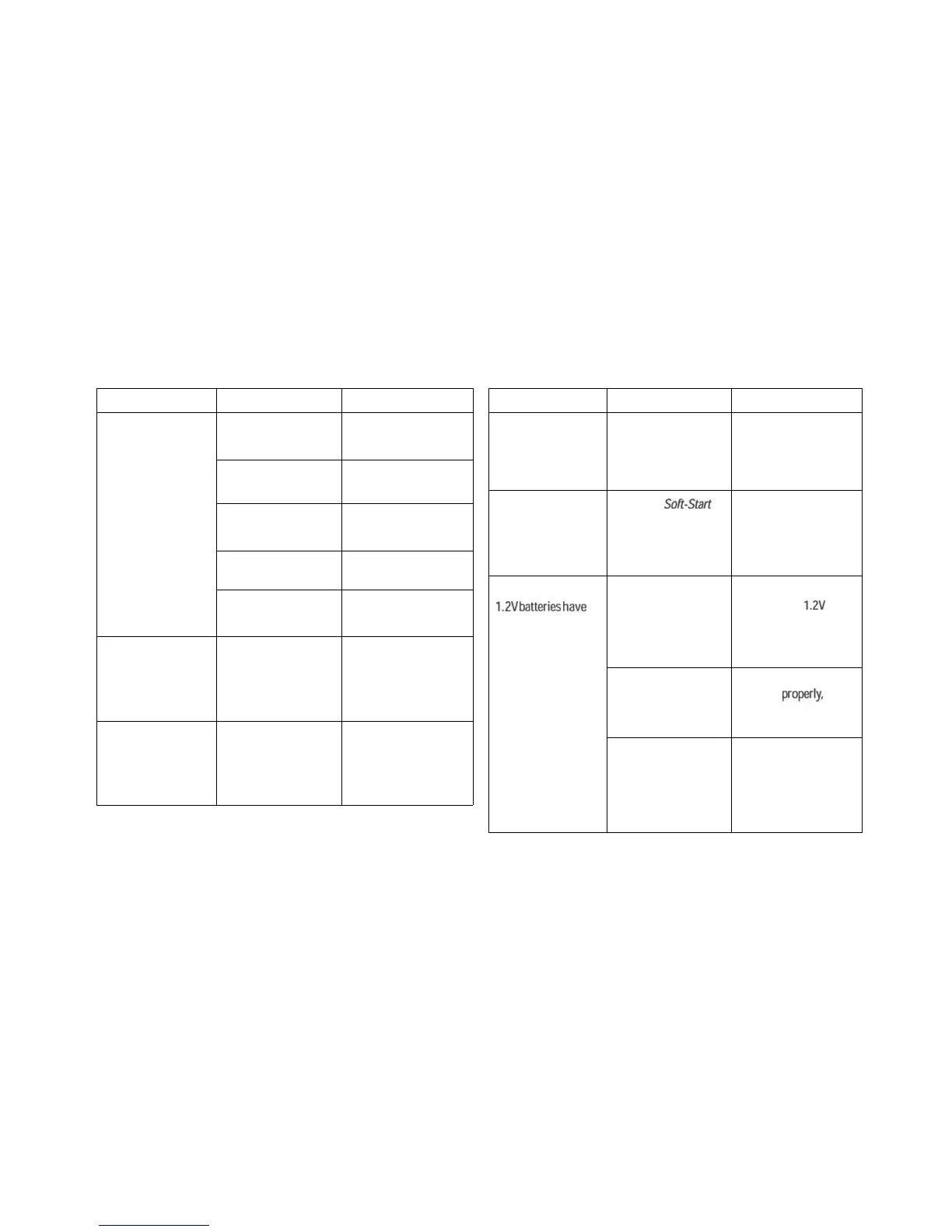
TROUBLESHOOTING GUIDE TROUBLESHOOTING GUIDE
SYMPTOMS
The 9V LED does not
flash after a 9V battery
is inserted.
There is an absurd LCD
display when the
power is first turned
on.
Battery charging starts
before the lid is closed.
POSSIBLE CAUSES
Dirty 9V contacts.
Battery inserted with
wrong polarity.
Battery not inserted
firmly,
Bad battery.
9V channel defects,
Static hang up.
Defective unit.
ACTION TO TAKE
Clean the contact with
a soft cloth.
Correct the polarity.
Secure the battery into
the contacts firmly.
Insert another 9V
battery.
Contact your local
distribution centre.
Remove all batteries.
Unplug the jack and
wait 5 seconds before
plugging the unit in
again.
Contact your local
distribution centre.
SYMPTOMS
The DISCHARGE
button does not
respond when in IDS
mode.
Pressing and holding
the DISCHARGE button
for 3 seconds does not
switch to IDS mode.
Some of the recharged
1.2V
batteries
have
a
low battery life or no
output at all.
POSSIBLE CAUSES
Defective unit.
It is not in Soft-Start
Charging mode.
More that one battery
being recharged at the
same time. Some are
loose or have bad
contact.
Bad batteries.
Some batteries may not
be capable of high
current recharging so
they will not be fully
charged.
ACTION TO TAKE
Contact your local
distribution centre.
Press and hold
DISCHARGE for 3
seconds to switch to
IDS mode only in Soft-
Start mode.
Put those batteries
back into the
1.2V
channels and close the
lid to recharge again.
Dispose of the faulty
batteries
properly,
as
directed by local
authorities.
Try to recharge the
batteries in packs of 3
or 4.

Related product manuals