- 12 -
to the computer until the entire installation process has been completed. We suggest you follow the
step by step instructions that will appear on your screen during the installation process.
Software & Camera Driver Installation
1. Insert the CD into your CD-Rom drive. Make sure that your camera is not connected to the
computer.
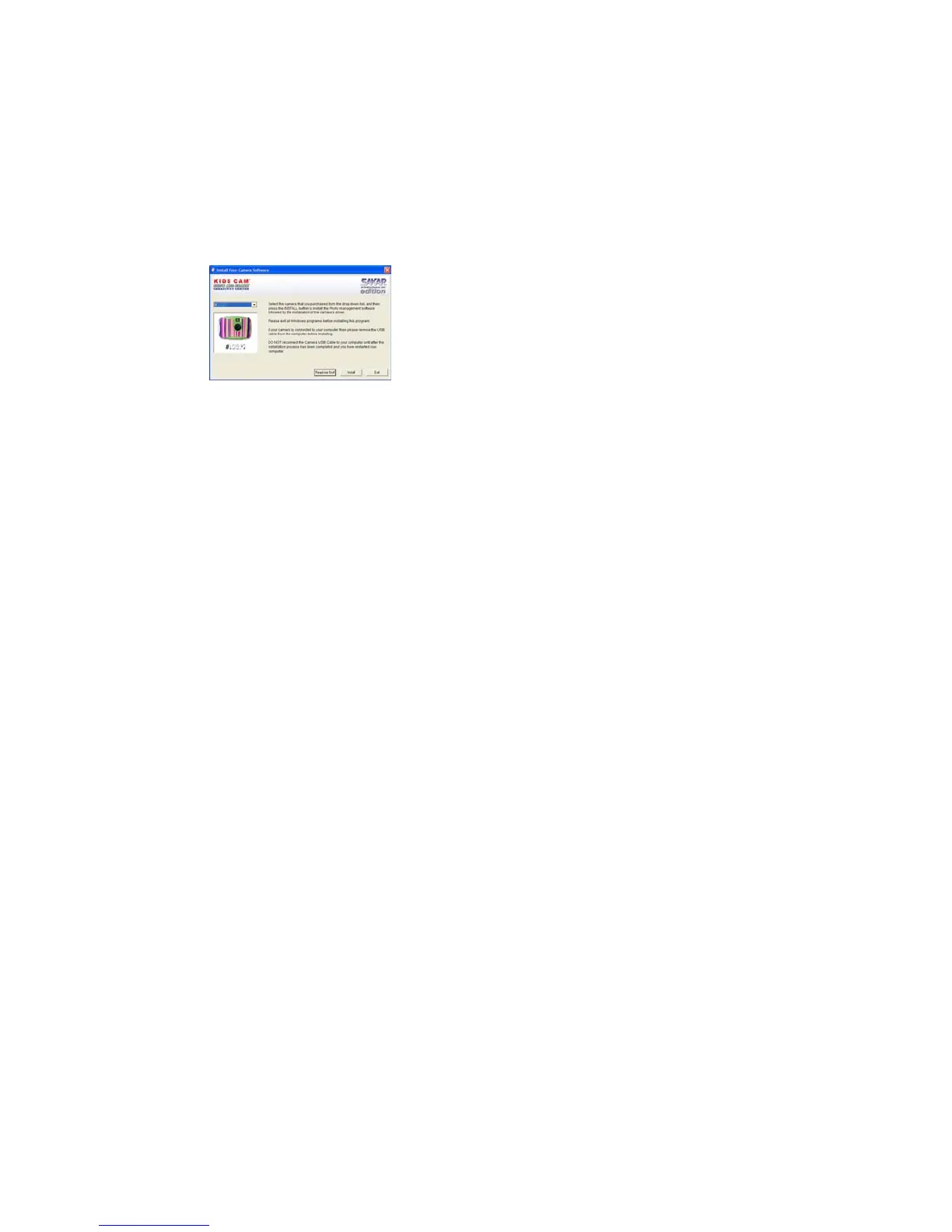
2. For WIN 2000 or WIN XP operating systems - On the “Install your camera software” screen,
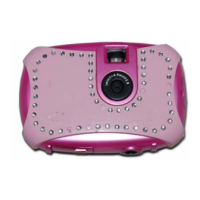
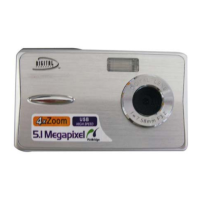
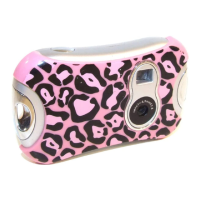
select your camera model from the drop down list and click the “Install” button to install Kids
Cam Show and Share Creativity Center followed by the installation of PhoTags WebCam
Express and your camera driver.


 To Next Page