The Camera Modes
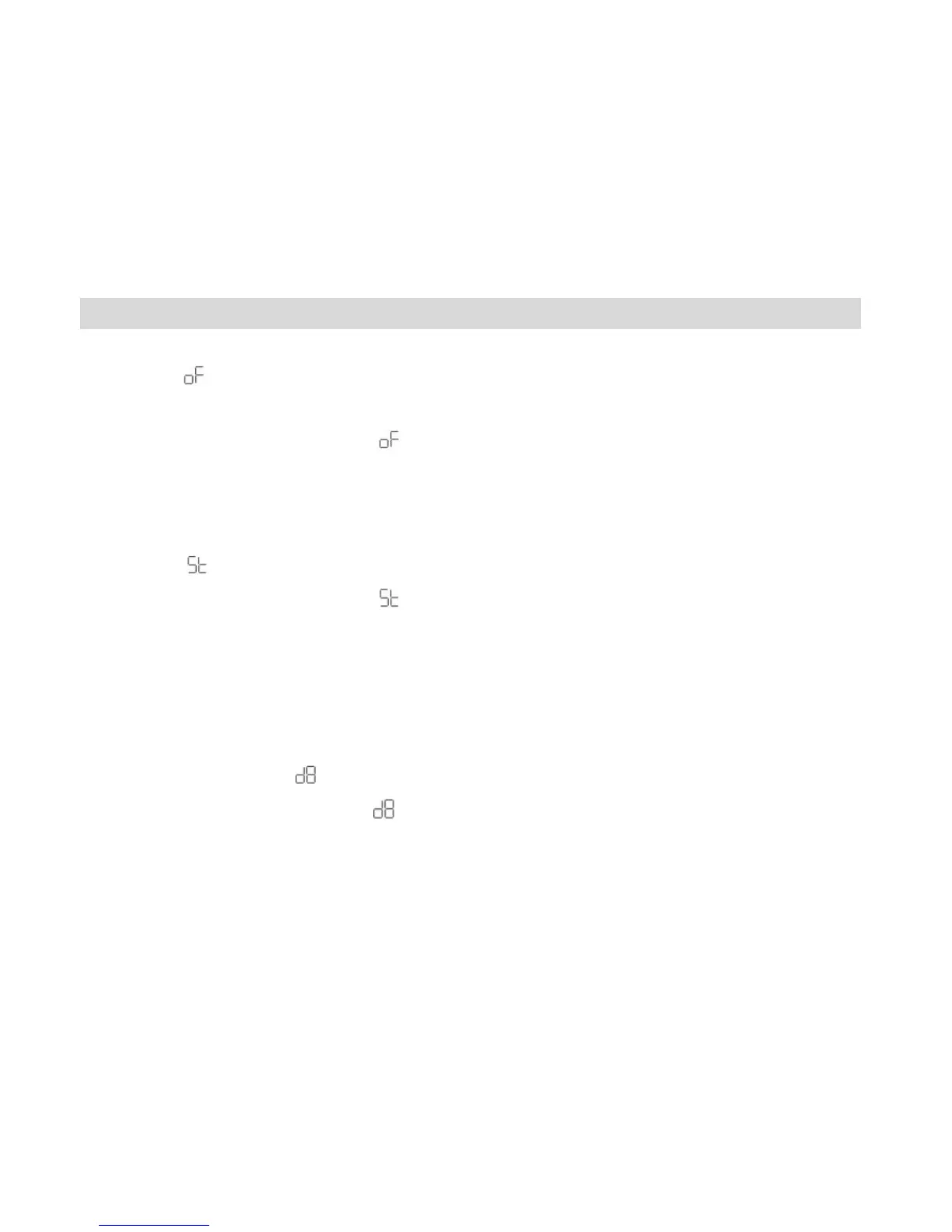
Power Off -
1. Press the MODE button for the icon to appear on the LCD screen.
2. Press the Shutter button and the camera will switch off.
Self-Timer -
1. Press the MODE button for the icon to appear on the LCD screen.
2. Press the Shutter button.
3. A 10 second count down will start (the camera will beep once a second).
4. After 10 seconds a photo will be taken.
Continuous Shot Mode - (video)
1. Press the MODE button for the icon to appear on the LCD screen.
2. Hold the Shutter button down for the camera to continuously shoot the video.
3. The camera will beep and the countdown digits will appear all the while the video is being
taken.



 To Next Page