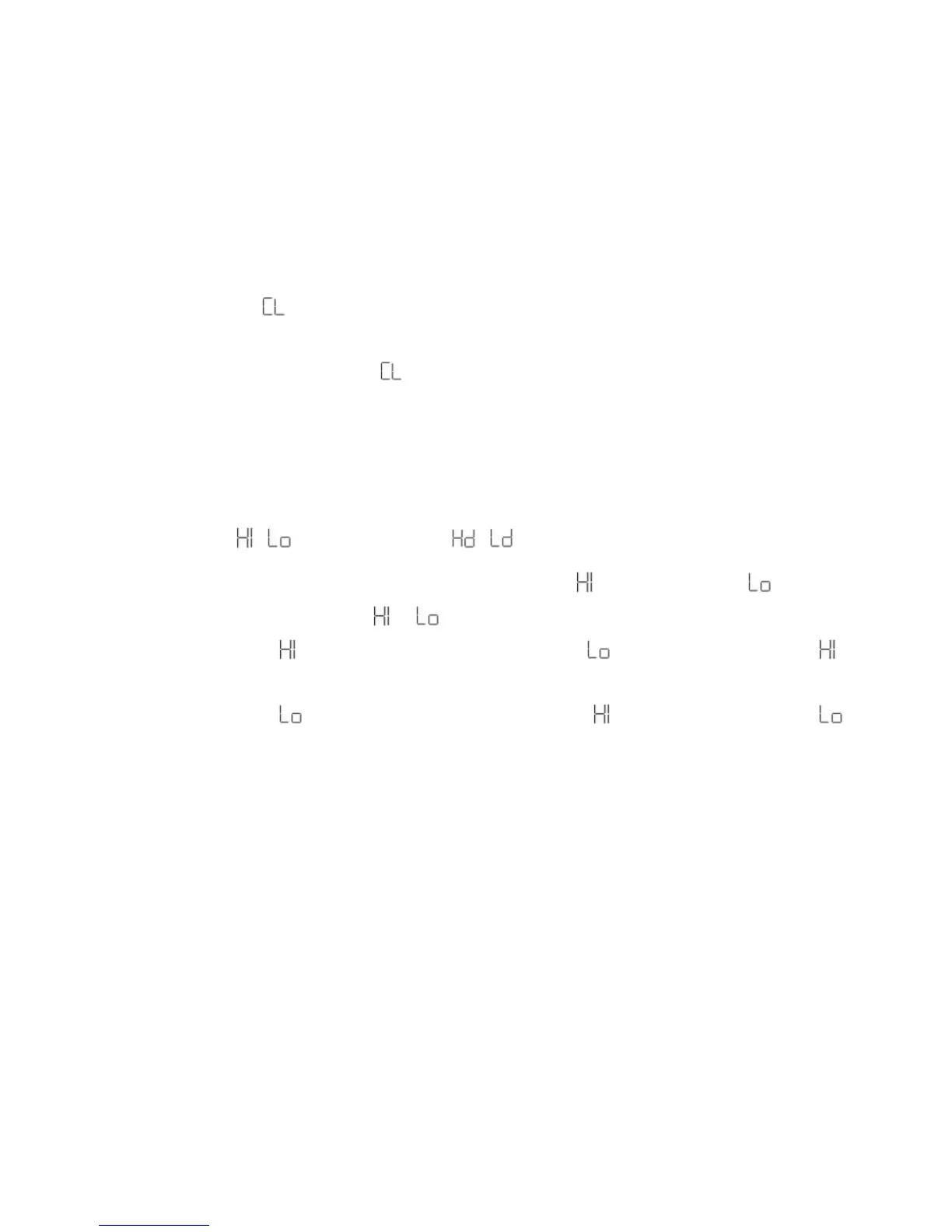
Delete (Last Photo) -
To delete the last photo taken:
1. Press the MODE button for the icon to appear on the LCD screen.
2. Press the Shutter button within 5 seconds and the last photo will be deleted.
3. The LCD counter will display the updated number of photos that can be taken at
the current resolution and compression.
Photo Resolution / and Compression /
There are 2 photo resolutions to select from, high resolution – or low resolution – .
1. Press the MODE button for the or icons to appear on the LCD screen.
2. If the LCD displays this means the present resolution is and in order to change to ,
click the Shutter button.
3. If the LCD displays this means the present resolution is and in order to change to ,
click the Shutter button.
4. All photos taken after changing the resolution setting will be taken at the new resolution.
5. The resolution setting can be changed at anytime.
Note: Photos taken at higher resolution take up more of the camera`s memory and therefore less
photos can be taken at high resolution that with low resolution



 To Next Page