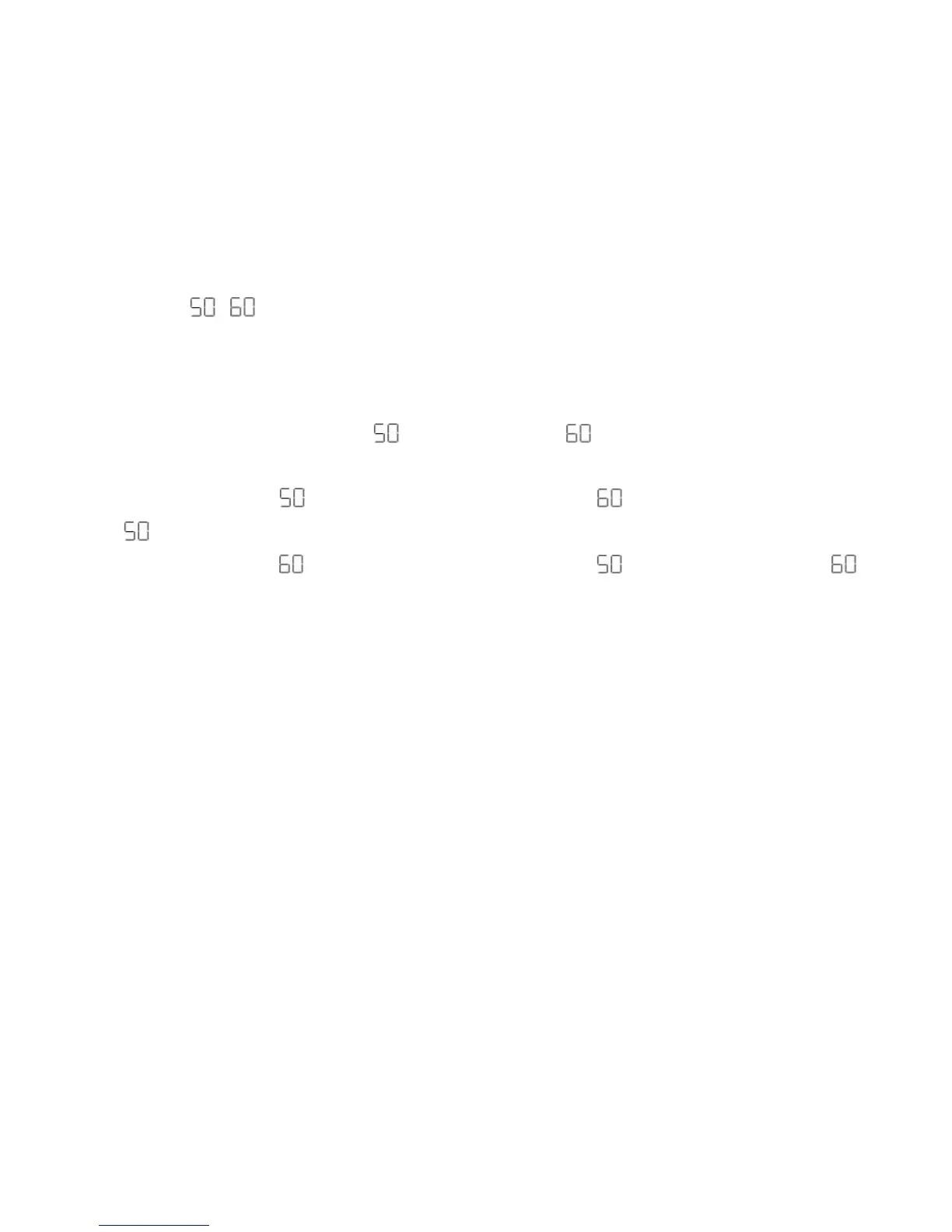
Frequency - /
The camera has 2 Frequency settings, 50HZ for Asia and Europe, and 60HZ for the
U.S. and Japan. To set the camera for the correct frequency:
1. Press the MODE button for the for 50HZ or the icon for 60HZ icons to appear on the
LCD screen
2. If the LCD displays this means the present frequency is and in order to change to
click the Shutter button.
3. If the LCD displays this means the present frequency is and in order to change to
click the shutter button.
4. All photos taken after changing frequency will be at the new frequency.
Energy Save Mode:
To conserve battery power, if the camera is not in use for 30 seconds, it will
automatically switch off.



 To Next Page