10
Software Installation: Photags Express and WebCam Express
NOTE: Before attempting to install the software, make sure that you do not have the camera’s USB cable
attached to your computer. This will affect the install process and can cause a failed installation of the
camera software and drivers.
Software & Camera Driver Installation
1. Insert the CD into your CD-Rom drive. Make sure that your camera is not
connected to the computer.
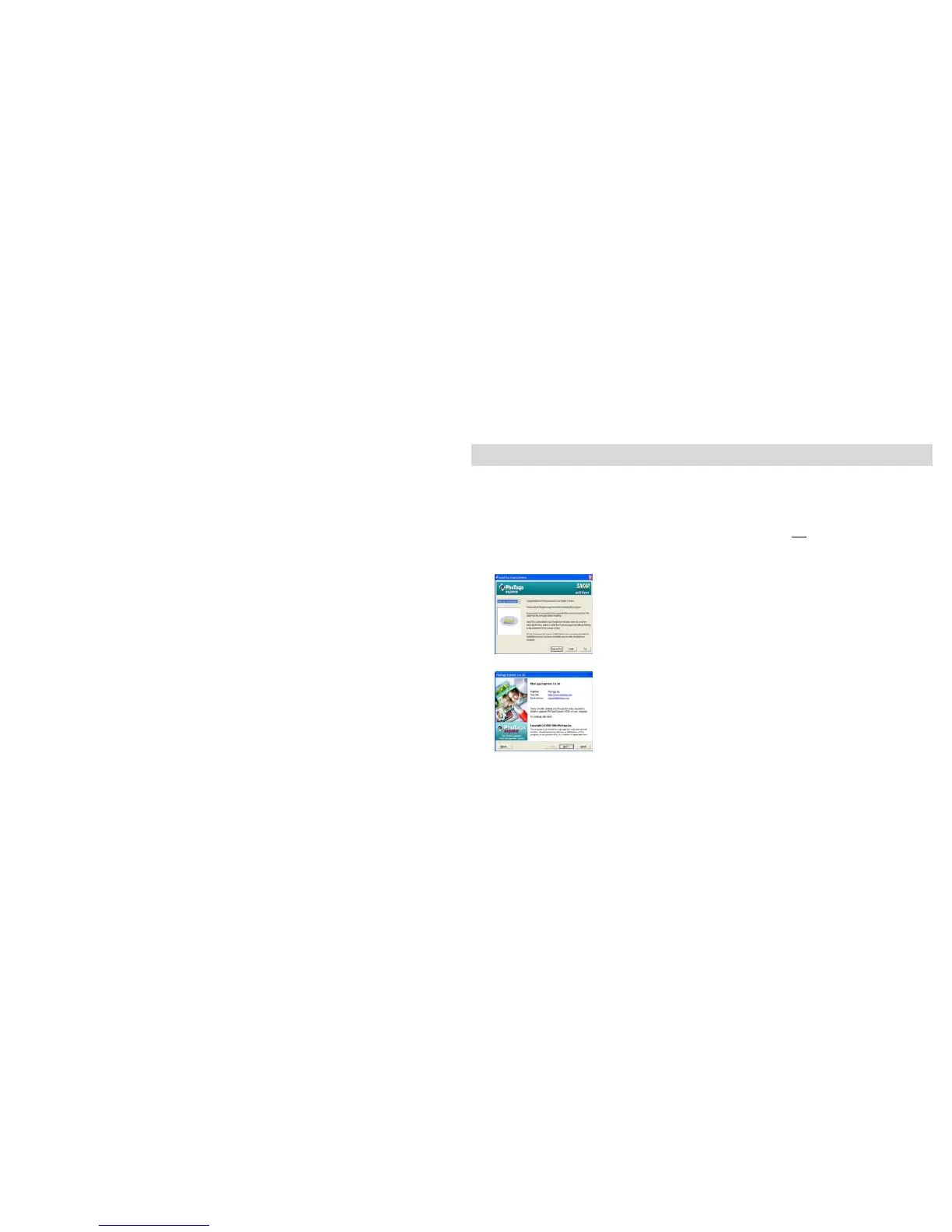
2. On the “Install your camera software” screen, select the camera from the dropdown list on the left
and then click the “Install” button to install the PhoTags Express software.
The WebCam Express software will be automatically installed.
3. On the “PhoTags Express" screen, click the “Next” button.



 To Next Page