26
Webcam:
You can use this Webcam to chat with friends and family, sending live video feeds straight to them.
NOTE: In order to use this Webcam you must make sure that you have YAHOO MESSENGER Ver 5.5 or
later.
1. Start Yahoo messenger.
2. Select the “Tools” listing on the top of the toolbar. Go to the drop down menu and select the listing for
“Start My Webcam”.
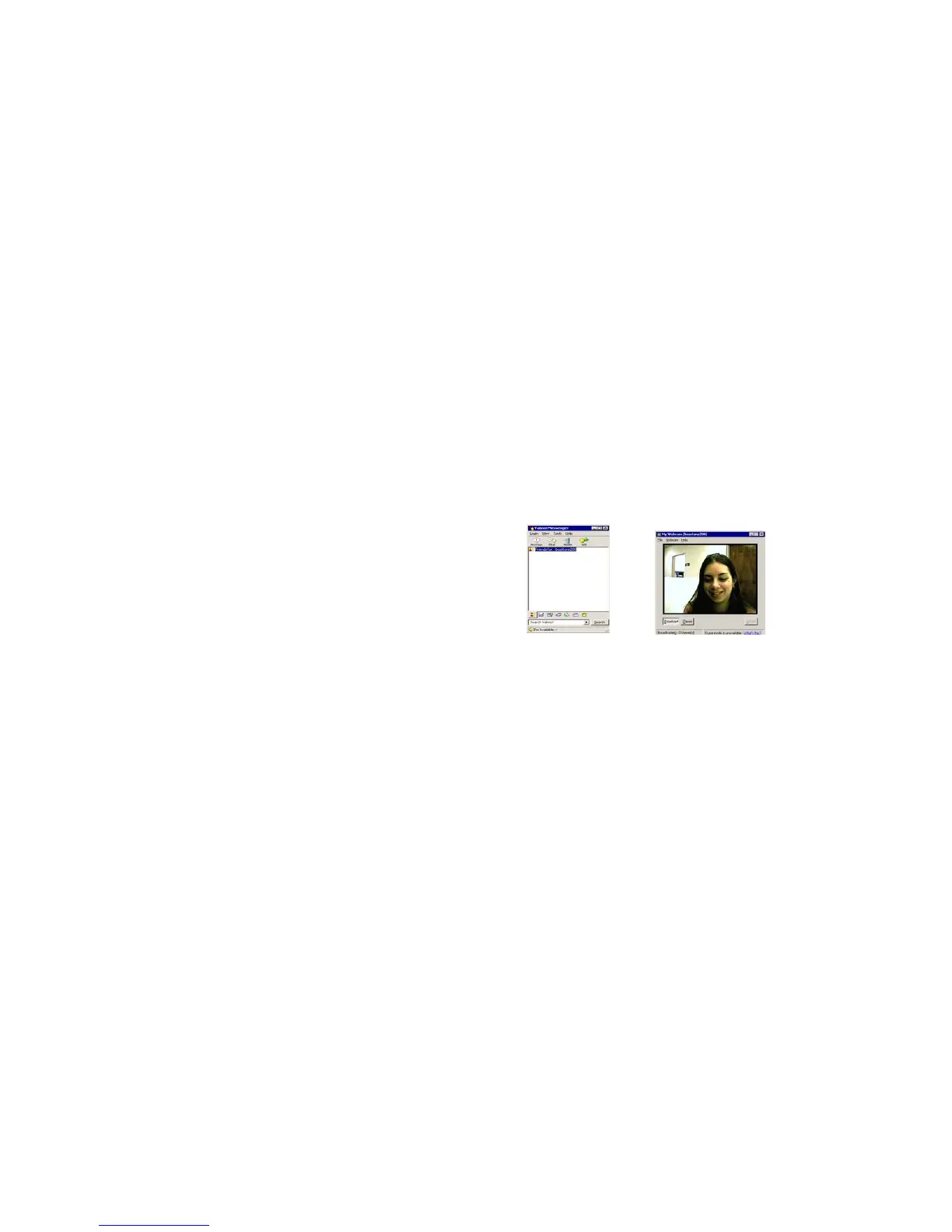
3. You will see a window appear with your video that you are playing. Now people who have your Yahoo
login name will be able to see your video.



 To Next Page