Owner’s Manual - 12 -
3. Make sure that your camera is connected and turned ON.
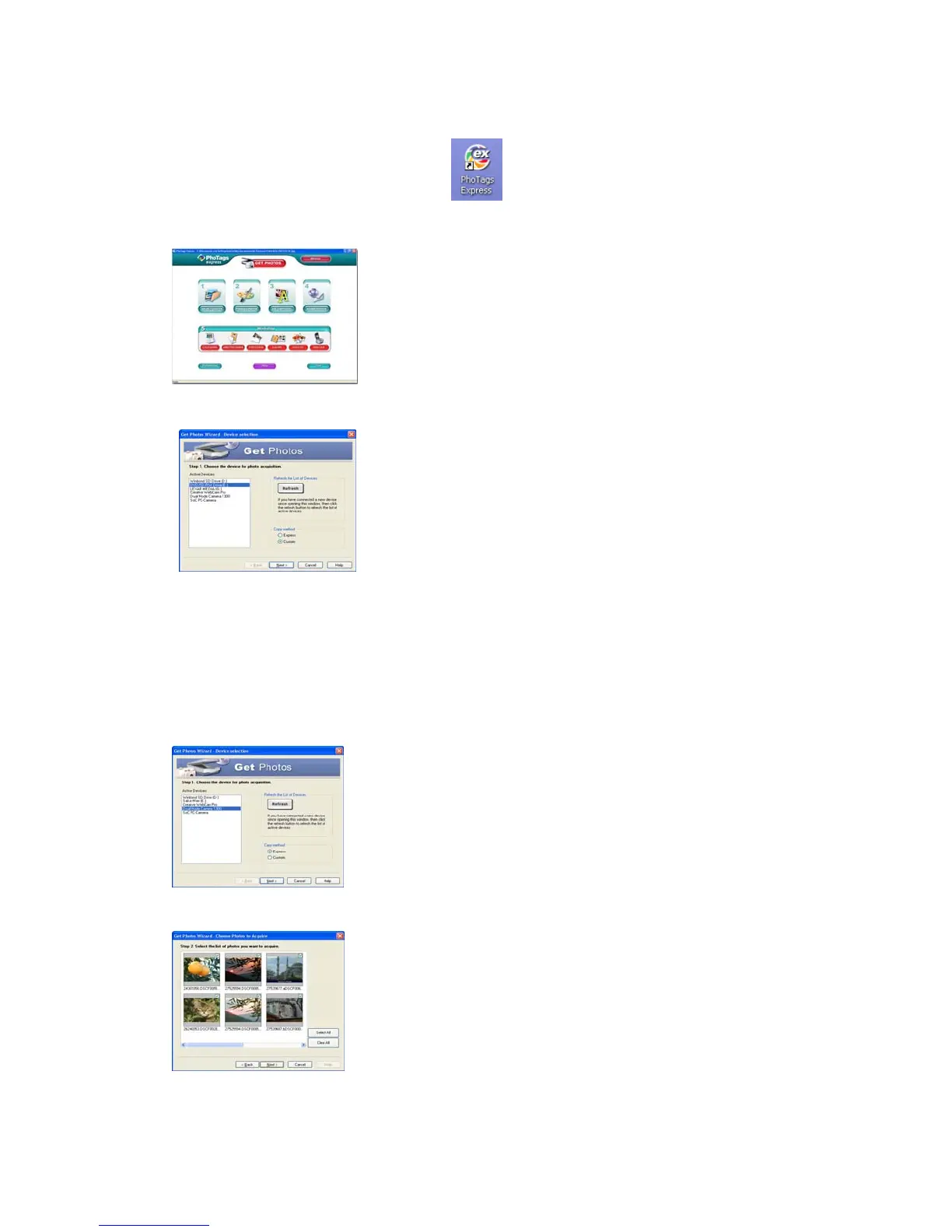
Double-click the “PhoTags Express” icon
on your desktop to launch the “PhoTags
Express” program.
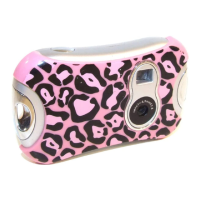
Click on the “Get Photos” button on the Main Menu.
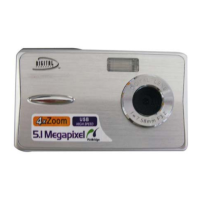
The “Device Selection” mode will appear. Select your camera device. Your camera or memory
card will appear in the “Active devices” list as a “Removable disk”.
Custom Copy Method
This mode is used to manually select the photos you wish to copy to your computer.
Select "Custom Copy". Click "Next" to continue.
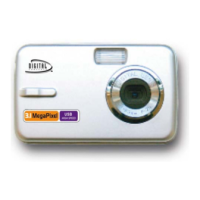
Select your photos and click "Next" to continue.


 To Next Page