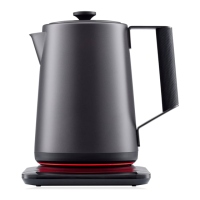
Getting To Know Your Kettle
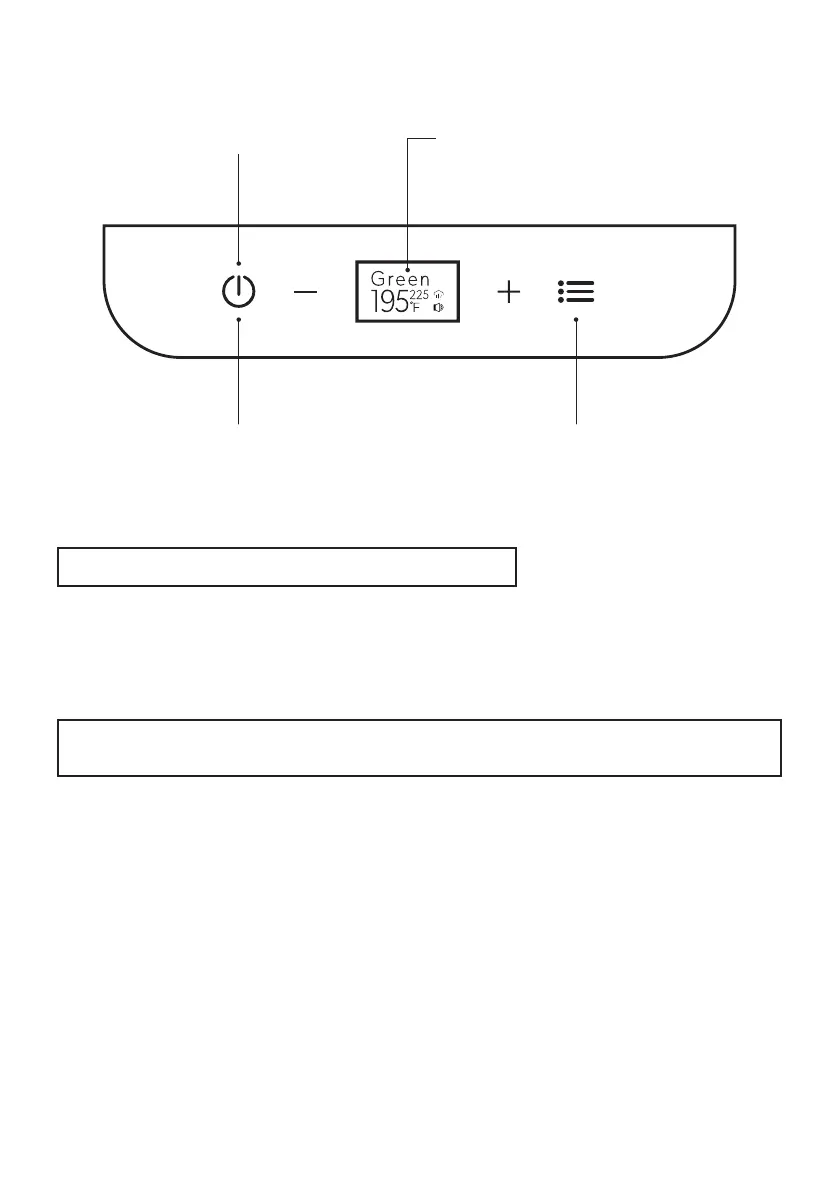
Control Panel Display & Operating Buttons
1. Temperature Display
1. Temperature Display:
4. Power ON/OFF
Live Temperature Readout: When the kettle is placed on the base, the
temperature display will show the current temperature of the water inside.
When a heating cycle is started, the temperature display will show the current
temperature of the water to track progress.
4. Power ON/OFF:
Press to turn on the kettle. The control panel will automatically turn on once pressed.
Press and hold again to turn off the kettle.
2. Manual Temperature Control:
Manually customize the water temperature using the + and - buttons to increase or
decrease by 1°F increments from 104°F to 212°F.
3. Preset Selection:
Press to select between 7 one-touch presets.
Green : 175°F
White : 185°F
Oolong : 195°F
Coffee : 200°F
Black : 205°F
Herbal : 210°F
Boil: 212°F
Automatic Shutoff:
The kettle will automatically power off after 1 hour of inactivity.
Note: The temperature accuracy of the kettle is +/- 3°F.
Note: To change the temperature display from Fahrenheit to Celsius, press and hold
tempereature + and - buttons for 2 seconds.
3. Preset Selection2. Manual Temperature Control
6


 To Next Page