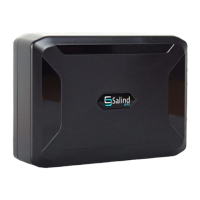
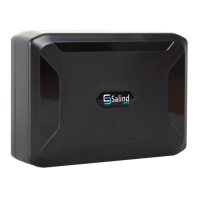
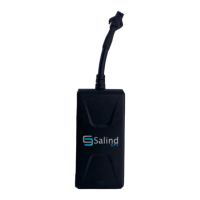
GPS-Tracker 2020 by SALIND with Online-Tracking V.1.0 EN
© SALIND UG (haftungsbeschränkt)
3
1.5 Turning on
When activation is successful, turn on the Finder by
sliding the switch located under the protective rubber
to the right. The LED lights then activate. To switch
off, move the switch to the left.
For the initial startup of the GPS-Tracker 2020
uncovered locations, such as the garden or the
terrace (i. e. not inside the home, the garage, the
cellar or the like) are recommended.
1.6 Use
Once the activation and switching on of the FINDER
has been successful, you can attach the FINDER to a
location of your choice and view the position of the
FINDER using a smartphone, tablet or PC. Please use
our app or go to the following website:
www.finder-portal.com
The portal will support you step by step in its
functions.
1.7 Meaning LED lights
green LED – GPRS status
standby mode
If the GPS tracker is not (no
longer) moved, the GPS
signal turns off. As soon as
the GPS tracker is moved
again, the GPS signal
automatically switches on
again.



 To Next Page