English - 25 -
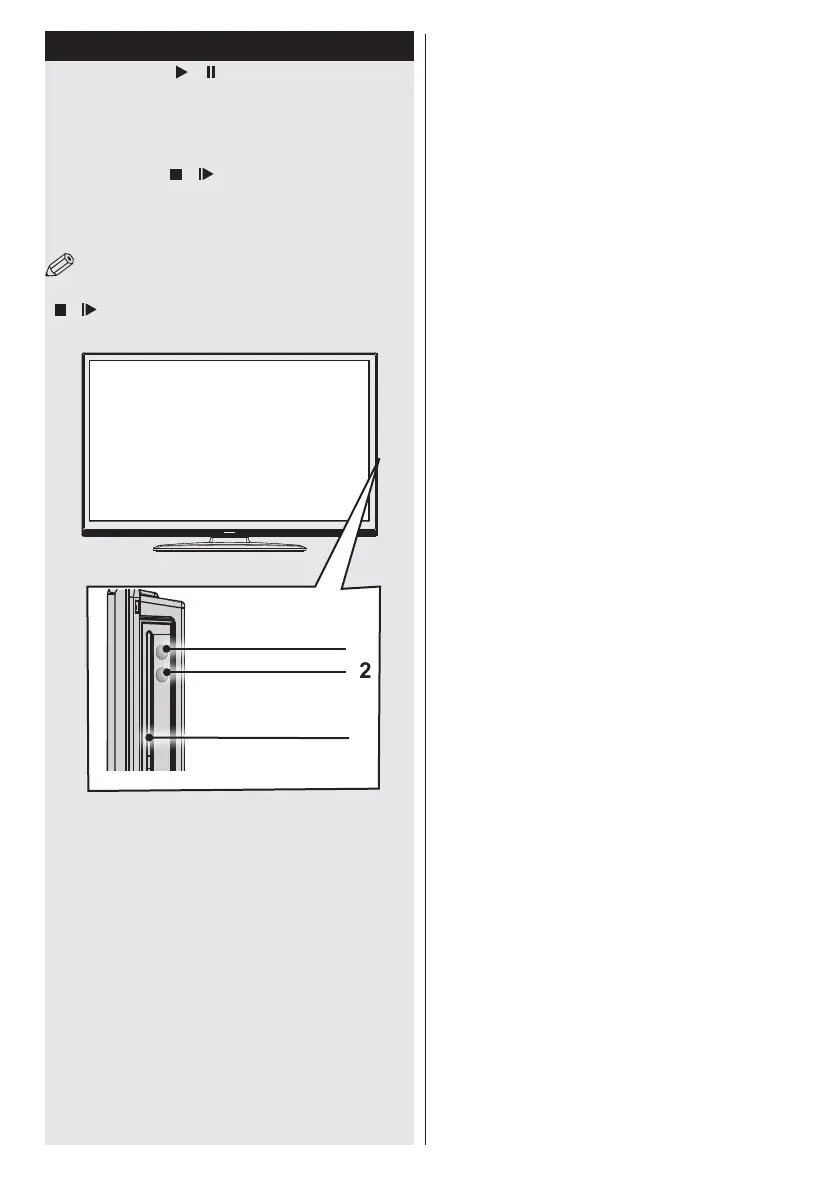
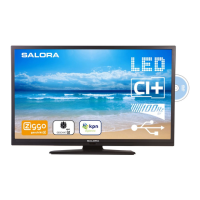
DVD - Control buttons
1. Play / Pause ( / ) button
Plays / pauses the disc. When DVD menu (root
menu) is active, this button functions as “button
select” (selects the highlighted item in menu) if
this is not prohibited by the disc).
2. Stop / Eject ( / ) button
Stops the disc playing / Ejects or Loads the
disc.
3. Disc loader
NOTE: You cannot eject the disc via the remote control.
To eject while playing a le; you should press the STOP button
“ / ” (on the TV) three times.
2
3
1


 To Next Page