English - 50 -
Media Browser Menu
You can play photo, music, and movie les stored
on a USB disk by connecting it to your TV. Connect
a USB disk to one of the USB inputs located on the
side of the TV. Pressing the Menu button while in the
Media Browser mode will access the Picture, Sound
and Settings menu options. Pressing the Menu button
again will exit from this screen. You can set your Media
Browser preferences by using the Settings Menu.
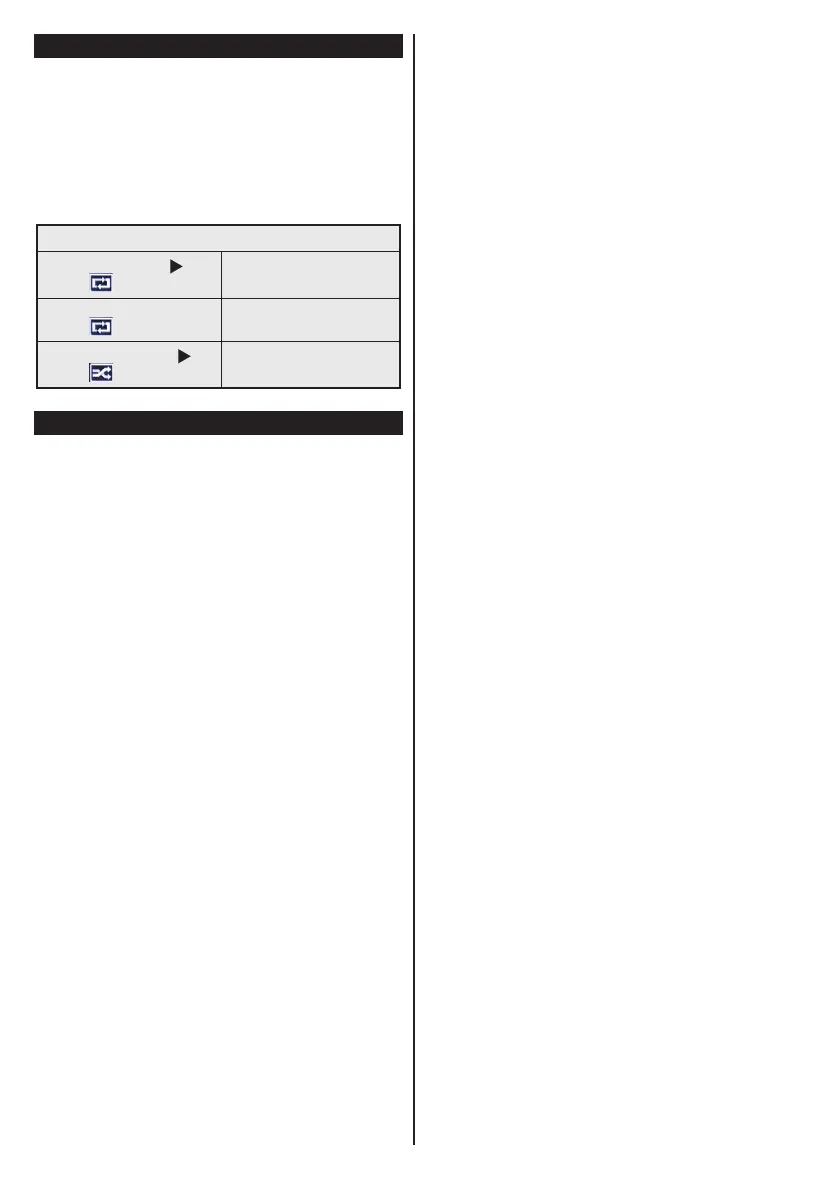
Loop/Shufe Mode Operation
Start playback with and
activate
TV plays next file and loop
the list.
Start playback with OK and
activate
The same le will be played in
a loop (repeat).
Start playback with OK/ and
activate
The file will be played in a
shufe.
Quick Menu
Quick Settings menu allows you to access some
options quickly. This menu includes Power Save
Mode, Picture Mode, Equalizer Settings, Favourites
and Sleep Timer options. Press Q.MENU button
on the remote control to view quick menu. See the
following chapters for the details of the listed features.


 To Next Page