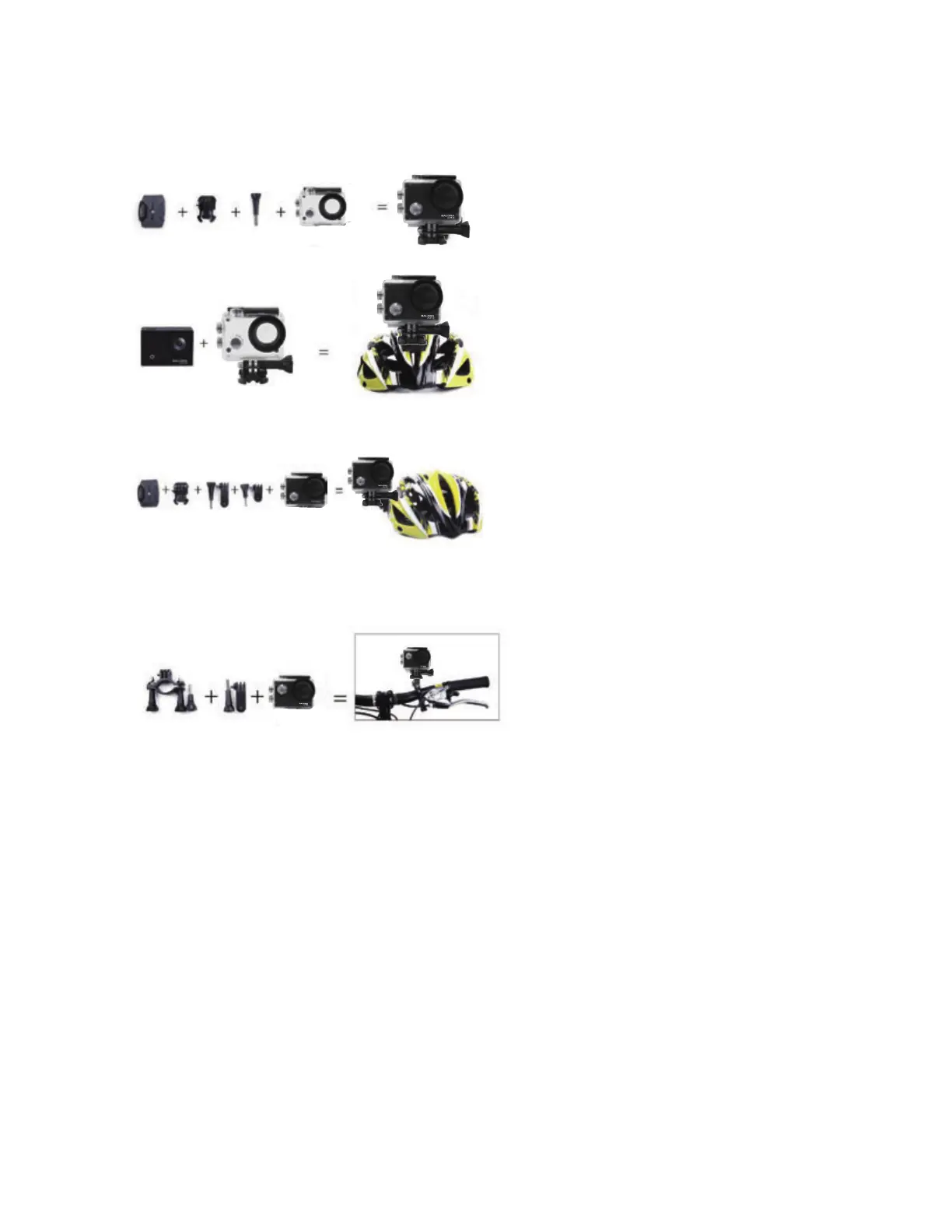
Accessories instructions on helmet mount
Accessories instructions on bicycle mount and clip
1. Inserting Micro SD Card
Note: Please choose branded Micro SD card and format it on computer before
use. Neutral cards are not guaranteed to work normally.
2. Installing and removing batteries
Press on battery cap to open it.
Correctly install battery into camera as indicated by +/- symbols and
direction of arrows marked on battery until it’s in place.


 To Next Page