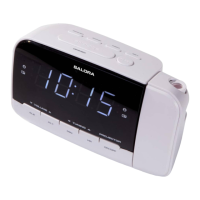
Instructions Guide
Please note all (Ref.) refer to the Controls and Functions
mapping guide on Pages 1-2.
Basic Operation
Plug the power supply plug into the mains and the connector
into the back of the system labelled DC IN (Ref.13).
Power Supply ON/OFF at back of system (Ref.12).
Fully extend the antenna (Ref.15) so that it can rotate to get the
best FM signal.
Press the ‘Standby/Mode’ button (Ref.1) to turn the unit on.
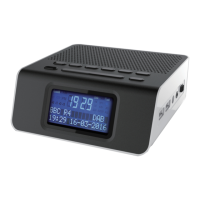
The system should go straight to DAB Radio mode and
automatically start scanning for stations. The display will show
“Searching” and can take a few minutes to scan.
Press the ‘Standby/Mode’ button (Ref.1) to switch to FM or
press again to switch back to DAB.
Standby
To change the music system back into standby, press and hold
the ‘Standby/Mode’ button (Ref.1).
the button on rear of the unit (Ref.12
mains. The cord must be out of reach of children.


 To Next Page