EasyManua.ls Logo

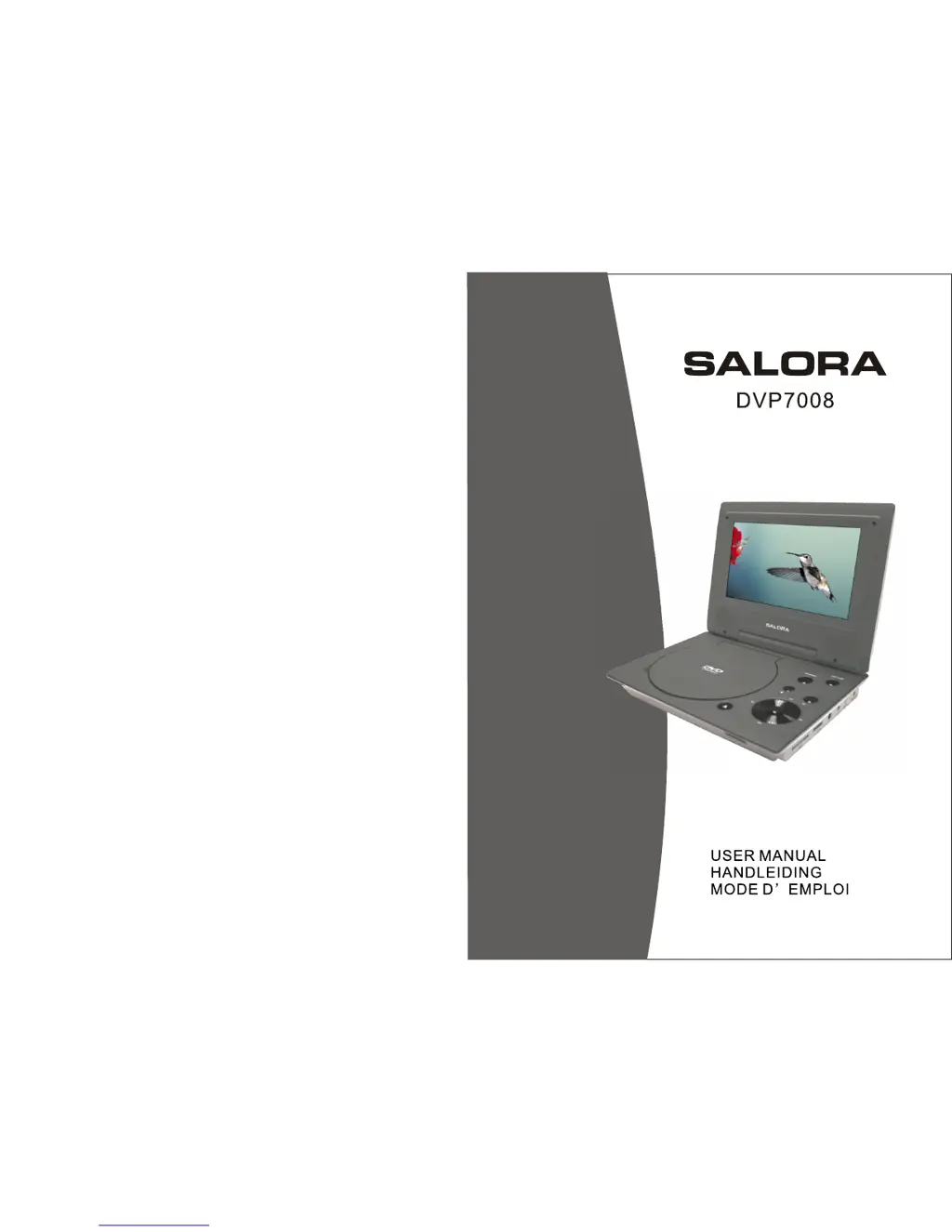
Salora DVP7008 - User Manual

Salora DVP7008
31 pages
Go to English
Print Icon
To Next Page IconTo Next Page
Loading...

Questions and Answers

  • J
    John FletcherAug 10, 2025
    Why can't I skip parts of a DVD on my Salora DVD Player?
    • R
      Richard SimmonsAug 10, 2025
      If you can't advance through a movie on your Salora DVD Player, especially during the opening credits and warning information, it's likely because the disc is programmed to prohibit that action.
  • S
    Seth HollandAug 20, 2025
    Why is forward or reverse scan not working on my Salora DVD Player?
    • J
      Joel CarterAug 20, 2025
      If forward or reverse scan is not working on your Salora DVD Player, it may be because some discs have sections that prohibit rapid scanning or chapter skipping. For example, you usually can't skip through the warning information and credits at the beginning of a movie, as this part is often programmed to prevent skipping.
  • A
    Albert GreerAug 29, 2025
    What does the icon on the Salora DVD Player screen mean?
    • D
      Dana McconnellAug 29, 2025
      If an icon appears on the screen of your Salora DVD Player, the feature or action cannot be completed at this time because: 1. The disc's software restricts it. 2. The disc's software doesn't support the feature (e.g., angles). 3. The feature is not available at the moment. 4. You've requested a title or chapter number that is out of range.

Salora DVP7008 Specifications

General IconGeneral
Remote ControlYes
USB PortYes
HDMI OutputYes
Playable FormatsDVD, DVD-R, DVD-RW, DVD+R, DVD+RW, CD, CD-R, CD-RW
Video OutputsComposite
Audio OutputsStereo
Power SupplyAC 230V, 50Hz

Related product manuals