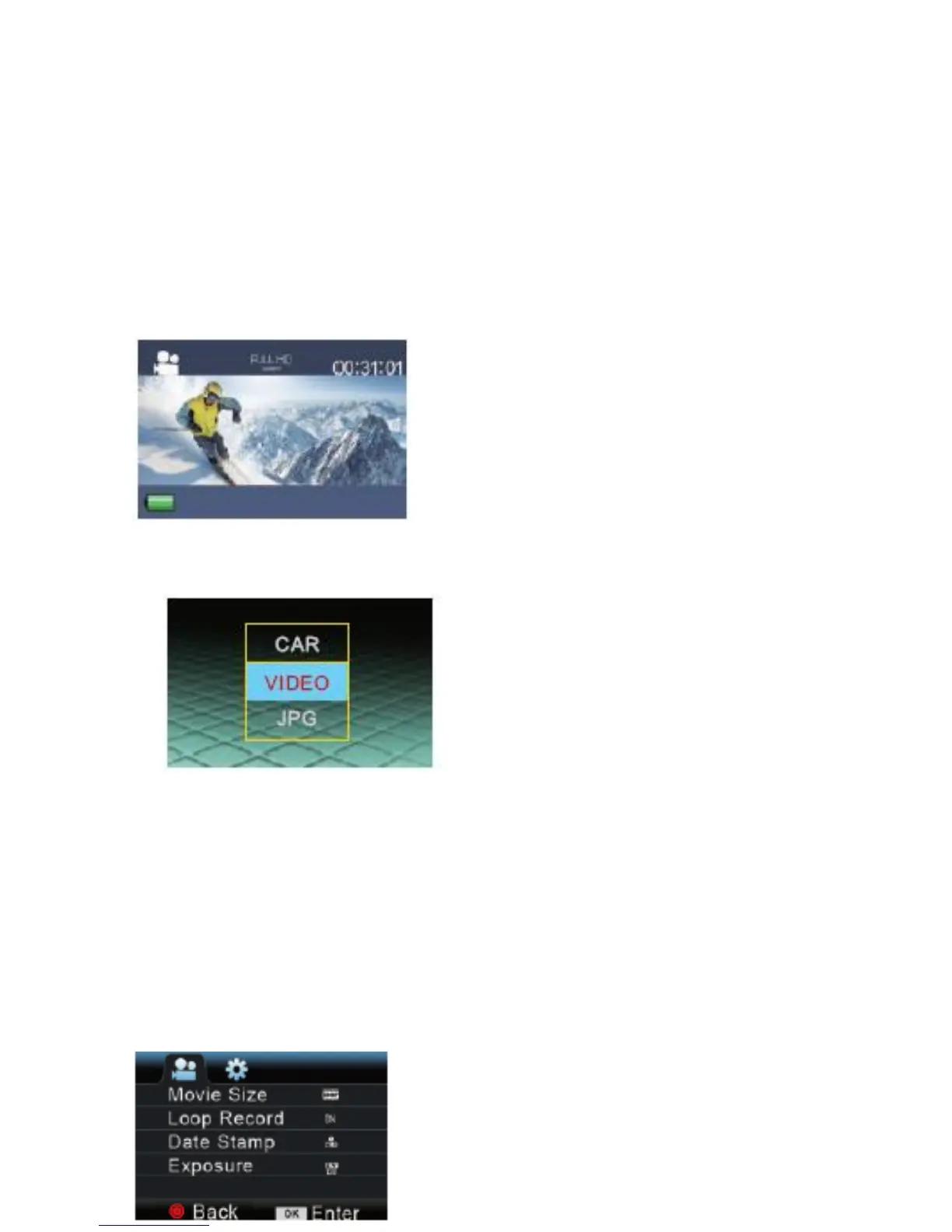
1. Video
Maximum recording time is 29 minutes for each video
sequence. If you want to start another video, pls operate
the video.
2. Playback (Event, Video or JPEG)
3.Settings (Video Settings, Photo Settings,
and System Settings)
To access to Video Settings, go to the Video mode
and press the down button. To access the Photo
Settings, go to the Photo mode and press the down
button.
a. Video Settings:



 To Next Page