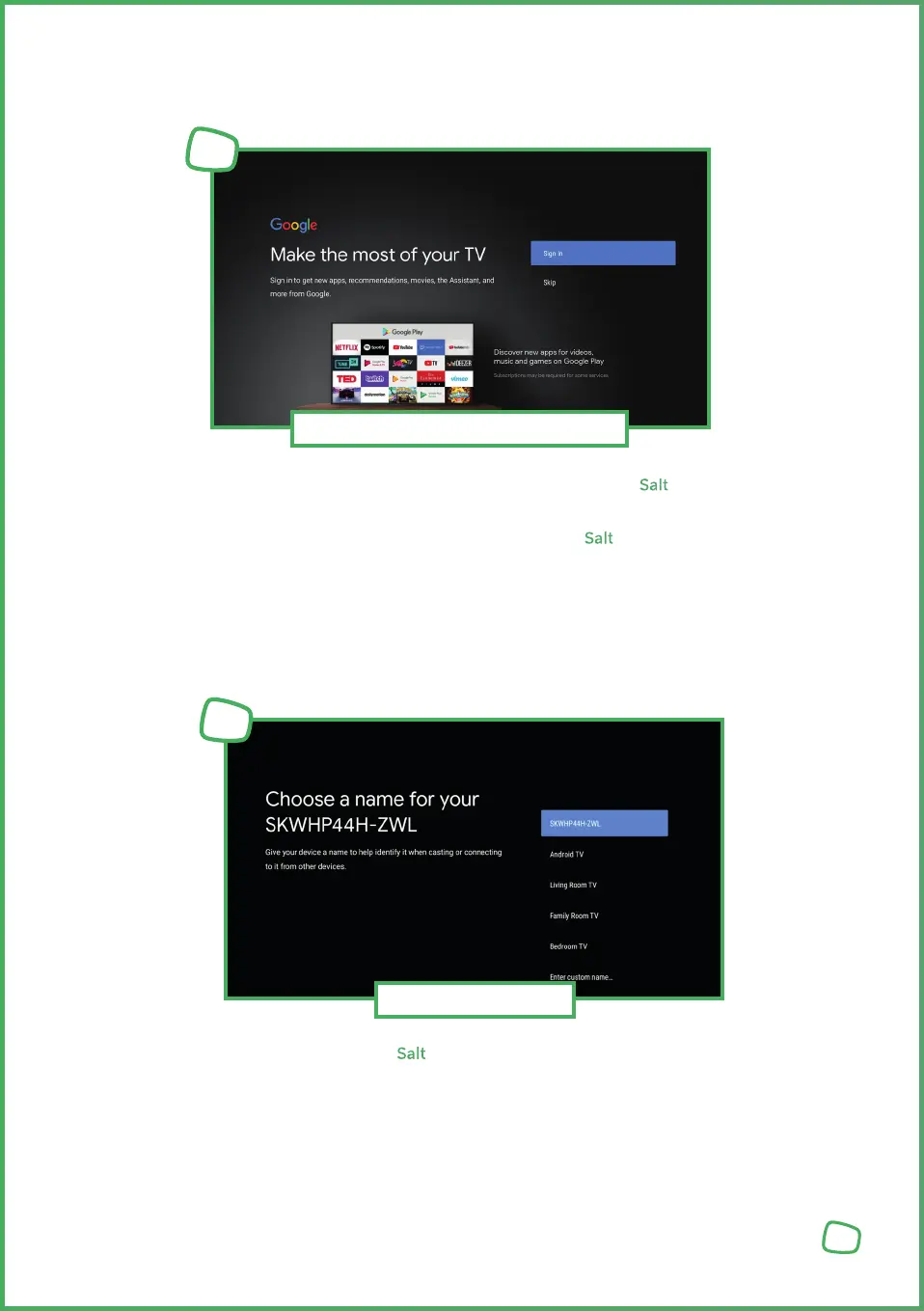
Follow the on-screen instructions to set up a Google Account on your Salt TV Box if desired.
By setting up a Google Account on the device, you will gain access to thousands of apps on
the Google Play Store and unlock the full functionality of your Salt TV Box.
You can also add a Google Account to the device later at any time in the system settings.
Regardless of whether you decide to add a Google Account, you will be shown the Google
Terms of Service and Privacy Policy. Please Accept these to complete the setup.
Here, you can assign a name to your Salt TV Box. This can help you locate the device in
your network later on.
Device Name
6
9
Google Account & Terms of Service
5



 To Next Page