For the best and uninterrupted TV experience, we recommended to connect your Salt TV
Box to the internet using a LAN cable (not provided).
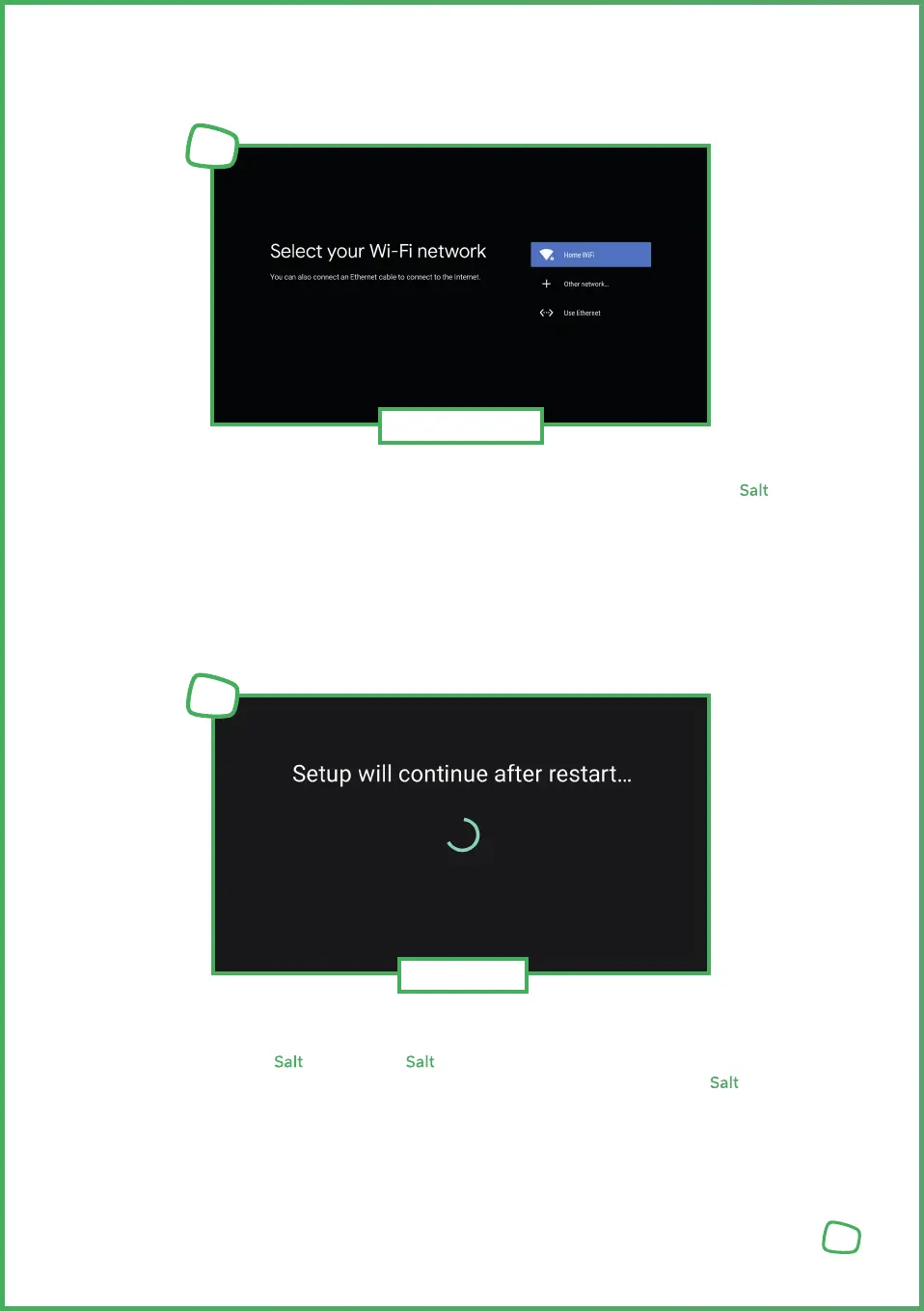
However, if you prefer to set up your Box manually for Wi-Fi, you will now be prompted
to connect to a home network. Select your desired Wi-Fi network from the list and follow
the on-screen instructions to establish the connection.
8
Wi-Fi Setup
3
Once the network connection is successfully established, some basic settings will be
transferred to your Salt TV Box. Your Salt TV Box will automatically restart at the end of
this step. This process may take a few moments. Please do not power off the Salt TV
Box during this process.
After restart, you will be asked to confirm your language and network settings one more time.
Restart
4


 To Next Page
 Loading...