5.2 Your TV by Salt Experience
After the initial setup and each time you power on the Salt TV Box, it will directly start in TV
mode on the last channel you were watching. However, the Salt TV Box offers much more
than that. Let us explain how you can enhance your TV experience.
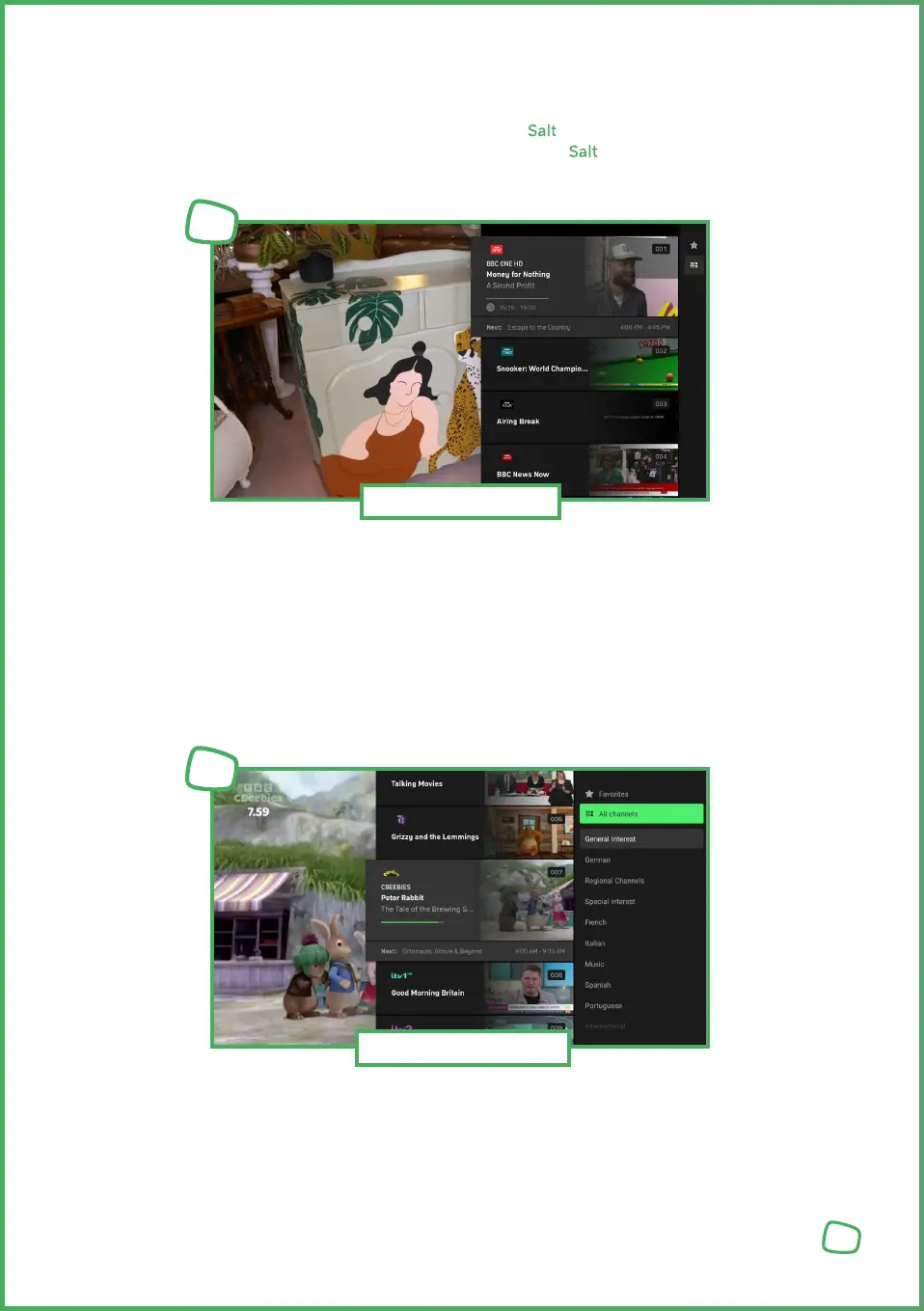
Under „Channels,“ all available channels and currently running programmes are listed in
a vertical column on the right hand side of the screen. Alongside the channel logos, the
current programmes are displayed.
Using the navigation buttons, you can browse through the list of channels and select the
next one. Confirm your selection and switch channels by pressing the OK button (at the
center of the navigation buttons).
You can also limit the channel list to your favourites. To do this, press the right navigation
button while the channel list is open. Using the star symbol, you can choose whether to
display all channels or only your favourites. We explain how to set up your favourites in
the „Setting and Managing Favourites“ chapter.
13
Channels
1
Channels filters
2


 To Next Page
 Loading...