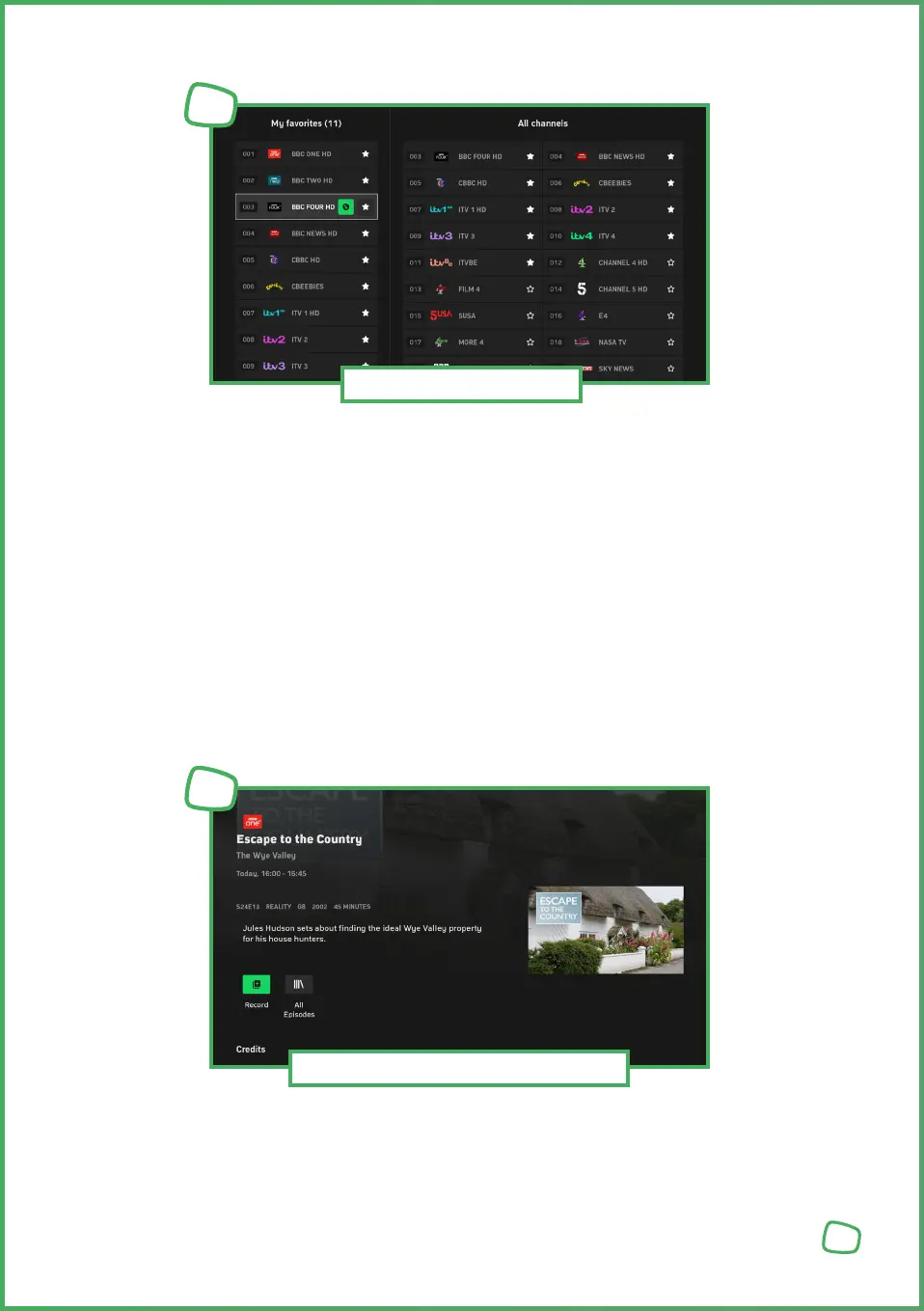
To find your favourite channels quickly, you can create a personal favourites list.
You determine which channels are listed and in what order.
1. Press the Settings [SETTINGS_ICON] button on the remote control or in the main menu.
2. Choose „Manage Favourites“ and press the OK button.
3. Highlight the channel you want to add to your favourites and press the OK button.
The star will be filled to indicate it‘s added to favourites.
4. Highlight the channel you want to remove from favourites and press the OK button.
The star will be empty to indicate it‘s removed from favourites.
5. Press the Home button [HOME_ICON] on the remote control to apply the settings.
To sort the favourites, highlight the channel you want to move and press the OK button.
Use the arrow keys to move the channel to the desired position in the list and press the
OK button.
To schedule a recording, open the programme information.
16
Setting Favourites
7
Scheduling / Deleting Recordings
8


 To Next Page
 Loading...