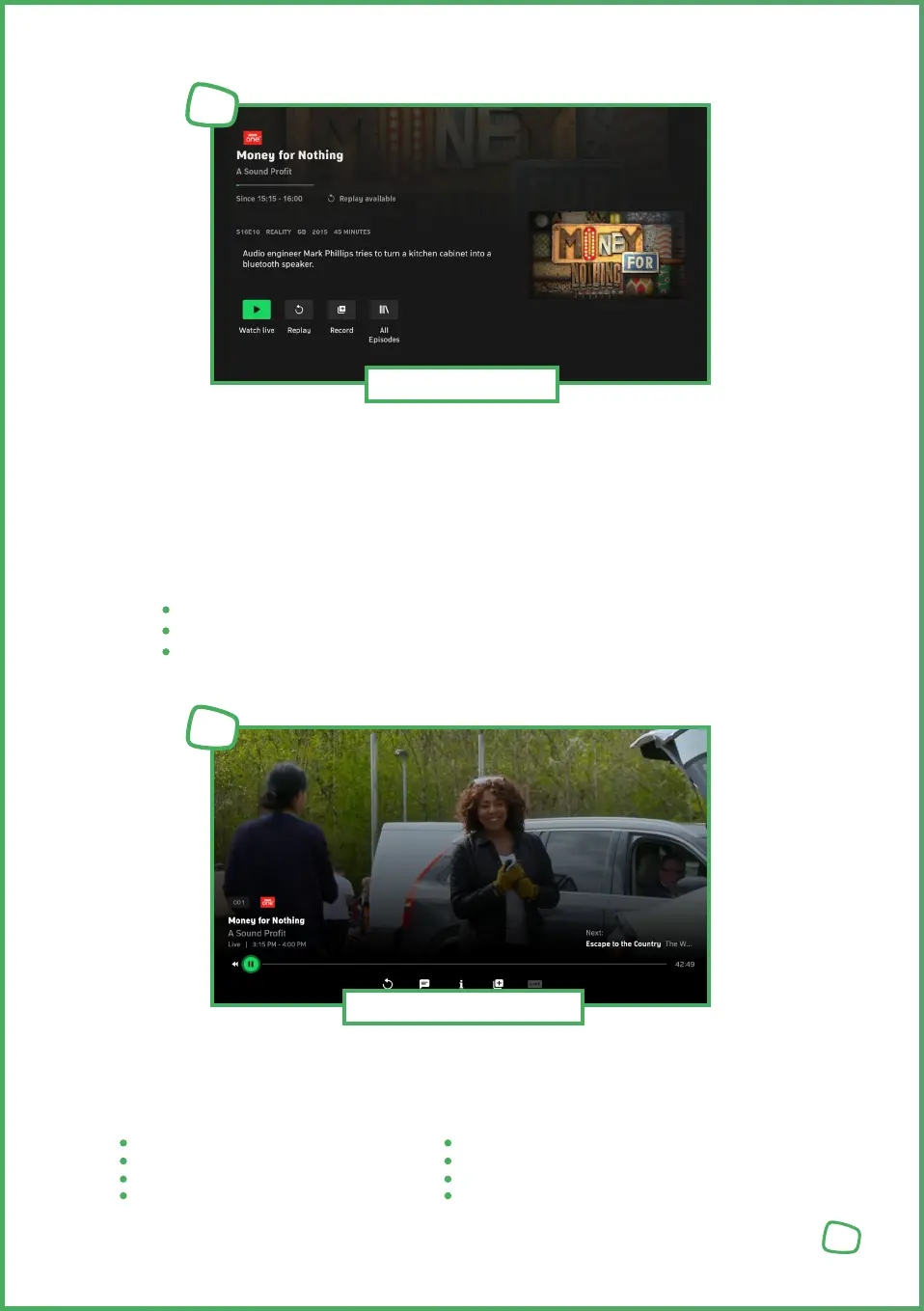
The program details page includes the channel name, programme title, and, if applicable,
the episode title, along with the date, start, and end time of the programme.
Furthermore, detailed information about the programme, such as the production year,
country, runtime, and a comprehensive description of the content, is provided. Some pro-
grammes may include additional details, such as cast and director.
In the programme information view, you can also:
Watch programmes by pressing the play [PLAY_ICON] button.
If available, watch programmes from the beginning by clicking [REPLAY_ICON].
Record programmes by clicking the „Plus“ [RECORD_ICON] button.
Once you have selected a programme, it will start playing. You‘ll have various controls
available to adjust settings during playback. (press the center button to show the controls)
Controls:
Select language and subtitles
Watch programmes from the beginning (Replay/Restart)
Jump back (30 seconds) Skip forward (60 seconds)
Play/Pause End timeshift, resume live stream
Schedule a recording for films or series End recording for movies or series
Watching programmes
6
15
Program Details
5


 To Next Page
 Loading...