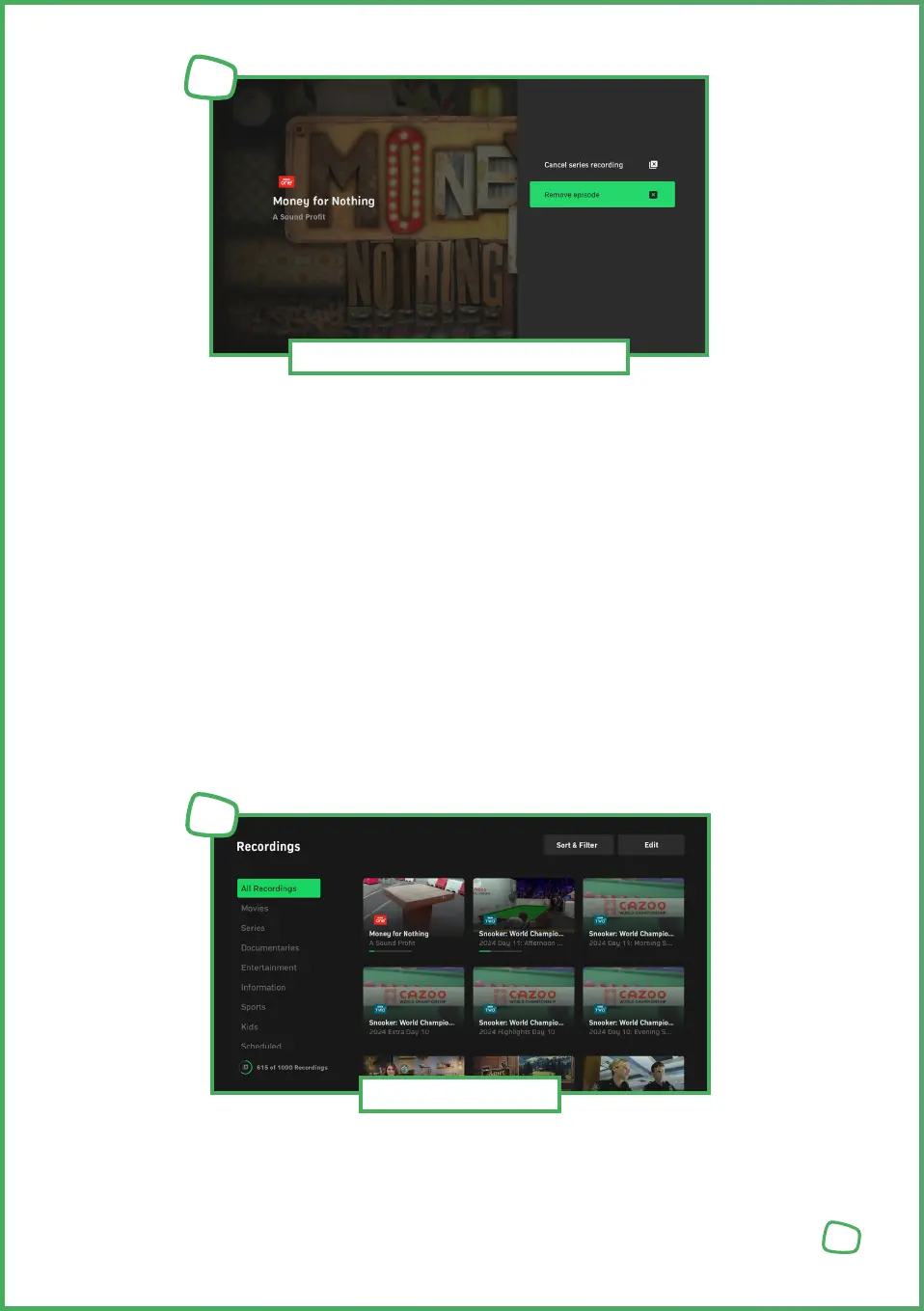
Cancelling Series Recording — Click on [DELETE_ICON] to stop the series recording.
Deleting Recordings — Click on [DELETE_ICON] to delete the programme.
Series Recording Icons and Meanings
[RECORDINGS_ICON] Schedule Series Recording
[DELETE_ICON] Stop Series Recording
[SERIES_RECORD_PLANNED_ICON] Series Recording Planned
[SERIES_RECORD_RUNNING_ICON] Series Recording Ongoing
[SERIES_RECORD_EPISODES_RECORDED_ICON] Series / Episode Recorded
Single Recording Icons and Meanings
[RECORDINGS_ICON] Schedule Single Recording
[DELETE_ICON] Stop Single Recording
[RECORDING_PLANNED_ICON] Recording Planned
[RECORDING_RUNNING_ICON] Recording Ongoing
[RECORDING_COMPLETED_ICON] Recording Completed
„Recordings“ lists all available and scheduled recordings. You can
also check the available recording capacity.
18
Scheduling / Deleting Recordings
11
Recording Overview
12


 To Next Page
 Loading...