5.4 Network Settings
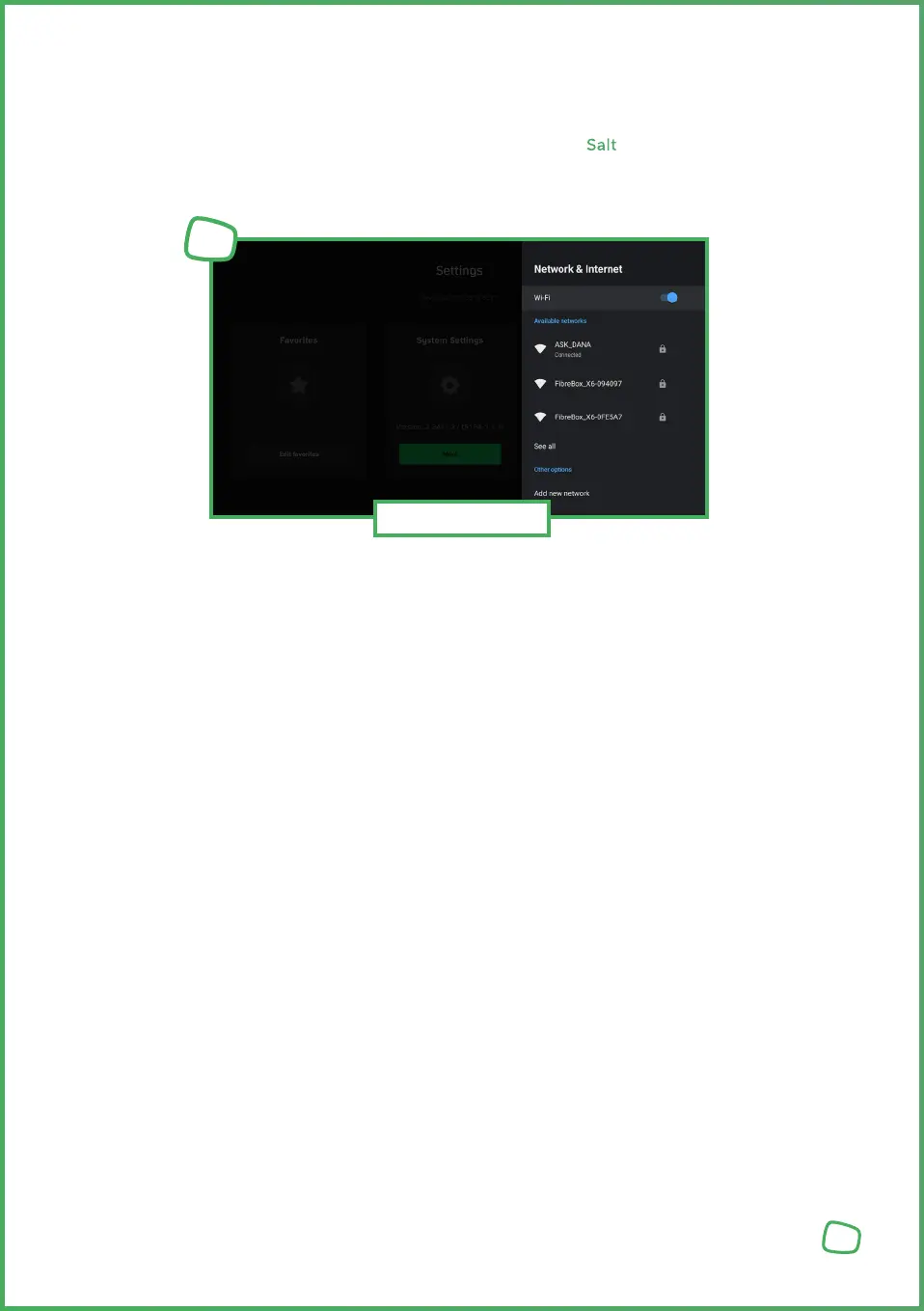
If your Wi-Fi password changes or you want to connect your Salt TV Box to a different Wi-Fi
network, you can adjust this setting through the device settings.
1. Press the Settings [Settings_ICON] button on the remote control or in the main menu.
2. Choose „More“ under Settings and press the OK button.
3. Select „Network & Internet“ and choose the desired network from the list.
24
Wi-Fi Network
1



 To Next Page