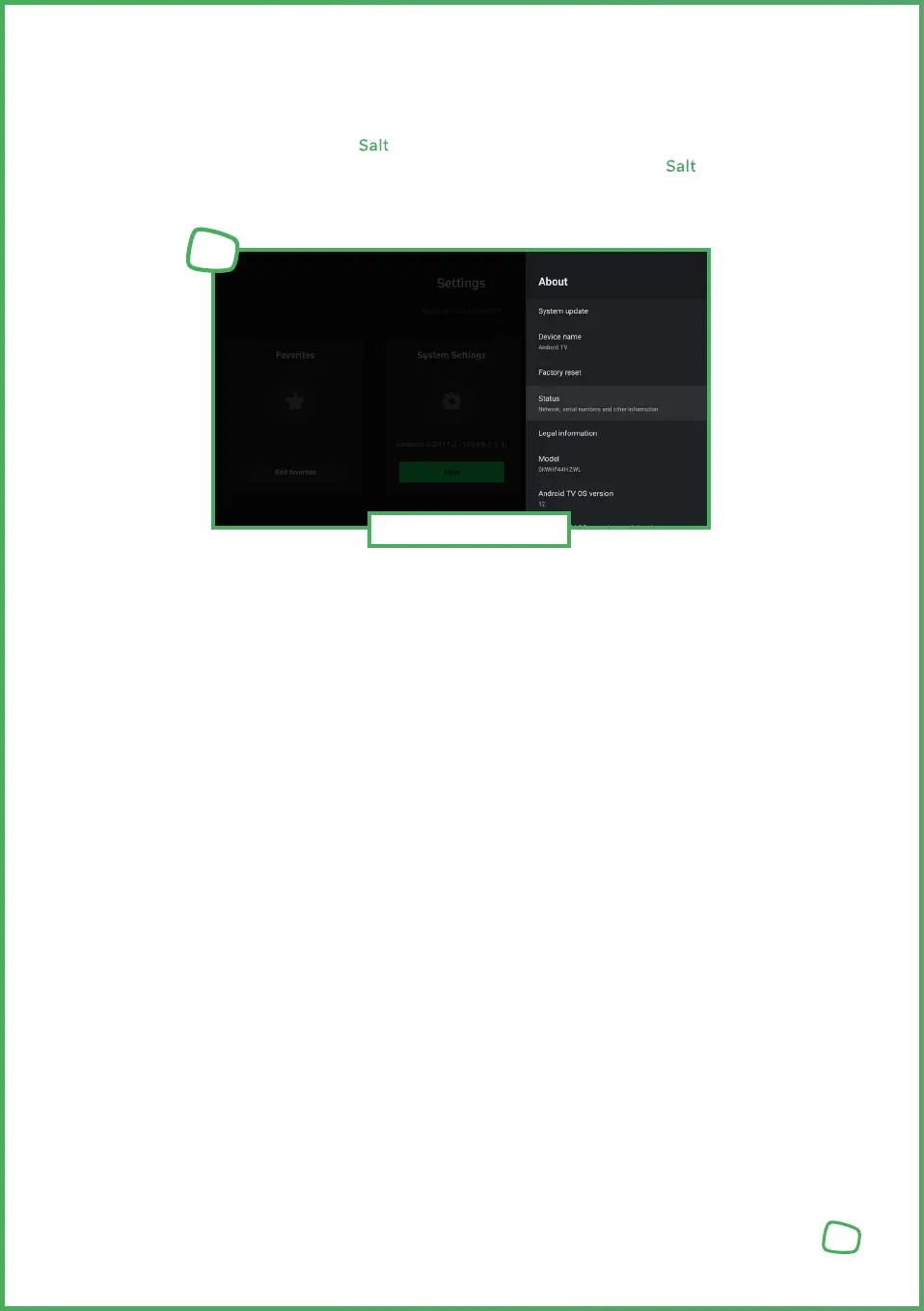
1. Press the Settings [SETTINGS_ICON] button on the remote control or in the main menu.
2. Choose „More“ under Settings and press the OK button.
3. Choose „Device Preferences“
4. Choose „About“
5. Then select „Status“ button
6. In this menu, you will find the serial number of your device as well as the current
software version of the operating system.
In case of a defect with your Salt TV Box and when contacting our support, you
may be asked to provide the serial number or software version of your Salt TV Box.
To retrieve this information, follow these steps:
5.5 Retrieving Device Information
25
Device Identification
1


 To Next Page
 Loading...