EasyManua.ls Logo

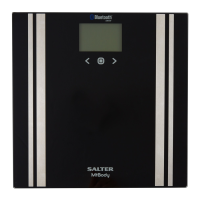
Salter MiBody - User Manual

Salter MiBody
20 pages
Print Icon
To Next Page IconTo Next Page
Loading...
E
please read this instruction manual before
using the product for the first time
9119 BK3R
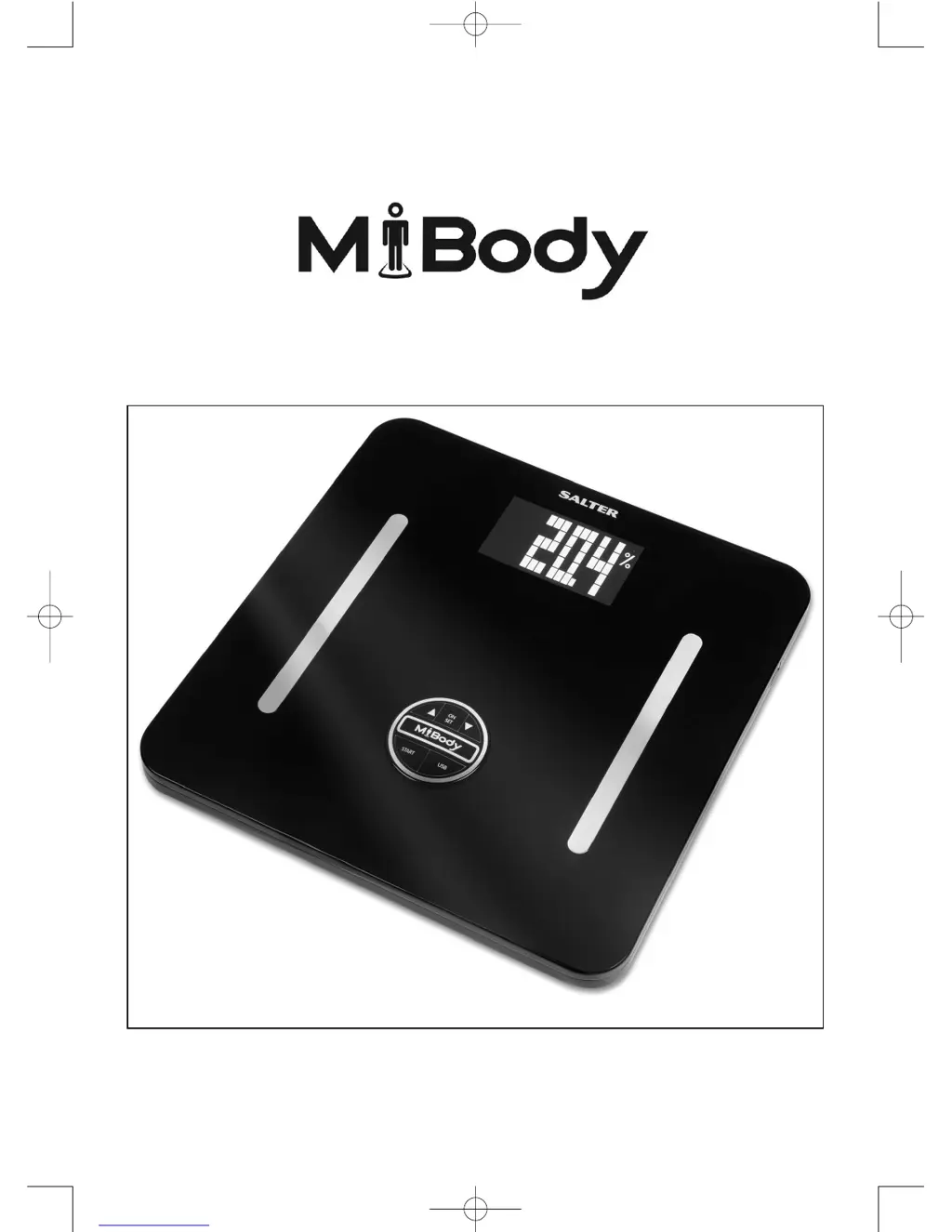
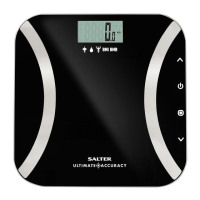
Body Analyser Scale with USB PC Data Tracking
Instruction Manual and Guarantee
HG7789_MiBody_IB.qxd:Layout 1 17/9/07 13:59 Page 1

Other manuals for Salter MiBody

Questions and Answers

  • A
    Alice SavageAug 6, 2025
    How to fix a Salter Blood Pressure Monitor with no power?
    • T
      Teresa CisnerosAug 6, 2025
      If your Salter Blood Pressure Monitor is not powering on, it is likely due to one of the following reasons: * The batteries may be exhausted. Replace them with new ones. * The batteries may be inserted incorrectly. Ensure they are inserted with the correct polarity.
  • J
    Joshua BrownAug 15, 2025
    Why does my Salter Blood Pressure Monitor say low batteries?
    • W
      wilsonlisaAug 15, 2025
      If your Salter Blood Pressure Monitor indicates low batteries, the solution is to replace the old batteries with new ones.
  • T
    Thomas HobbsOct 25, 2025
    What to do if my Salter Blood Pressure Monitor shows an error message?
    • C
      christine69Oct 26, 2025
      If your Salter Blood Pressure Monitor displays an error message during measurement, several factors could be the cause: * **Data communication failure:** Ensure your phone's Bluetooth is enabled and within the appropriate range. * **Cuff tightness:** Readjust the cuff to ensure it's properly fastened, then try measuring again. * **Excessive cuff pressure:** Relax briefly before reattempting the measurement. * **Motion during measurement:** Keep still, as movement can interfere with accuracy. Relax and measure again. * **Weak pulse signal:** Loosen any constricting clothing on your arm and remeasure. * **Incorrect measurement:** Take a moment to relax and then remeasure. * **Product unactivated:** Reactivate the device. * **Calibration error:** Retake the measurement. If th...

Summary

Information for Your Safety

Getting Started

Step 1: Batteries

Insert the 6 x AA batteries supplied into the battery compartment, ensuring the + and - terminals are correctly orientated.

Step 4: Set Date and Time

Follow the step-by-step instructions to set the date and time on the scale, including adjusting year, month, day, hour, and minutes.

Step 5: Software Installation

Instructions for installing the MiBody computer software, compatible with Windows 2000, XP, and Vista.

Scale Operation

Personal Data Entry

Enter personal details like user number, gender, height, age, and fitness level to personalize scale settings.

Step 2: Enter Your Personal Data

Complete the personal data entry process, including confirming settings and switching to clock mode.

Weight & Body Analysis Readings

Instructions on how to take weight and body analysis readings, including stepping on with bare feet and interpreting the displayed results.

Understanding Your Results

Body Fat - What Does It Mean?

Explanation of body fat percentage, its importance for health, and why it's a better fitness measure than weight alone.

Basal Metabolic Rate (BMR) - What Does it Mean?

Definition of Basal Metabolic Rate (BMR) as the energy expended by the body at rest for normal functions.

Uploading Results to Your Computer

Step 1: Transfer Results To USB Flash Drive

Instructions for transferring results from the scale to a USB flash drive, which clears the scale memory.

Step 2: Transfer Results to PC

Steps to transfer data from the USB flash drive to your computer using the Salter MiBody software.

Viewing Results on Your Computer

Managing Your Results

Input;Output Data (Backup;Retrieve)

Guidance on backing up and importing results using the 'Output Data' and 'Input Data' tabs for data preservation.

Uninstall Salter MiBody Software

Troubleshooting

General Troubleshooting Tips

Key requirements for accurate body fat measurements, including bare feet and slightly moist skin.

Warning Indicators

Advice for Use & Care

Salter MiBody Specifications

General IconGeneral
ConnectivityBluetooth
User ProfilesUp to 8 users
DisplayLCD
Power Source3 x AAA batteries
Auto Power OffYes
Weight1.8 kg
Unitskg, st, lb
Body Metrics MeasuredWeight, Body Fat, Body Water, Muscle Mass, Bone Mass, BMI
TypeDigital Body Analyzer
Graduation0.1 kg

Related product manuals