Setting the Date and Time
You can set the date and time from the Settings menu, and you
can create a button that speaks and displays the current date and
time.
Changing Date and Time Settings
Choose Menu or > Settings > System > Date and
Time. Then set the date, time zone, time, and the appropriate
date and time formats.
Creating a Date/Time Button
Note: Be sure that the Date and Time setting is correct before
creating a date/time button. See “
Changing Date and Time
Settings”.
To create a button that displays and speaks the current date and
time:
1. Choose Menu
or > Edit Mode.
2. Press and hold the button you want to modify. (Right-click
if you are using the Editor.)
3. Choose Edit Button to display the Button Properties.
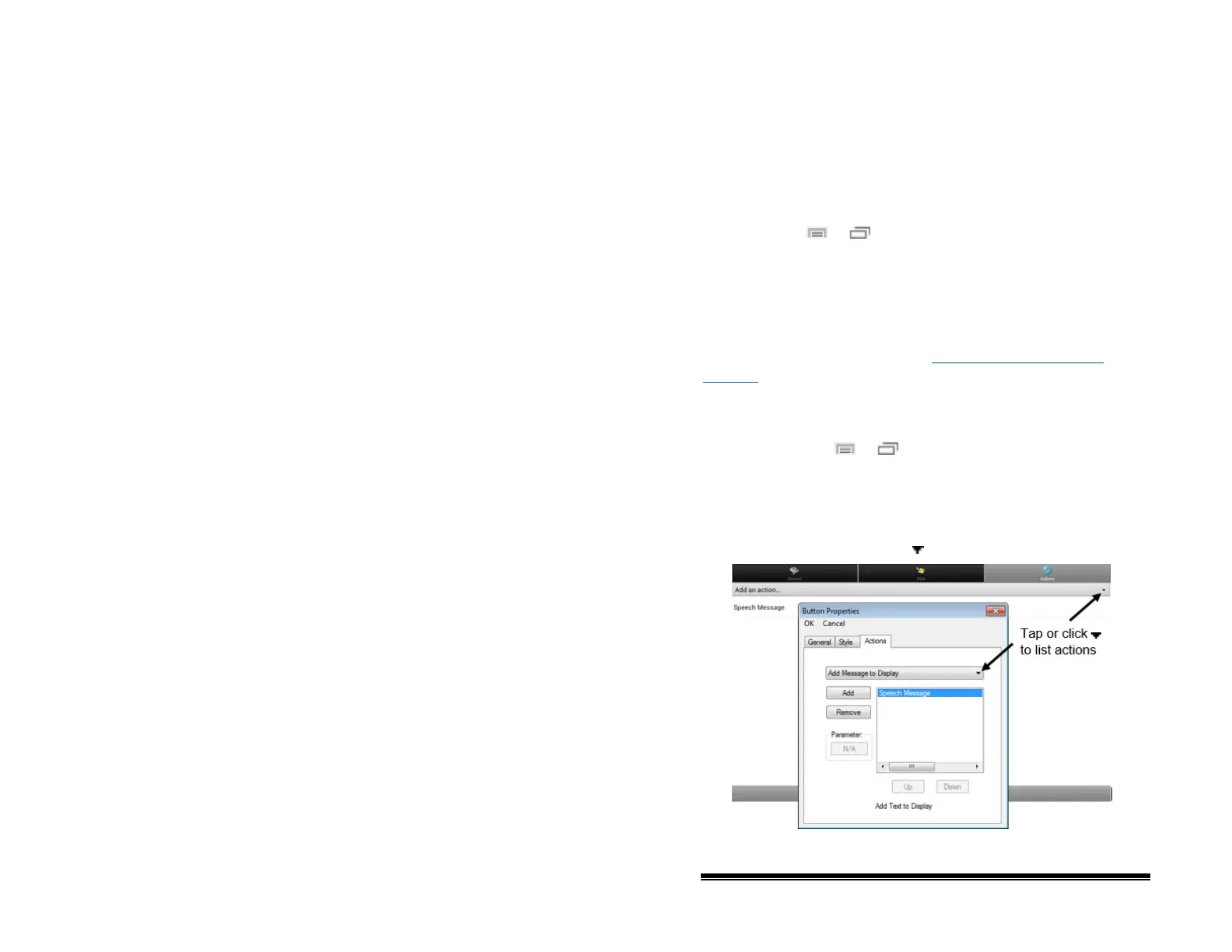
4. Choose the Actions tab.
5. Tap or click the list arrow
to open a list of actions.
NOVA chat User’s Guide 10022 Dedicated Version 1.4 Page 88



 To Next Page