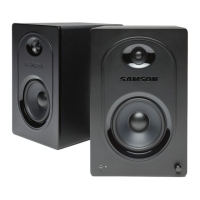
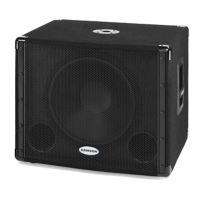
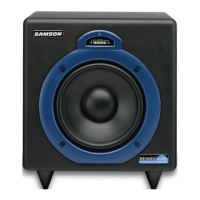
MediaOne 10S 10” Active Studio Subwoofer
1. VOLUME – Controls the overall output level for the MediaOne 10S subwoofer.
2. LOW PASS (Hz) – Adjusts the low frequency filter end range of the subwoofer from
80Hz-160Hz. This setting does not affect the signal sent to the LINE OUT jacks.
3. POWER AUTO Sleep Switch – When activated, Sleep Mode conserves power by automatically
turn-ing unit into standby mode after 10 minutes of non-use.
4. PHASE Switch – Use this switch to set the polarity of the amplified signal. In the 0 setting,
there is no change to the signal. When the switch is set to the in 180 setting, the signal’s
polarity is changed by 180°.
5. LINE IN – Connect an unbalanced RCA (-10dBV), line level signal here.
6. LINE OUT – Unbalanced RCA stereo line outputs to connect to satellite speakers.
7. SPEAKER LEVEL INPUT Terminals – Accepts full range signals from power amplifier.
8. SPEAKER LEVEL OUTPUT Terminals – Sends full range signals to satellite speakers.
9. POWER Switch – Use this switch to turn the speakers on and off. When powered on, the
front panel LED will light.
10. AC Inlet – Connect the supplied IEC power cable here.
11. Fuse – The fuse is located behind the fuse cover. Always replace fuses with the same type
of fuse.
12. Voltage Switch – Used to select the operating voltage.
NOTE: Be sure to check that the voltage setting and fuse rating are correct for your
country.
1 2
3
4
5
6
7
8
9
10
11
12
Rear Panel Callouts



 To Next Page