12
Chapter 1.
Getting Started
Usage Related
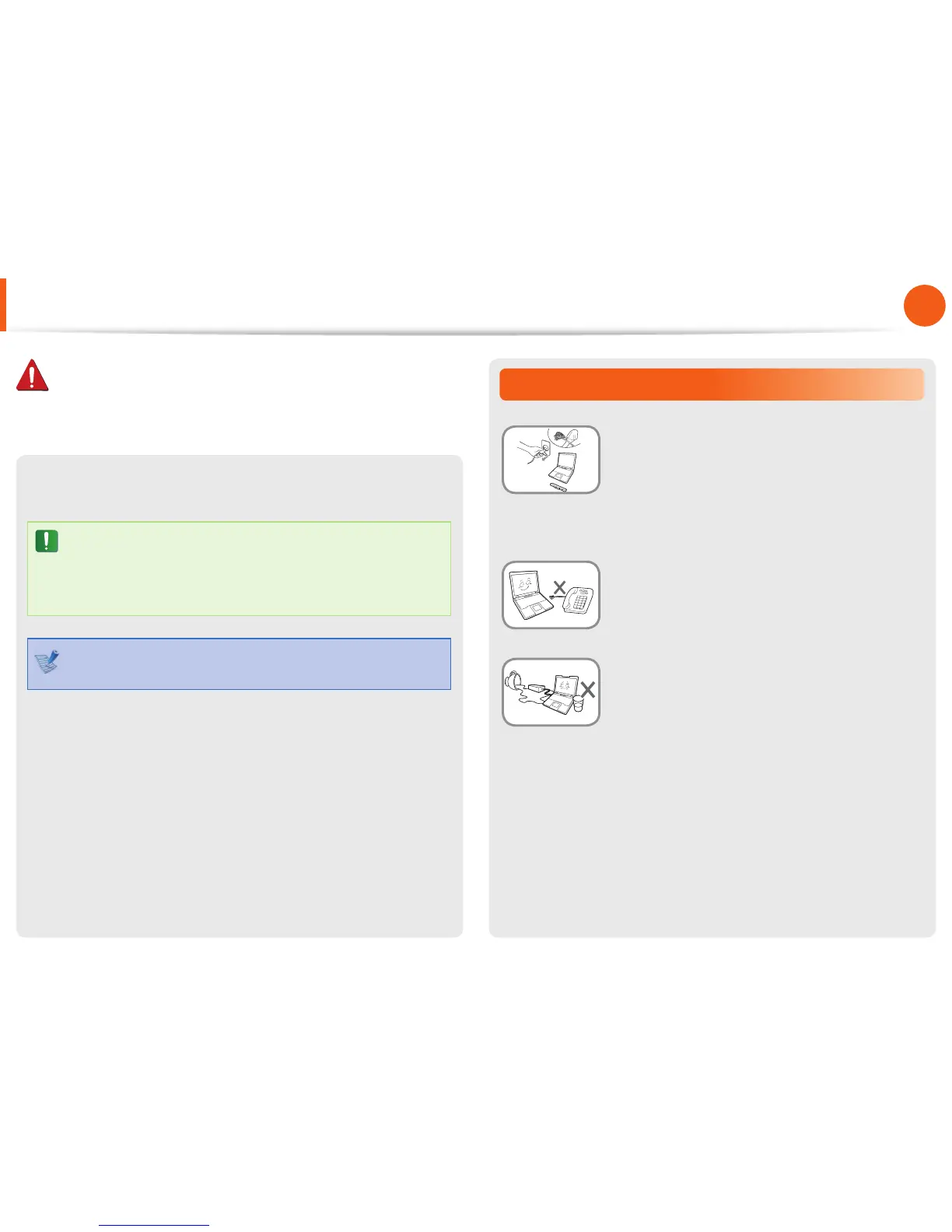
Disconnect all cables connected to the
computer before cleaning it. If your
notebook is external & removable battery
type, remove the external battery.
There is a danger of electric shock or damage
to the product.
Do not connect a phone line connected to a
digital phone to the modem.
There is a danger of a electric shock, re or
damage to the product.
Do not place any container lled with water or
chemicals over or near the computer.
If water or chemicals enter the computer, this
may cause re or electric shock.
Thereafter, if you connect the AC adapter, the battery power •
will be supplied again.
Do not cut the battery power under normal •
conditions.
This may result in data loss or a product •
malfunction.
The location of the Emergency Hole may di er depending
on the model.
Safety Precautions
Warning
Failure to follow instructions marked with this symbol may
cause personal injury and even fatality.


 To Next Page
 Loading...